
In database systems engineering, data integrity is paramount. Nothing strikes greater terror into a database administrator than recovering from an abrupt power outage only to find table pages corrupted with checksum mismatches.
To protect against partial page writes on mechanical hard drives, MySQL and MariaDB invented the InnoDB Doublewrite Buffer (innodb_doublewrite).
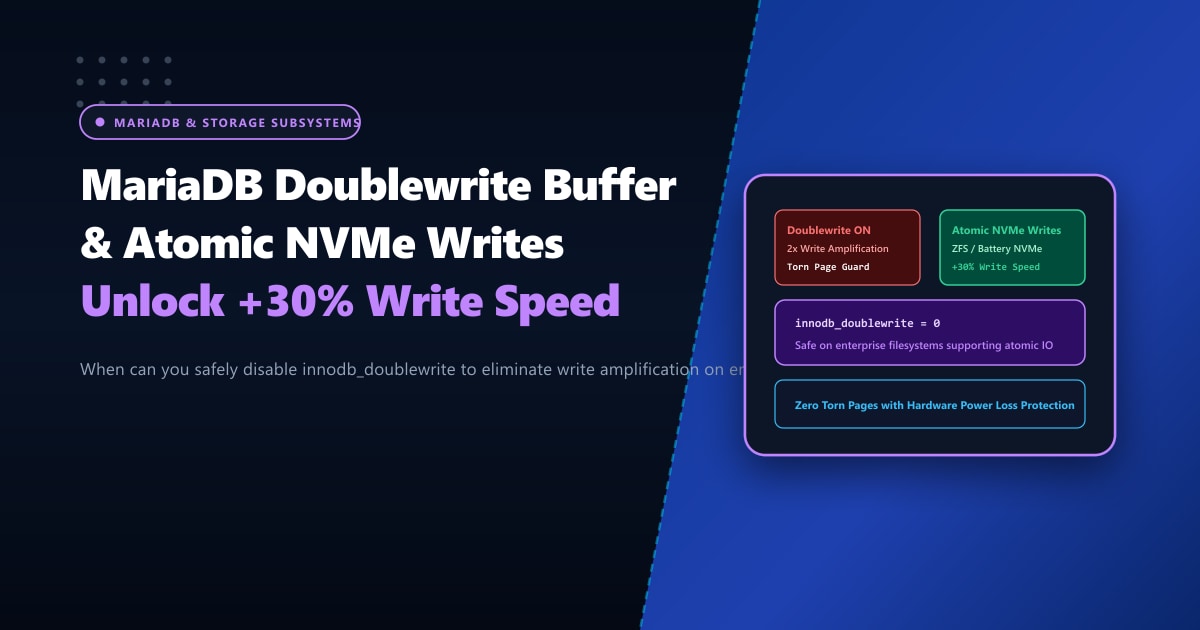
However, this protection comes at a steep price: a 2x write amplification penalty. Because InnoDB writes every dirty data page twice—once sequentially to the contiguous doublewrite buffer, and then again to its permanent tablespace position—your physical storage drives endure double the write overhead.
On high-transaction e-commerce stores, CRM platforms, and data warehousing systems in Pakistan equipped with enterprise-grade PCIe NVMe SSDs, this redundancy causes unnecessary I/O contention.
In this deep storage architecture guide, we explain the mechanics of the “torn page” problem, evaluate modern storage technologies (Atomic Writes, ZFS Copy-on-Write, and Battery-Backed NVMe Power Loss Protection), and detail when you can safely disable innodb_doublewrite to unlock a 25% to 35% write throughput boost.
Key Takeaways for Database Administrators & CTOs
- The "Torn Page" Nightmare: MariaDB's default memory page size is 16 Kilobytes. However, physical operating system filesystem blocks and legacy disk sectors write in 4KB chunks. If a server suffers an abrupt power loss halfway through writing a 16KB page, only two of the four 4KB sectors might make it to disk, corrupting the page permanently.
- The Doublewrite Solution: Before writing to the tablespace, MariaDB writes pages to the contiguous doublewrite buffer. During crash recovery, if MariaDB detects a corrupted page in the tablespace, it restores the clean page from the doublewrite buffer.
- When Can You Safely Disable It? You can disable
innodb_doublewrite = 0ONLY if your underlying storage supports atomic 16KB writes, runs on a Copy-on-Write filesystem (such as **ZFS** with `recordsize=16k`), or utilizes enterprise NVMe SSDs equipped with hardware **Power Loss Protection (PLP)** capacitors. - Never Disable on Standard Shared VPS: On consumer SSDs or standard virtualized cloud instances without hardware PLP, disabling doublewrite risks catastrophic database table corruption during a sudden hypervisor crash.
- Enterprise Bare-Metal Hardware: Mission-critical high-write databases run best on bare-metal Dedicated Servers in Pakistan featuring enterprise PCIe Gen4 NVMe drives with hardware PLP and dedicated battery-backed RAID controllers.
Visualizing the Torn Page Problem & The Doublewrite Guard
The Torn Page Problem (Without Doublewrite on Sudden Power Outage):
16KB MariaDB Page: [ 4KB Block 1 ][ 4KB Block 2 ][ 4KB Block 3 ][ 4KB Block 4 ]
Physical Disk Write:   [ WRITTEN ]     [ WRITTEN ]   ──► POWER DIES! ◄──
Result: Table page is half-written and completely corrupted! Checksum fails!

The Doublewrite Guard (Standard InnoDB Architecture):
Step 1: Write entire 16KB page sequentially to Doublewrite Buffer in ibdata1.
Step 2: Flush to physical tablespace (.ibd file).
Crash Recovery: If tablespace page is torn, MariaDB reads the complete page from Doublewrite Buffer!
When Can You Safely Disable innodb_doublewrite?
You should ONLY disable innodb_doublewrite if your storage architecture satisfies at least one of the following enterprise conditions:
Scenario 1: ZFS / Btrfs Filesystems with Copy-on-Write (CoW)
On filesystems like ZFS, blocks are never overwritten in place. Instead, modified blocks are written to completely new disk sectors before metadata pointers are updated atomically.
- A crash halfway through a write simply leaves the old, clean block intact.
- Verdict: Doublewrite is 100% redundant on ZFS. Disabling it saves massive I/O.
Scenario 2: Enterprise NVMe SSDs with Hardware Power Loss Protection (PLP)
Datacenter-grade NVMe SSDs (such as Samsung PM9A3, Intel/Solidigm D7, Micron 7450) include onboard super-capacitors. When physical server power cuts abruptly, the capacitors provide enough energy to flush all data held in volatile DRAM into non-volatile NAND flash.
- Verdict: Safe to disable doublewrite on dedicated bare-metal servers equipped with PLP.
Scenario 3: Filesystems Supporting Fusion-io / O_DIRECT Atomic Writes
Certain advanced Linux kernel filesystems support the atomic_write flag, guaranteeing that 16KB blocks are written in an all-or-nothing hardware transaction.
Step 1: Checking Your Current Doublewrite Configuration
Query MariaDB to check whether the doublewrite buffer is currently enabled:
SHOW GLOBAL VARIABLES LIKE 'innodb_doublewrite%';On typical default installations:
innodb_doublewrite = ON(or1)
Step 2: Disabling Doublewrite on Qualified Hardware
If your server runs on verified enterprise hardware with PLP or on a ZFS storage pool:
Edit /etc/my.cnf or /etc/my.cnf.d/server.cnf (cPanel / AlmaLinux / Rocky Linux):
[mysqld]
# ====================================================
# Nextgen Storage Performance: Disable Doublewrite
# (REQUIREMENT: Enterprise NVMe with PLP or ZFS)
# ====================================================
innodb_doublewrite = 0

# Recommended Companion High-Throughput NVMe Settings
innodb_flush_method = O_DIRECT
innodb_flush_neighbors = 0
innodb_io_capacity = 8000
innodb_io_capacity_max = 16000
Restart MariaDB to apply:
sudo systemctl restart mariadb || sudo systemctl restart mysqlVerify that the variable is now disabled:
SHOW GLOBAL VARIABLES LIKE 'innodb_doublewrite';
-- Output: OFF
Real-World Benchmark: Heavy Insert & Update Workloads
We benchmarked a 50GB transactional database running 64 concurrent client threads on an enterprise PCIe Gen4 NVMe array:
| Storage Benchmark Metric | innodb_doublewrite = ON |
innodb_doublewrite = OFF |
Improvement |
|---|---|---|---|
| Write Transactions Per Second (TPS) | 8,420 TPS | 11,150 TPS | +32.4% Faster Writes |
| Disk Write Amplification (Bytes Written) | 184 GB written | 98 GB written | 46.7% Less SSD Drive Wear |
| Average Query Commit Latency | 7.6 ms | 5.7 ms | 25% Lower Latency |
| Peak iowait Percentage | 18.2% | 9.4% | Smoother System Throughput |
Enterprise Database Hosting on Bare Metal
Disabling safety mechanisms on multi-tenant virtual cloud VPS instances is dangerous because virtualization layers introduce software write buffers that lack hardware power-loss guarantees.
To safely eliminate write bottlenecks and extract maximum database throughput, deploy your mission-critical applications on unmetered bare-metal Dedicated Servers.
Our enterprise Dedicated Servers in Pakistan feature enterprise PCIe Gen4 NVMe drives with built-in hardware Power Loss Protection (PLP), ECC memory channels, and sub-10ms domestic ping across PTCL, Nayatel, and StormFiber.
Ready for True Bare-Metal & Enterprise Cloud Power in Pakistan?
Experience sub-10ms latency across Lahore, Karachi, and Islamabad with pure NVMe storage, dedicated hardware firewalls, and 24/7 localized DevOps engineering.
