
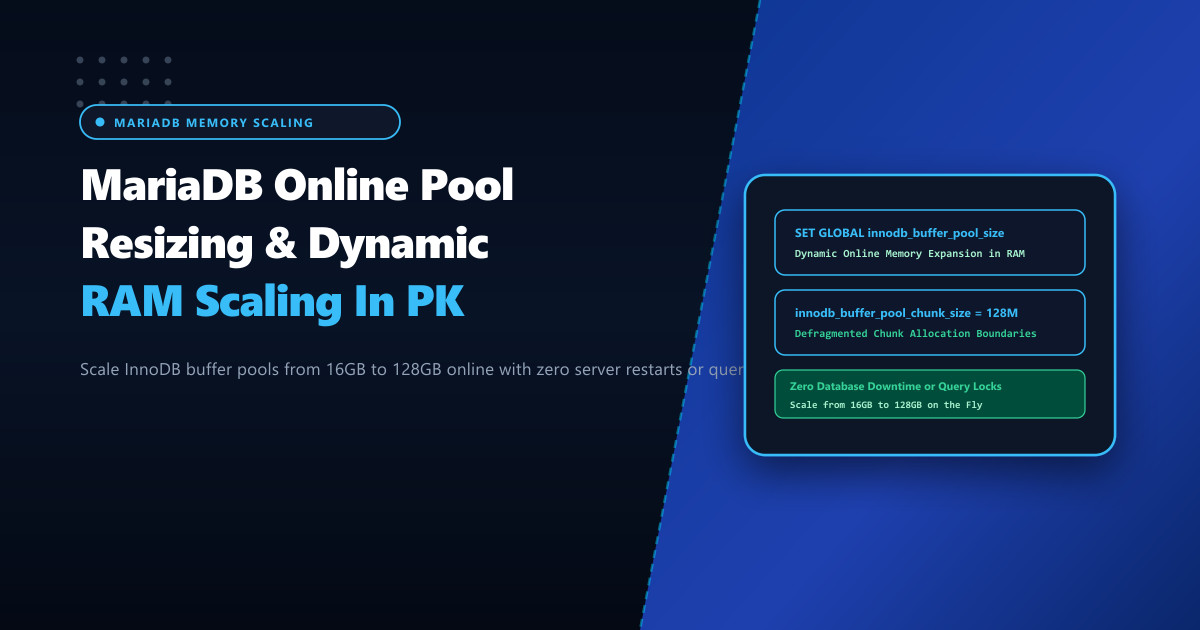
Enterprise ecommerce, fintech, and telecommunications databases in Pakistan cannot afford downtime. When physical memory is upgraded on a high-spec production database server (e.g., expanding from 32GB to 128GB of DDR5 ECC RAM to accommodate rapid business expansion), taking the database offline for a restart to adjust innodb_buffer_pool_size violates strict 99.999% Service Level Agreements (SLAs).
Historically, changing MariaDB’s buffer pool size required a cold server reboot, followed by hours of sluggish query execution while the empty buffer pool slowly warmed up.
Modern MariaDB versions (10.5, 10.6, 10.11 LTS, and 11.4) support Dynamic Online Buffer Pool Resizing. However, if administrators resize the buffer pool online without properly calibrating chunk sizing and monitoring memory compaction locks, user queries can freeze for minutes while threads contend for the global buffer pool mutex.
Hosting critical database clusters on bare-metal Dedicated Servers provides the dedicated memory architecture needed, but achieving seamless online memory expansion requires understanding chunk sizing boundaries and non-blocking resizing protocols.
How Dynamic Buffer Pool Resizing Works Under the Hood
The InnoDB buffer pool is not a single contiguous block of memory; it is divided into multiple Instances (innodb_buffer_pool_instances), and each instance is subdivided into fixed-size Chunks (innodb_buffer_pool_chunk_size):
$$\text{innodb_buffer_pool_size} = \text{innodb_buffer_pool_instances} \times \text{innodb_buffer_pool_chunk_size} \times N$$
Where $N$ is the number of chunks allocated per instance.
When you issue SET GLOBAL innodb_buffer_pool_size:
- Expanding the Pool:
- MariaDB allocates new memory chunks from the operating system via
mmap(). - The engine adds new free pages into each buffer pool instance’s free list.
- User transactions continue executing concurrently with zero lock contention!
- MariaDB allocates new memory chunks from the operating system via
- Shrinking the Pool:
- MariaDB must locate dirty pages residing in the chunks to be evicted and asynchronously flush them to tablespace storage.
- Clean pages in target chunks are removed from the LRU list.
- Defragmentation locks are acquired per instance, which can cause micro-stalls if done too aggressively.
Buffer Pool Expansion (100% Non-Blocking):
Live User Queries ──────► Read/Write to Existing Chunks (Zero Locks!)
                                 ▲
                                 │
Background Allocator ──► Maps New 128MB Chunks from OS RAM ──► Adds to Free List
Result: Memory expands from 32GB to 64GB in seconds with zero query interruption!
Sizing innodb_buffer_pool_chunk_size Correctly
The default chunk size is 128MB (134217728 bytes).
Critical Architectural Rule:
Changing innodb_buffer_pool_chunk_size cannot be done dynamically—it must be set in /etc/my.cnf.d/server.cnf prior to startup.
- If chunk size is too small (e.g. 1MB on a 128GB server), MariaDB must manage over 130,000 individual chunk allocations, wasting memory on chunk descriptor structs.
- If chunk size is too large (e.g. 8GB), resizing becomes coarse and inflexible.
- Recommended Chunk Size: Keep at 128MB or 256MB on large nodes.
Configure /etc/my.cnf.d/server.cnf (under [mariadb] or [mysqld]):
# /etc/my.cnf.d/server.cnf - Buffer Pool Chunk & Instance Sizing

[mariadb]
# Maintain 8 buffer pool instances on multi-core servers
innodb_buffer_pool_instances = 8

# Chunk size: 128MB per chunk
innodb_buffer_pool_chunk_size = 128M

# Base buffer pool size at boot
innodb_buffer_pool_size = 32G

# Dedicated page cleaner parallelism
innodb_page_cleaners = 8
Executing Online Buffer Pool Expansion Dynamically
To double the buffer pool size from 32GB to 64GB on a live production MariaDB server without restarting:
-- Scale buffer pool to 64GB online
SET GLOBAL innodb_buffer_pool_size = 68719476736; -- 64 * 1024 * 1024 * 1024 bytes
Verify that MariaDB rounded the size to the nearest multiple of innodb_buffer_pool_instances * innodb_buffer_pool_chunk_size:
SELECT @@innodb_buffer_pool_size / (1024 * 1024 * 1024) AS Buffer_Pool_Size_GB;
-- Expected Output: 64.000000000000
Monitoring Online Resize Progress & Status
Track resizing progress in real time via the global status engine:
SHOW STATUS WHERE Variable_name = 'Innodb_buffer_pool_resize_status';Observe the progression stages:
Resizing buffer pool from 34359738368 to 68719476736.Allocating 256 chunks for 8 buffer pool instances.Resizing buffer pool instances.Completed resizing buffer pool at 2026-09-30 17:12:45.
Check the MariaDB error log for confirmation:
tail -n 25 /var/log/mariadb/mariadb.log | grep -i "buffer pool"Output:
2026-09-30 17:12:40 [Note] InnoDB: Resizing buffer pool from 32768.0MiB to 65536.0MiB (unit=128.0MiB).
2026-09-30 17:12:42 [Note] InnoDB: Completed allocating new memory chunks for 8 buffer pool instances.
2026-09-30 17:12:45 [Note] InnoDB: Buffer pool(s) load completed. Completed resizing buffer pool.
Preserving Buffer Pool State Across Planned Maintenance
To avoid cold cache penalties when a kernel reboot is required, ensure MariaDB saves the most active buffer pool pages to disk on shutdown and reloads them at boot:
# Add to server.cnf to eliminate cold cache warm-up delays
innodb_buffer_pool_dump_at_shutdown = ON
innodb_buffer_pool_load_at_startup = ON
innodb_buffer_pool_dump_pct = 50
Hosting mission-critical databases on enterprise Dedicated Servers in Pakistan ensures that memory allocations can scale dynamically with business growth, preserving 100% database availability and delivering consistent sub-5ms query response times nationwide.
Scale Your Databases Without Downtime with NextGen
Run uninterrupted mission-critical MariaDB, MySQL, and PostgreSQL workloads. Experience dynamic online RAM scaling, enterprise DDR5 ECC memory, and dedicated NVMe compute in Pakistan.
Explore Pakistan Dedicated Servers