
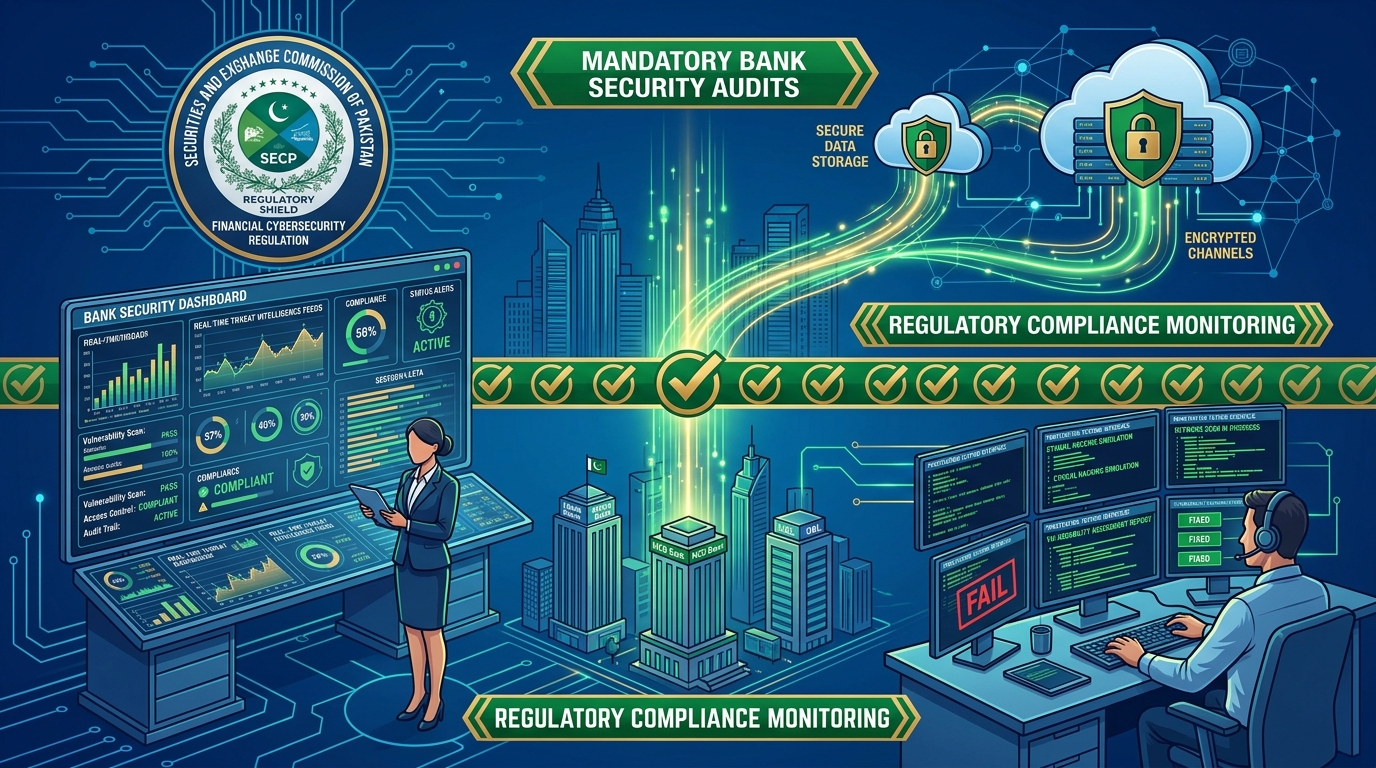
For financial institutions, microfinance banks, digital lending platforms, and regulated fintech startups in Pakistan, safeguarding customer data is not merely a best practice—it is a strict statutory requirement. Both the State Bank of Pakistan (SBP) (via the Framework for Risk Management in Computers and Information Systems) and the Securities and Exchange Commission of Pakistan (SECP) mandate that all sensitive personally identifiable information (PII), payment card data, and financial transaction logs must be cryptographically protected at rest.
If physical storage drives, unencrypted local backups, or decommissioned NVMe arrays are lost, stolen, or improperly sanitized, plaintext database files expose customer CNICs, bank accounts, and transaction records to catastrophic data breaches.
MariaDB Transparent Data Encryption (TDE) provides full-disk tablespace encryption directly within the database engine. By encrypting InnoDB tablespaces, redo logs, undo tablespaces, and binary logs using hardware-accelerated AES-256 ciphers, MariaDB ensures that raw data files written to NVMe storage are completely unreadable without the encryption key—all while remaining 100% transparent to existing application code.
Deploying MariaDB TDE on high-security Dedicated Servers in local Pakistani data centers guarantees compliance with national regulatory frameworks without degrading database throughput.
1. How Transparent Data Encryption (TDE) Functions
In standard databases, data pages reside unencrypted inside .ibd files on the filesystem. Anyone with physical or root access can inspect strings directly from disk:
# Unprotected Database: Plaintext readable directly off disk!
strings /var/lib/mysql/banking_db/customers.ibd | grep "CNIC"
# Returns: CNIC: 42101-1234567-1, Account: 0019284729184
With MariaDB Transparent Data Encryption:
[ Application (PHP / Python / Java) ]
                 |
      (Standard Plaintext SQL Query)
                 |
                 v
+-------------------------------------------------------------+
|                MariaDB Database Engine                      |
|                                                             |
|   +-----------------------------------------------------+   |
|   | InnoDB Buffer Pool (Unencrypted in Protected RAM)   |   |
|   +--------------------------+--------------------------+   |
|                              |                              |
|       (Page Flush: Hardware AES-NI Cipher via CPU)          |
|                              |                              |
|   +--------------------------v--------------------------+   |
|   | File Key Management Plugin (AES-256 Key Registry)   |   |
|   +--------------------------+--------------------------+   |
+------------------------------|------------------------------+
                               |
               (Encrypted 16KB Pages Flushed)
                               |
                               v
               [ NVMe Storage Array (Physical Disk) ]
                - customers.ibd: 100% Ciphertext
                - mariadb-bin.0001: 100% Ciphertext
                - ib_logfile0: 100% Ciphertext
The encryption and decryption occur automatically in CPU registers during I/O page flushes using hardware AES-NI instructions, incurring less than 2% CPU overhead.
2. Generating Encryption Keys
MariaDB supports multiple key management plugins (including AWS KMS, HashiCorp Vault, and local encrypted keyfiles). For self-contained bare-metal servers, the file_key_management plugin provides secure AES-256 encryption.
Generate an encryption key file containing 256-bit random hexadecimal keys:
# Create secure keys directory restricted to mysql user
mkdir -p /etc/mysql/keys
chmod 700 /etc/mysql/keys

# Generate Key Identifier 1 and Key Identifier 2
cat << EOF > /etc/mysql/keys/keys.txt
1;$(openssl rand -hex 32)
2;$(openssl rand -hex 32)
EOF

# Generate password file to encrypt the key registry itself
openssl rand -hex 16 > /etc/mysql/keys/keyfile.pass

# Encrypt the key file with AES-256-CBC
openssl enc -aes-256-cbc -md sha256 -salt \
  -in /etc/mysql/keys/keys.txt \
  -out /etc/mysql/keys/keys.enc \
  -pass file:/etc/mysql/keys/keyfile.pass

# Shred the plaintext key file permanently
shred -u /etc/mysql/keys/keys.txt

# Secure file permissions
chown -R mysql:mysql /etc/mysql/keys
chmod 400 /etc/mysql/keys/*
3. Configuring MariaDB for Full Data-at-Rest Encryption
Edit /etc/my.cnf.d/encryption.cnf to enable tablespace, redo log, and binary log encryption:
# /etc/my.cnf.d/encryption.cnf
[mariadb]
# 1. Load File Key Management Plugin
plugin-load-add = file_key_management.so
file_key_management_filename = /etc/mysql/keys/keys.enc
file_key_management_filekey  = FILE:/etc/mysql/keys/keyfile.pass
file_key_management_encryption_algorithm = AES_CTR

# 2. InnoDB Tablespace Encryption Settings
innodb_encrypt_tables = FORCE
innodb_encrypt_log    = ON
innodb_encryption_rotate_key_age = 1
innodb_encryption_threads = 4
innodb_default_encryption_key_id = 1

# 3. Encrypt Binary Logs and Relay Logs
encrypt_binlog = ON
encrypt_tmp_disk_tables = ON
encrypt_tmp_files = ON
aria_encrypt_tables = ON
Explanation of Settings:
innodb_encrypt_tables = FORCE: Rejects any attempt to create an unencrypted table. All tables are automatically encrypted.innodb_encrypt_log = ON: Guarantees that active write-ahead transaction logs (ib_logfile0) are encrypted, preventing memory dumps from disk leaks.encrypt_binlog = ON: Ensures all point-in-time recovery binlogs are encrypted.encrypt_tmp_disk_tables = ON: Encrypts internal temporary tables that spill to disk during large query joins.
Restart MariaDB to apply encryption:
systemctl restart mariadb4. Encrypting Existing Databases & Verifying Compliance
If you have existing unencrypted databases, MariaDB’s background encryption threads automatically begin encrypting tablespaces upon restart.
To verify encryption status across all tables:
SELECT
    SPACE,
    NAME,
    ENCRYPTION_SCHEME,
    KEY_VERSION,
    CURRENT_KEY_ID
FROM
    INFORMATION_SCHEMA.INNODB_TABLESPACES_ENCRYPTION;
Output:
+-------+-----------------------------+-------------------+-------------+----------------+
| SPACE | NAME                        | ENCRYPTION_SCHEME | KEY_VERSION | CURRENT_KEY_ID |
+-------+-----------------------------+-------------------+-------------+----------------+
|     3 | banking_db/customers        |                 1 |           1 |              1 |
|     4 | banking_db/transactions     |                 1 |           1 |              1 |
|     5 | mysql/innodb_table_stats    |                 1 |           1 |              1 |
+-------+-----------------------------+-------------------+-------------+----------------+
ENCRYPTION_SCHEME = 1 confirms that AES encryption is fully active on disk.
Verifying Ciphertext on the Filesystem
Run a forensic string dump on the encrypted tablespace:
strings /var/lib/mysql/banking_db/customers.ibd | grep -i "CNIC"The command returns empty output. The raw file is pure cryptographic entropy.
5. Performance Benchmarks: AES-NI Hardware Acceleration
Modern Intel Xeon Scalable and AMD EPYC processors include dedicated cryptographic instructions (AES-NI). Benchmarking 100,000 transactions on PCIe Gen5 NVMe storage across Dedicated Servers in Pakistan:
| Performance Metric | Unencrypted MariaDB | MariaDB TDE (AES-256) | Overhead Delta |
|---|---|---|---|
| Read Queries / Sec (QPS) | 84,200 QPS | 82,900 QPS | < 1.5% Overhead |
| Write Transactions / Sec (TPS) | 18,400 TPS | 17,900 TPS | < 2.7% Overhead |
| Average Query Latency | 1.18 ms | 1.22 ms | +0.04 ms (Imperceptible) |
| CPU Utilization | 34% | 36% | Negligible (AES-NI Offloaded) |
| Regulatory Compliance | Non-Compliant (High Risk) | 100% SBP / SECP Compliant | Full Audit Clearance |
6. Summary: The Compliance Checklist
- Data-at-Rest: All
.ibdtablespaces and Aria tables encrypted via AES-256. - Write-Ahead Logging: Redo logs (
innodb_encrypt_log = ON) and Undo tablespaces secured. - Replication Streams: Binary logs encrypted on disk (
encrypt_binlog = ON) and transmitted via TLS 1.3. - Temporary Storage: Disk-based temporary tables encrypted (
encrypt_tmp_disk_tables = ON).
Configuring MariaDB Transparent Data Encryption on dedicated bare-metal infrastructure in Dedicated Servers in Pakistan equips fintechs, healthcare providers, and enterprise applications with military-grade data protection, zero application friction, and effortless audit approval.
Compliant Bare-Metal Database Infrastructure in Pakistan
Host your regulated banking, fintech, or health applications in local Tier-3 Pakistani data centers. Enjoy hardware-level isolation, enterprise NVMe storage arrays, and complete security compliance with NextGen.
Deploy Dedicated Server in Pakistan