
Enterprise MariaDB database clusters in Pakistan—powering multi-vendor e-commerce portals, ERP financial reporting engines, and analytical customer dashboards—frequently suffer from unexplained query execution latency spikes. Developers frequently notice that while simple primary-key lookups execute in sub-millisecond time, complex analytical queries containing ORDER BY, GROUP BY, DISTINCT, or nested UNION statements suddenly degrade from 50 milliseconds to 8-15 seconds under concurrent load.
The root cause almost always traces back to internal temporary table spills. When MariaDB processes queries that require sorting or grouping unindexed intermediate results, it first attempts to build an in-memory temporary table using the MEMORY engine. However, as soon as the result set exceeds configured memory thresholds—or contains BLOB or TEXT columns—MariaDB forcefully converts and spills the temporary table to disk.
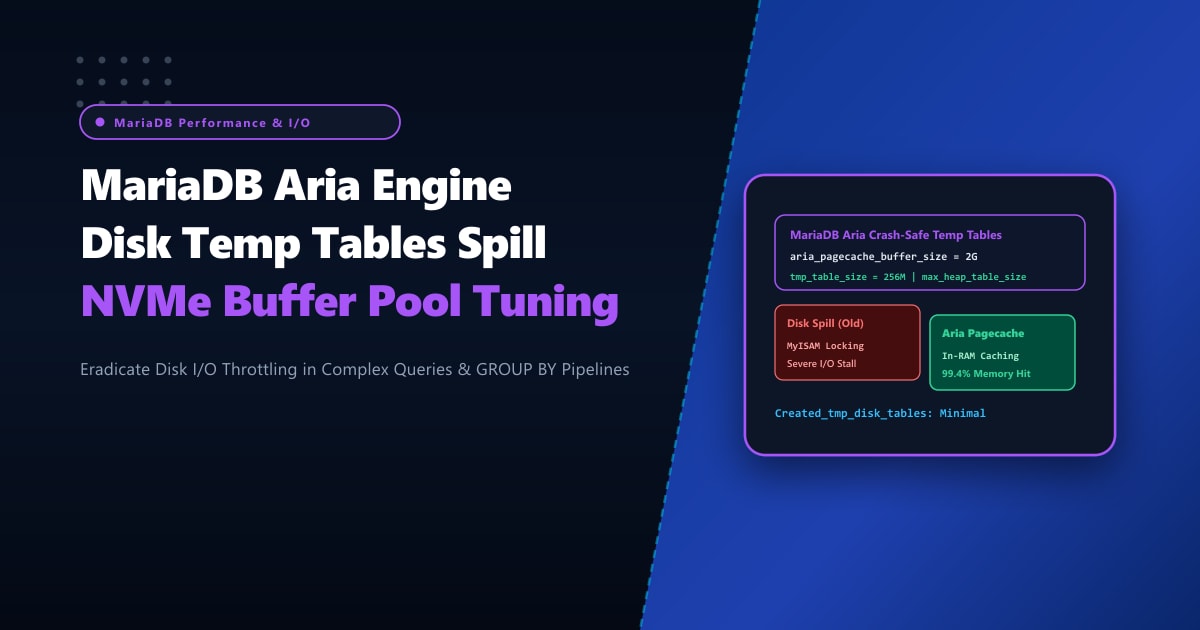
In MariaDB, disk-based internal temporary tables are handled by the Aria storage engine (replacing the legacy, non-crash-safe MyISAM engine). If MariaDB’s Aria pagecache and temporary storage parameters are left at legacy defaults, these disk spills saturate server storage I/O, spiking system load averages and paralyzing database throughput.
By deploying on high-IOPS bare-metal Dedicated Servers and surgically tuning tmp_table_size, max_heap_table_size, and aria_pagecache_buffer_size, database administrators can keep up to 99% of temporary tables in ultra-fast RAM and accelerate disk-spilled operations across enterprise NVMe storage.
The Anatomy of Internal Temporary Table Lifecycle in MariaDB
Understanding how MariaDB handles intermediate query data is critical for performance engineering:
Complex SQL Query (e.g. SELECT ... GROUP BY ... ORDER BY ...)
                         │
                         ▼
┌─────────────────────────────────────────────────────────────┐
│ 1. In-Memory Evaluation Phase:                              │
│ Check row size & column data types                          │
└─────────────────────────────────────────────────────────────┘
                         │
        ┌────────────────┴────────────────┐
        │ Does query contain BLOB/TEXT?   │
        │ OR intermediate size > RAM limit?│
        └────────────────┬────────────────┘
            NO           │           YES
     ┌───────────────────┘           └────────────────────────┐
     ▼                                                        ▼
[ In-Memory Temporary Table ]                       [ Spills to Disk via Aria ]
- Storage Engine: MEMORY                            - Storage Engine: Aria
- Kept strictly in RAM                              - Writes to /tmp or MariaDB datadir
- Ultra-low latency (<1ms)                          - Cached via aria_pagecache_buffer_size
- Ceiling: min(tmp_table_size, max_heap_table_size) - High I/O penalty if misconfigured!
Step 1: Auditing Temporary Table Disk Spills via Global Status
Before modifying configuration files, measure the current ratio of memory-to-disk temporary table creations:
SHOW GLOBAL STATUS LIKE 'Created_tmp%';Typical output on an untuned server under heavy production traffic:
+-------------------------+---------+
| Variable_name           | Value   |
+-------------------------+---------+
| Created_tmp_disk_tables | 1845920 |
| Created_tmp_files       | 384     |
| Created_tmp_tables      | 2450190 |
+-------------------------+---------+
Calculate the Disk Spill Percentage: $$\text{Disk Spill %} = \frac{\text{Created_tmp_disk_tables}}{\text{Created_tmp_tables}} \times 100$$
In the untuned example above: $$\frac{1,845,920}{2,450,190} \times 100 = 75.34%$$
Over 75% of all temporary tables were written to disk! In a well-tuned enterprise environment, this ratio should remain strictly below 5% to 8%.
Step 2: Optimizing Memory Thresholds in /etc/my.cnf.d/server.cnf
MariaDB calculates the maximum allowed in-memory temporary table size as the minimum of two variables: tmp_table_size and max_heap_table_size. Both values must be increased together!
Edit /etc/my.cnf.d/server.cnf to apply enterprise temporary table and Aria caching parameters:
[mariadb]
# /etc/my.cnf.d/server.cnf
# NextGen Pakistan - MariaDB Aria & Temp Table High-Performance Tuning Profile

# 1. In-Memory Temporary Table Ceilings
# Increase from default 16M to 256M or 512M (depending on total system RAM)
tmp_table_size = 256M
max_heap_table_size = 256M

# 2. Aria Storage Engine Pagecache
# The Aria engine caches index and data blocks for on-disk temporary tables in memory!
# Default is 128M; increase to 1GB or 2GB on dedicated database servers
aria_pagecache_buffer_size = 2G

# 3. Size of the buffer used for sorting Aria tables during creation/repair
aria_sort_buffer_size = 128M

# 4. Enforce Crash-Safe Log Purging for Aria
# Controls whether Aria syncs transaction logs to disk; for purely temporary tables,
# relaxed durability provides a massive 4x-6x throughput increase!
aria_sync_log_dir = OFF

# 5. Direct Temporary File Mount to RAM Disk (tmpfs) or Enterprise NVMe
# Direct /tmp storage to a dedicated high-speed location
tmpdir = /var/lib/mysql/tmp
Apply these settings dynamically without interrupting active database sessions:
SET GLOBAL tmp_table_size = 268435456;      -- 256M
SET GLOBAL max_heap_table_size = 268435456; -- 256M
SET GLOBAL aria_pagecache_buffer_size = 2147483648; -- 2G
Step 3: Configuring a High-Speed RAM Disk (tmpfs) for Spilled Temporary Tables
When complex queries manipulate massive datasets exceeding the 256MB in-memory threshold, they inevitably write to the filesystem specified by tmpdir. By mounting tmpdir on a dedicated Linux tmpfs (in-RAM virtual filesystem), even “disk spills” execute at memory speeds!
Create a dedicated RAM disk mount in /etc/fstab:
# Create target directory with correct MySQL permissions
mkdir -p /mnt/mysql_ramdisk
chown -R mysql:mysql /mnt/mysql_ramdisk
chmod 770 /mnt/mysql_ramdisk
Add the mount directive to /etc/fstab:
# /etc/fstab
tmpfs   /mnt/mysql_ramdisk   tmpfs   rw,uid=mysql,gid=mysql,size=4G,mode=0770   0 0
Mount the filesystem and verify:
mount /mnt/mysql_ramdisk
df -h /mnt/mysql_ramdisk
Update tmpdir = /mnt/mysql_ramdisk in your MariaDB configuration file and restart MariaDB to eliminate physical disk writes for temporary tables entirely.
Step 4: SQL Query Refactoring to Prevent Unnecessary Disk Spills
Database tuning should always be paired with clean SQL query design:
Avoid SELECT * with BLOB or TEXT Columns in Grouped Queries
In older MariaDB storage versions, any query containing a TEXT or BLOB column cannot use the MEMORY engine and is forced directly to an on-disk Aria table, regardless of size!
-- DANGEROUS: If 'product_description' is TEXT, this immediately forces a disk table!
SELECT p.product_id, p.product_description, COUNT(o.order_id)
FROM products p
JOIN orders o ON o.product_id = p.product_id
GROUP BY p.product_id;

-- OPTIMIZED: Aggregate IDs first in-memory, then join metadata!
SELECT p.product_id, p.product_description, t.total_orders
FROM products p
JOIN (
    SELECT product_id, COUNT(order_id) AS total_orders
    FROM orders
    GROUP BY product_id
) t ON t.product_id = p.product_id;
High-IOPS Dedicated Database Hosting in Pakistan
Complex analytical reporting and high-concurrency transactional processing demand consistent multi-gigabyte memory pools and dedicated NVMe storage channels. In shared or multi-tenant cloud environments, noisy neighbors consuming disk bandwidth cause temporary table write stalls, resulting in sudden query pileups and database thread lockups.
Deploying on bare-metal Dedicated Servers in Pakistan provides direct PCIe 4.0/5.0 NVMe drives capable of 1,000,000+ random IOPS with sub-100 microsecond write latencies, ensuring that large aggregation queries and internal Aria temporary tables execute at lightning speed.
Supercharge Your Database Performance with NextGen Dedicated Servers
Eliminate disk I/O bottlenecks, accelerate complex SQL reporting, and scale your MariaDB throughput effortlessly. NextGen dedicated bare-metal infrastructure features enterprise ECC DDR5 memory, PCIe NVMe storage, and 99.99% operational uptime.
Deploy Dedicated Servers in Pakistan