
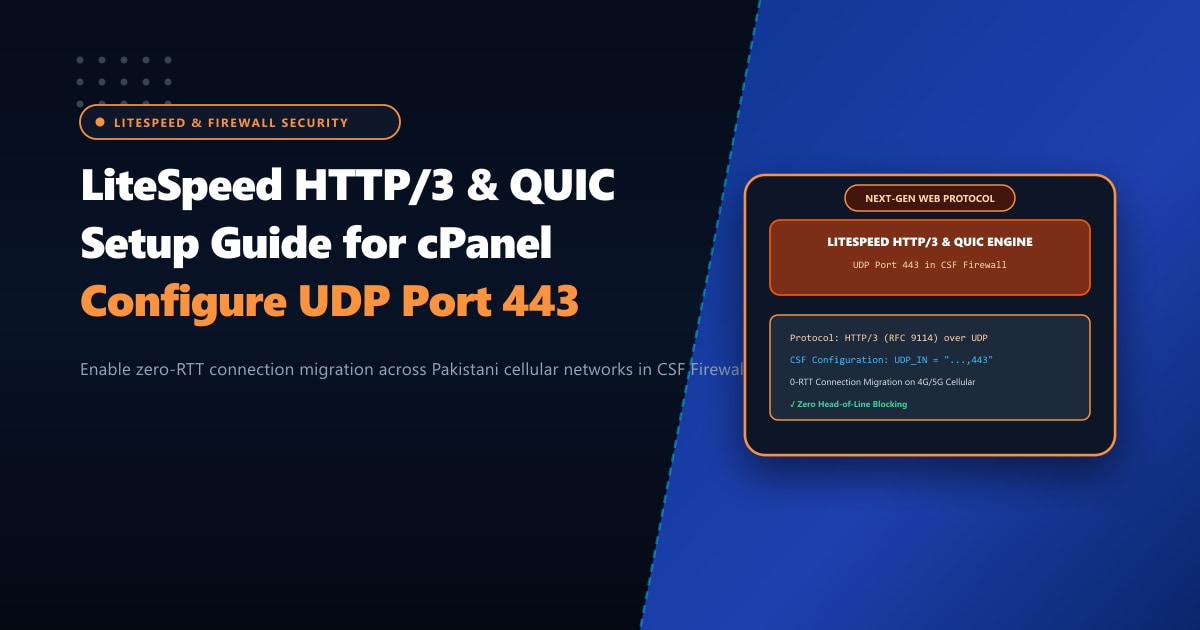
With over 80% of web traffic in Pakistan originating from smartphones across cellular networks (Jazz, Zong, Telenor, and Ufone), website performance is heavily impacted by mobile radio conditions. When users commute or switch between Wi-Fi and 4G data, traditional TCP connections break, forcing full 3-way TCP handshakes and TLS renegotiations that stall page rendering.
HTTP/3 powered by the QUIC protocol (RFC 9114) is the revolutionary internet standard that completely solves this problem. By abandoning TCP in favor of UDP (User Datagram Protocol), HTTP/3 delivers 0-RTT connection resumption, built-in encryption, and seamless connection migration across fluctuating networks without dropping active requests.
LiteSpeed Enterprise Web Server provides native, kernel-accelerated HTTP/3 support.
However, many systems administrators in Pakistan enable QUIC in LiteSpeed WebAdmin only to find that browsers stubbornly remain on HTTP/2. The culprit is almost always CSF (ConfigServer Security & Firewall): CSF permits TCP port 443 by default, but drops incoming UDP packets on port 443!
Executive Takeaways for Systems Administrators
- The UDP Port 443 Mandate: While HTTP/1.1 and HTTP/2 operate over TCP port 443, HTTP/3 (QUIC) operates entirely over **UDP port 443**. If UDP 443 is blocked in your server firewall, browsers silently fall back to TCP HTTP/2.
- Eliminating Head-of-Line (HoL) Blocking: In TCP, a single lost packet freezes all parallel streams until retransmission completes. In QUIC, independent data streams are multiplexed natively, allowing non-dropped streams to render instantly.
- The `Alt-Svc` Header Signal: Web browsers discover HTTP/3 capability through the `Alt-Svc` HTTP response header advertising `h3=":443"`.
- High-Throughput UDP Routing: Processing high-volume UDP traffic at line rate requires high-frequency compute cores. Hosting on our Dedicated Servers in Pakistan guarantees unthrottled UDP packet handling and direct PKIX peering.
1. Why HTTP/3 QUIC Outperforms HTTP/2 on Mobile
[ Traditional HTTP/2 over TCP ]
Client ──(TCP SYN / ACK)──► (TLS 1.3 Handshake) ──► (Data Streams Multiplexed on 1 TCP Pipe)
⚠️ Packet Loss Occurs: Entire TCP connection STALLS until lost packet is resent (HoL Blocking).

[ Next-Gen HTTP/3 over QUIC (UDP) ]
Client ──(QUIC 0-RTT Initial Packet with TLS 1.3 Payload)──► (Data Streams Flow Instantly)
🔒 Packet Loss Occurs: Only the single affected stream pauses; all other streams continue rendering!
📱 User switches from Wi-Fi to 4G: QUIC Connection ID migrates seamlessly without renegotiating TLS!
2. Step 1: Opening UDP Port 443 in CSF Firewall
On standard cPanel & WHM servers protected by ConfigServer Security & Firewall (CSF), incoming UDP traffic is heavily restricted to prevent DNS and NTP amplification attacks.
Step 2.1: Edit CSF Configuration
Open /etc/csf/csf.conf as root:
nano /etc/csf/csf.confLocate the UDP_IN and UDP_OUT directives. Add 443 to both lists:
# ==============================================================
# Allow incoming UDP ports (Add 443 for HTTP/3 QUIC)
# ==============================================================
UDP_IN = "20,21,53,443"

# Allow outgoing UDP ports
UDP_OUT = "20,21,53,113,123,443"
Step 2.2: Adjust UDP Connection Tracking Limits
QUIC traffic generates high volumes of UDP packets. Ensure your connection tracking (CT_LIMIT) does not inadvertently block legitimate visitors:
# Ensure CT_LIMIT accommodates high concurrent UDP states
CT_LIMIT = "350"
CT_INTERVAL = "30"
Step 2.3: Restart CSF & LFD
Apply firewall changes immediately:
csf -rVerify that iptables is actively listening for UDP packets on port 443:
iptables -L INPUT -v -n | grep "udp dpt:443"3. Step 2: Configuring LiteSpeed Enterprise for HTTP/3
Once the firewall is open, configure LiteSpeed Web Server to broadcast QUIC availability:
Step 3.1: Enable QUIC in LiteSpeed WebAdmin
- Log into LiteSpeed WebAdmin Console (
https://your-server-ip:7080). - Navigate to Server > Tuning > QUIC.
- Verify settings:
- Enable QUIC:
Yes - QUIC Shm Ring Buffer Size:
20M(or40Mfor high concurrency) - Max QUIC Connections:
5000
- Enable QUIC:
- Navigate to Listeners > HTTPS (Port 443).
- Under the General tab:
- Enable QUIC:
Yes - Allow QUIC versions:
h3, h3-29, h3-Q050
- Enable QUIC:
4. Step 3: Advertising the Alt-Svc Header
Browsers initially establish a standard HTTP/2 TCP connection on first visit. The server sends an Alt-Svc (Alternative Services) header advertising that HTTP/3 is available on port 443. Subsequent requests immediately utilize 0-RTT QUIC!
In your LiteSpeed configuration or .htaccess:
<IfModule mod_headers.c>
    Header always set Alt-Svc 'h3=":443"; ma=2592000, h3-29=":443"; ma=2592000'
</IfModule>h3=":443": Advertises standard RFC 9114 HTTP/3 on port 443.ma=2592000: Max-Age in seconds (30 days). The browser remembers this domain supports HTTP/3 and connects via UDP on all future visits.
Perform a Graceful Restart of LiteSpeed:
/usr/local/lsws/bin/lswsctrl restart5. Verifying HTTP/3 in Action
Verification via cURL (with HTTP/3 Support)
curl --http3 -I https://nextgen.pkExpected output:
HTTP/3 200
content-type: text/html; charset=UTF-8
alt-svc: h3=":443"; ma=2592000
Verification via Google Chrome DevTools
- Open Google Chrome and press
F12to open Developer Tools. - Navigate to the Network tab.
- Right-click the table header and tick Protocol.
- Reload your website: The Protocol column will display
h3(HTTP/3)!
Scale Enterprise Web Delivery with Nextgen
HTTP/3 QUIC dramatically accelerates mobile responsiveness, but line-rate UDP processing requires robust CPU performance and clean network transit. When deploying high-traffic e-commerce and media platforms, hosting on unmetered Dedicated Servers provides enterprise hardware NICs, dedicated high-frequency cores, and multi-gigabit uplinks.
Accelerate Mobile Shoppers with Native HTTP/3
Deliver instantaneous page loads across all Pakistani mobile networks. Nextgen's dedicated servers feature pre-configured LiteSpeed Enterprise with full HTTP/3 QUIC support, hardware DDoS protection, and local datacenter peering.
