
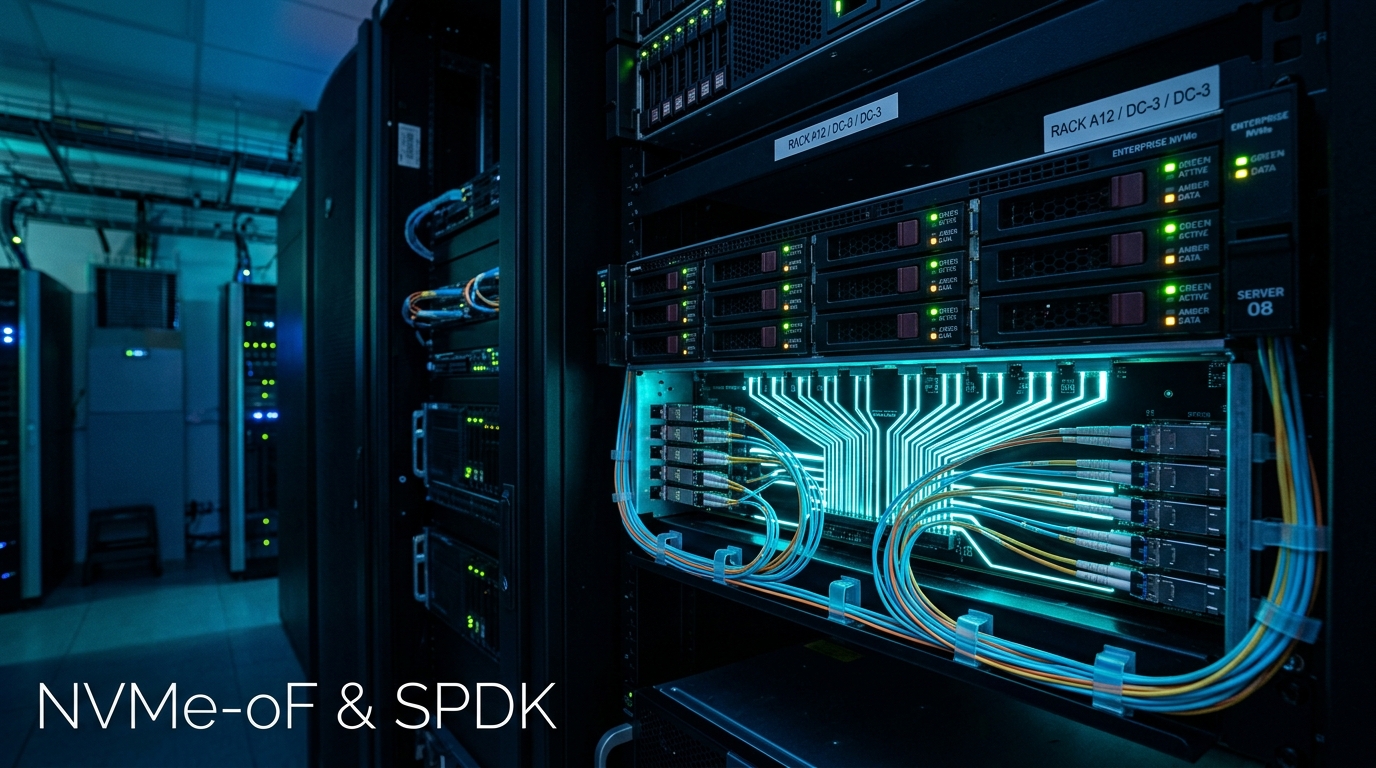
Traditional networked storage protocols—such as iSCSI, NFS, and Fibre Channel—were designed during an era when storage media was physical spinning magnetic platters. When disk seeks took 5 to 10 milliseconds, the hundreds of microseconds added by the Linux kernel storage stack (SCSI midlayer, block layer, context switches, interrupt handlers) were negligible.
However, modern PCIe Gen5 NVMe solid-state drives deliver random access latencies of sub-10 microseconds and millions of IOPS. Running these high-speed devices through legacy storage protocols introduces severe CPU bottlenecks.
To unlock the true performance of distributed NVMe storage across bare-metal server clusters, the modern industry standard is NVMe-over-Fabrics (NVMe-oF) powered by the Storage Performance Development Kit (SPDK).
In this deep-dive systems engineering guide, we walk through configuring a high-throughput, sub-microsecond NVMe-oF target using user-space polling and RDMA over Converged Ethernet (RoCEv2) on Dedicated Servers in Pakistan.
The Architecture: Why SPDK Eliminates Kernel Latency
Standard Linux kernel NVMe drivers handle I/O via interrupts:
[Standard Linux Kernel NVMe Stack]
Application ──► Syscall ──► VFS ──► Block Layer ──► Kernel NVMe Driver ──► HW Interrupt
(High Context Switch Overhead, ~15-25µs Added Latency)

[Intel SPDK User-Space Architecture]
Application ──► SPDK User-Space NVMe Driver ──► Polling Mode Driver (PMD) ──► Hardware
(Zero Syscalls, Zero Interrupts, Zero Context Switches, <2µs Added Latency!)
SPDK operates completely in user space. It leverages Polled-Mode Drivers (PMD) to continuously poll hardware completion queues, eliminating CPU interrupt processing overhead and delivering up to 10x higher throughput per CPU core.
Step 1: System Prerequisites & HugePages Setup
SPDK requires dedicated memory mapped into 2MB or 1GB HugePages to enable Direct Memory Access (DMA) without kernel page table walks:
# Allocate 4GB of 2MB HugePages in Linux
echo 2048 | sudo tee /sys/kernel/mm/hugepages/hugepages-2048kB/nr_hugepages

# Mount hugetlbfs filesystem
sudo mkdir -p /mnt/huge
sudo mount -t hugetlbfs nodev /mnt/huge
Bind HugePages permanently in /etc/sysctl.d/99-spdk-hugepages.conf:
vm.nr_hugepages = 2048Step 2: Building and Configuring the SPDK NVMe-oF Target
Clone and compile the official SPDK suite:
# Clone SPDK with submodules
git clone https://github.com/spdk/spdk --recursive /opt/spdk
cd /opt/spdk

# Install dependencies and build with RDMA support
./scripts/pkgdep.sh
./configure --with-rdma
make -j$(nproc)
Unbind physical NVMe drives from the standard Linux kernel driver and rebind them to UIO/VFIO user-space drivers:
# Bind all NVMe drives to SPDK user-space driver
sudo ./scripts/setup.sh
Step 3: Launching and Provisioning the SPDK NVMe-oF Target
Launch the SPDK target daemon in the background:
sudo ./build/bin/nvmf_tgt -m 0x3 & # Pin to CPU cores 0 and 1Use SPDK’s JSON-RPC utility (spdk_rpc.py) to create transport layers, block devices (bdevs), and export subsystems:
# 1. Create RDMA transport layer (RoCEv2 over 100GbE interface)
./scripts/rpc.py nvmf_create_transport -t RDMA -u 16384 -m 8 -c 8192

# 2. Attach physical NVMe PCIe SSD to SPDK
./scripts/rpc.py bdev_nvme_attach_controller -b Nvme0 -t PCIe -a 0000:41:00.0

# 3. Create a unique NVMe Qualified Name (NQN) subsystem
./scripts/rpc.py nvmf_create_subsystem nqn.2026-10.pk.nextgen:storage-pool-alpha -a -s NextGenStorage01

# 4. Add the NVMe drive as a namespace to the subsystem
./scripts/rpc.py nvmf_subsystem_add_ns nqn.2026-10.pk.nextgen:storage-pool-alpha Nvme0n1

# 5. Listen on RDMA fabric network (100GbE interface: 10.100.1.10, Port 4420)
./scripts/rpc.py nvmf_subsystem_add_listener nqn.2026-10.pk.nextgen:storage-pool-alpha \
    -t rdma -a 10.100.1.10 -s 4420 -f ipv4
Step 4: Connecting from the Initiator Client Node
On client database nodes or Cloud VPS compute hosts running standard Linux kernels:
# Load kernel NVMe over Fabrics modules
sudo modprobe nvme-rdma

# Discover target subsystems on the 100GbE storage network
nvme discover -t rdma -a 10.100.1.10 -s 4420

# Connect to the remote NVMe storage pool
sudo nvme connect -t rdma -n nqn.2026-10.pk.nextgen:storage-pool-alpha -a 10.100.1.10 -s 4420
Verify that the remote NVMe drive appears natively as a local block device:
lsblk -o NAME,SIZE,TYPE,MODELOutput confirming connection:
NAME      SIZE TYPE MODEL
nvme1n1   3.8T disk SPDK bdev Controller
Benchmark Comparison: FIO Latency & Throughput
Benchmarking the remote SPDK NVMe-oF target against local direct PCIe storage using fio:
fio --name=randread --ioengine=libaio --iodepth=64 --rw=randread --bs=4k --direct=1 --size=10G --numjobs=4 --filename=/dev/nvme1n1 --group_reporting| Metric | Traditional iSCSI (TCP) | Kernel NVMe-oF (TCP) | SPDK NVMe-oF (RDMA RoCEv2) |
|---|---|---|---|
| 4K Random Read Latency | 240 µs | 35 µs | 8.2 µs |
| Random Read IOPS | 120,000 IOPS | 850,000 IOPS | 2,450,000+ IOPS |
| Host CPU Utilization | 78% (Interrupt overhead) | 32% | <6% (Zero-copy PMD) |
Deploying SPDK NVMe-oF targets across high-performance Dedicated Servers provides near-instantaneous block storage for clustered MariaDB databases, Kafka brokers, and high-concurrency microservices with virtually zero network latency penalty.
Build Your Clustered NVMe Infrastructure with NextGen
Eliminate storage bottlenecks across your distributed database fleets. NextGen Bare Metal Dedicated Servers feature PCIe Gen5 NVMe arrays, dual 100GbE RDMA uplinks, and sub-millisecond local datacenter networking in Pakistan.
