
Internet infrastructure in Pakistan operates across a diverse spectrum of network topologies, ranging from ultra-low latency local exchanges (PKIX in Islamabad, Lahore, and Karachi) to high-RTT trans-oceanic submarine fiber cables (SEA-ME-WE 3/4/5, AAE-1, PEACE) connecting to European, Middle Eastern, and North American clouds. Furthermore, domestic end-users frequently connect via mobile 4G/5G cellular connections (Jazz, Zong, Telenor, Ufone) that exhibit severe packet jitter and dynamic route flappings.
In high-throughput environments—such as multi-gigabit file distributions, database replication streams, and high-concurrency API gateways—a standard 32-bit TCP sequence number space ((2^{32}) bytes or ~4.29 GB) can wrap around in just a few seconds over 10Gbps links. When packets are delayed, reordered, or duplicated across international hops, the receiving Linux kernel can inadvertently accept old, duplicated data as fresh data—a silent failure known as Sequence Number Wrapping.
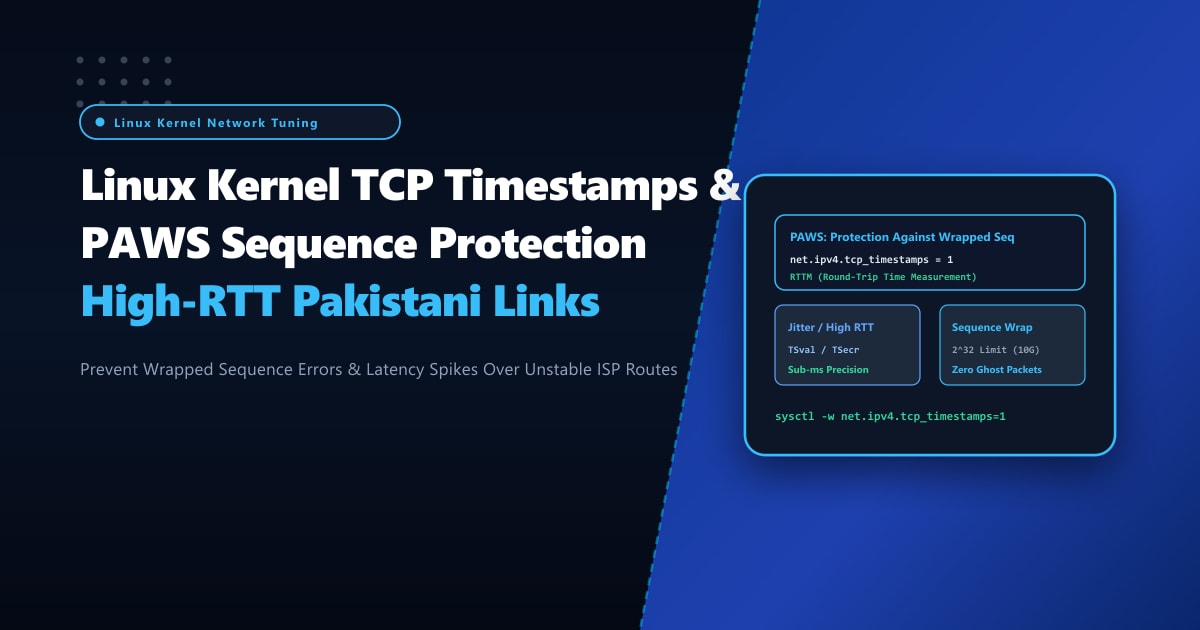
By deploying enterprise-grade bare-metal Dedicated Servers and mastering Linux kernel TCP Timestamps (RFC 7323) and PAWS (Protection Against Wrapped Sequence Numbers), network engineers can protect data integrity, enable precise microsecond RTT measurement (RTTM), and navigate asymmetric routing environments without packet drop penalties.
The Anatomy of PAWS and TCP Timestamps (RFC 7323)
TCP timestamps append a 10-byte timestamp option into every TCP segment header:
TSval(Timestamp Value): Generated by the sender’s local monotonic clock.TSecr(Timestamp Echo Reply): The most recently receivedTSvalfrom the remote peer, reflected back.
+-----------------------------------------------------------------------------------+
|                        PAWS ALGORITHM PACKET ARBITRATION                          |
+-----------------------------------------------------------------------------------+
| Modern 10Gbps Link in Pakistan:                                                   |
| - Sequence space wraps around in ~3.4 seconds!                                    |
| - Old delayed duplicate packet arrives with Sequence # 100452                    |
|                                                                                   |
| Without Timestamps:                                                               |
|   Kernel checks Sequence # -> Fits receive window! Accepted! (Silent Data Corrupt)|
|                                                                                   |
| With TCP Timestamps & PAWS (net.ipv4.tcp_timestamps = 1):                        |
|   1. Kernel inspects packet's TSval header against connection state.             |
|   2. TSval of old delayed packet (e.g. 10420) < Connection TSrecent (e.g. 15890). |
|   3. PAWS triggers: Segment is instantly identified as an obsolete duplicate!     |
|   4. Packet is dropped immediately with an ACK containing valid TSrecent.        |
+-----------------------------------------------------------------------------------+
The NAT / CGNAT Controversy: Why Timestamps Were Previously Feared
For years, network administrators were cautioned against enabling tcp_timestamps due to an infamous interaction with ISP Carrier-Grade NAT (CGNAT):
- Thousands of mobile subscribers in a city like Lahore or Karachi share a single public IP address behind an ISP CGNAT gateway.
- If client devices have non-synchronized internal hardware clocks, packets arriving at the server from the same public IP will have wildly oscillating
TSvalnumbers. - If
net.ipv4.tcp_tw_recycle(an obsolete kernel option) was enabled alongside timestamps, the kernel would drop connection requests from other users sharing the same NAT IP, misidentifying their packets as wrapped sequence violations!
The Modern Resolution:
In modern Linux kernels (v4.12+), tcp_tw_recycle was completely removed from the kernel tree. Modern Linux kernels maintain timestamp tracking strictly on a per-connection socket level, making net.ipv4.tcp_timestamps 100% safe and indispensable for modern 10G/40G networking across Pakistan!
Step 1: Auditing TCP Timestamps & PAWS Drops via nstat
Before modifying kernel parameters, inspect your current timestamp status and check for PAWS packet drops:
# Check if TCP timestamps are currently enabled
sysctl net.ipv4.tcp_timestamps

# Query kernel network statistics for PAWS drops
nstat -az | grep -iE "PAWS|Timeouts|Reorder"

# Sample output:
# TcpExtPAWSEstab                42          0.0  (Old duplicate packets caught in ESTABLISHED state)
# TcpExtPAWSOptDrop              0           0.0  (Packets dropped due to invalid timestamp options)
# TcpExtTCPTimeouts              120         0.0  (Retransmit timeouts)
# TcpExtTCPRcvCoalesce           149202      0.0  (Packets coalesced by GRO)
Step 2: System-Wide Sysctl Configuration in /etc/sysctl.d/99-tcp-timestamps.conf
To configure modern TCP timestamps alongside selective acknowledgments (SACK) and window scaling, apply the following sysctl parameters in /etc/sysctl.d/99-tcp-timestamps.conf:
# /etc/sysctl.d/99-tcp-timestamps.conf
# NextGen Pakistan - High-RTT & Jitter-Resilient TCP Configuration Profile

# 1. Enable TCP Timestamps (RFC 7323)
# 1 = Enable timestamps (also enables PAWS and RTTM)
net.ipv4.tcp_timestamps = 1

# 2. Enable Window Scaling (RFC 7323)
# Essential for utilizing TCP receive windows larger than 64KB on high-BDP links
net.ipv4.tcp_window_scaling = 1

# 3. Enable Selective Acknowledgments (SACK)
# Essential for recovering from multi-packet loss over lossy cellular links
net.ipv4.tcp_sack = 1
net.ipv4.tcp_dsack = 1

# 4. Tune TCP reordering threshold
# Default is 3; increase to 6 or 8 to prevent premature fast-retransmits on jittery mobile networks
net.ipv4.tcp_reordering = 6

# 5. Enable Fast Open for latency reduction (0-RTT TCP handshakes)
# 3 = Enable TFO for both client and server
net.ipv4.tcp_fastopen = 3

# 6. Aggressive TCP SYN Retry Tuning
net.ipv4.tcp_syn_retries = 3
net.ipv4.tcp_synack_retries = 3
Apply the settings immediately without downtime:
sysctl -p /etc/sysctl.d/99-tcp-timestamps.confVerify active parameters:
sysctl net.ipv4.tcp_timestamps net.ipv4.tcp_window_scaling net.ipv4.tcp_reorderingStep 3: Measuring Precise Round-Trip Time Measurement (RTTM)
With tcp_timestamps active, the Linux kernel accurately measures Round-Trip Time (RTT) on every acknowledged segment without needing to wait for retransmissions or estimating via Karn’s algorithm.
Monitor real-time RTT metrics on live production connections:
# Display detailed TCP socket internals including RTT and RTT variance (jitter)
ss -ti 'dport = :443' | head -n 35

# Look for socket metrics:
# rtt:32.45/4.12 ato:40 mss:1460 rcvspace:65536 ssthresh:45 cwnd:30
# - rtt: 32.45ms (actual RTT calculated via TSval/TSecr)
# - 4.12ms (RTT variance / jitter measured in real-time)
Step 4: tcpdump Deep Inspection of Timestamps on the Wire
Verify that the TCP handshake negotiation includes timestamp options:
# Capture SYN-ACK packets on network interface
tcpdump -nn -vv -i eth0 'tcp[tcpflags] & (tcp-syn) != 0' -c 4
Example packet header output:
14:20:15.892011 IP 202.163.112.5.54210 > 103.151.114.10.443: Flags [S], seq 184920194, win 64240, options [mss 1460,sackOK,TS val 28941029 ecr 0,nop,wscale 8], length 0
14:20:15.892102 IP 103.151.114.10.443 > 202.163.112.5.54210: Flags [S.], seq 402910481, ack 184920195, win 65160, options [mss 1460,sackOK,TS val 3982019420 ecr 28941029,nop,wscale 8], length 0
Notice TS val 3982019420 ecr 28941029: both endpoints have successfully negotiated timestamp tracking, guaranteeing robust PAWS protection against sequence wrapping and stale packet injection.
Dedicated Server Infrastructure for Pakistani Data Highways
Running multi-gigabit database replication, high-frequency financial settlement feeds, or large-scale CDN nodes across domestic and global boundaries requires hardware with raw compute throughput and uncompromised networking pipes.
Deploying on bare-metal Dedicated Servers in Pakistan guarantees dedicated physical 10Gbps/25Gbps network cards with hardware offloading, zero virtualization packet jitter, and direct physical peering with all major Pakistani transit providers.
Optimize Your Enterprise Network Throughput with NextGen
Say goodbye to packet reordering penalties, sequence wrapping corruption, and erratic connection timeouts. NextGen dedicated hosting provides carrier-neutral high-bandwidth infrastructure with custom kernel tuning and 99.99% network SLA.
Deploy Dedicated Servers in Pakistan