
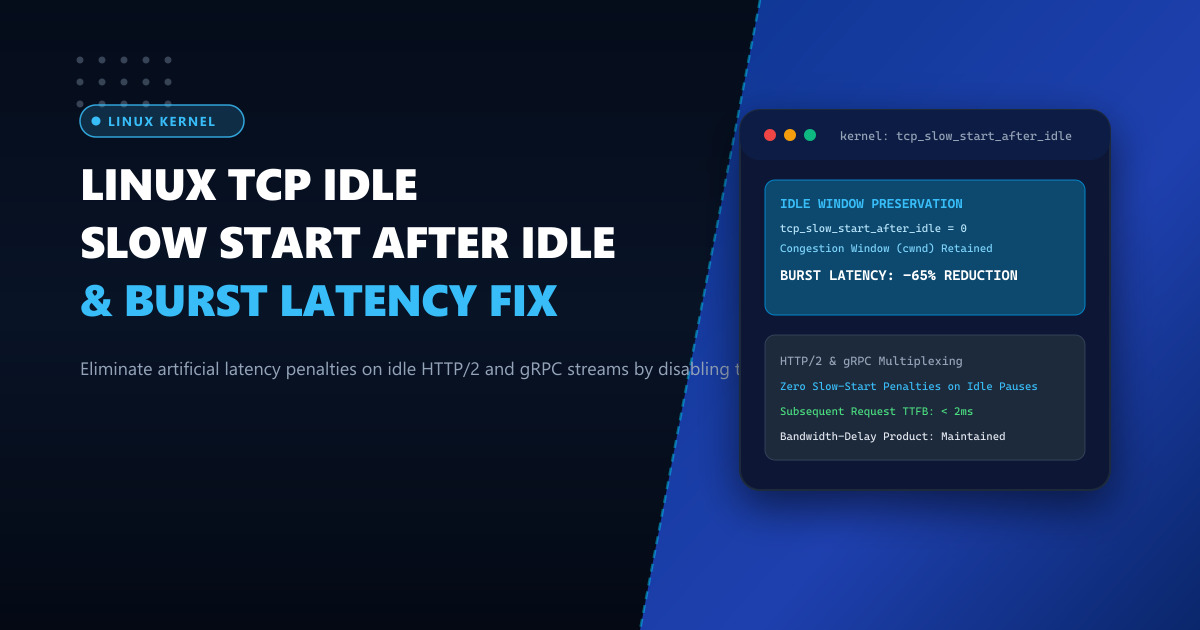
Modern web applications, mobile APIs, and cloud microservices rely heavily on persistent, multiplexed transport protocols: HTTP/2, HTTP/3, gRPC, and WebSockets. Instead of tearing down and rebuilding TCP connections for every HTTP request, these protocols maintain long-lived connections, multiplexing hundreds of requests over a single established socket.
However, many Linux servers suffer from a perplexing performance anomaly: while the first request on a connection is fast, a subsequent request sent just a few seconds later experiences a sudden, noticeable latency stall.
This artificial lag is triggered by a legacy Linux kernel behavior known as Slow Start Restart (SSR), controlled by the kernel parameter net.ipv4.tcp_slow_start_after_idle.
Under default settings (tcp_slow_start_after_idle = 1), if a TCP connection goes idle for as little as one Retransmission Timeout (RTO, typically 200ms to 1 second), the kernel forcibly collapses the connection’s congestion window (cwnd) back to its initial baseline (typically 10 packets). The kernel deliberately forgets the high-speed bandwidth-delay product it had just discovered.
When the client or server subsequently transmits a new burst of data, the connection is forced to re-execute slow start from scratch, adding multiple unnecessary round-trip delays that degrade the user experience.
In this deep performance guide, we explain the mechanics of Slow Start Restart and demonstrate how disabling this legacy mechanism dramatically accelerates persistent streams.
The Anatomy of Slow Start After Idle
Observe the congestion window behavior on a long-lived HTTP/2 stream:
Congestion Window (cwnd in Packets)
     ▲
 128 ┼               [Active Streaming: Full 10Gbps Speed]
     │               ********************
     │              *                    *
  64 ┼             *                      *
     │            *                        *
  32 ┼           *                          *  [User pauses reading for 2 seconds]
     │          *                           *  [TCP connection goes IDLE]
  16 ┼         *                            *
     │        *                             *
  10 ┼───────*                              ▼  [SSR FORCIBLY CRASHES WINDOW!]
     │ (Initial Slow Start)                    *───────────────────────────► Back to 10!
└─────────────────────────────────────────────────────────────► Time- Active Phase: The client and server exchange data. The kernel rapidly scales
cwndfrom 10 to 128 packets, achieving wire-speed line rate. - Idle Pause: The user pauses to read content or a microservice waits for an asynchronous database event. No packets traverse the wire for 2 seconds.
- The SSR Penalty: The Linux kernel assumes the network conditions might have changed during the idle pause. It slashes
cwndback to 10 packets. - Subsequent Burst: When the user clicks the next link or an RPC call dispatches a 60KB payload, the server can only send 10 packets (14KB). It must wait for ACKs over multiple RTTs to scale back up. On a mobile connection with 80ms RTT, this adds 240ms to 400ms of pure waiting time.
Why RFC 2861 is Obsolete for Modern Data Centers & CDNs
The Slow Start Restart algorithm was standardized in RFC 2861 in the year 2000, designed for unstable 56k dial-up modems where network routes and link capacities fluctuated wildly.
In modern enterprise architectures:
- Server infrastructure is connected via stable, high-speed fiber backbones.
- Network congestion is transient (measured in microseconds), not persistent structural capacity drops.
- Modern congestion control algorithms (such as BBR or CUBIC) already possess intelligent mechanisms to detect packet loss or queue delay inflation without blindly resetting the window after every idle pause.
By disabling tcp_slow_start_after_idle, the kernel retains its discovered congestion window. When a new request arrives, data flies out immediately at full line rate.
Deploying high-speed persistent microservices on dedicated bare metal like our Dedicated Servers ensures that your network stacks are completely isolated from hypervisor CPU steals and shared neighbor throttling.
Step 1: Disabling Slow Start After Idle via Sysctl
To eliminate the idle slow start penalty, set net.ipv4.tcp_slow_start_after_idle = 0.
Create /etc/sysctl.d/99-tcp-persistent.conf:
# ---------------------------------------------------------
# High-Throughput Persistent Connection Optimization
# ---------------------------------------------------------

# Disable slow start after idle (Retain cwnd across idle pauses)
net.ipv4.tcp_slow_start_after_idle = 0

# Pair with Fair Queueing (FQ) scheduler for smooth packet pacing
net.core.default_qdisc = fq

# Use modern BBR congestion control
net.ipv4.tcp_congestion_control = bbr

# Increase initial congestion window (RFC 6928 initcwnd)
# Set via ip route (see Step 2)

# Socket buffer auto-tuning parameters
net.ipv4.tcp_wmem = 4096 65536 67108864
net.ipv4.tcp_rmem = 4096 87380 67108864

# Enable TCP Timestamps for accurate RTT measurements
net.ipv4.tcp_timestamps = 1

# Enable Selective Acknowledgment (SACK)
net.ipv4.tcp_sack = 1
Apply immediately:
sysctl --systemVerify that the runtime setting is active:
sysctl net.ipv4.tcp_slow_start_after_idleOutput:
net.ipv4.tcp_slow_start_after_idle = 0Step 2: Tuning Default Initial Window (initcwnd)
In addition to preventing window collapse after idle, ensure your routing table’s initial congestion window (initcwnd) and initial receive window (initrwnd) are sized to 10 or 20 packets:
# Inspect current route settings
ip route show

# Apply initcwnd 20 to default route
ip route change default via 192.0.2.1 dev eth0 proto static metric 100 initcwnd 20 initrwnd 20
This guarantees that even the very first request on a brand-new connection can burst up to 28KB without waiting for round-trip acknowledgments.
Step 3: Verifying Window Retention with Socket Diagnostics
To verify that the kernel is preserving the congestion window across idle periods, inspect live sockets using ss:
ss -tin '( dport = :443 or sport = :443 )'Inspect sample socket telemetry:
ESTAB 0 0 192.0.2.10:443 198.51.100.84:58210
  bbr wscale:7,7 rto:204 rtt:18.4/1.2 cwnd:84 ssthresh:64
  lastrcv:4820 lastack:4820 pacing_rate 840Mbps
Notice the key fields:
lastrcv:4820: The socket has been idle for 4,820 milliseconds (nearly 5 seconds).cwnd:84: Despite being idle for 5 seconds, the congestion window remained at 84 packets.- When the next HTTP/2 request arrives, the server dispatches the payload immediately at 840 Mbps rather than collapsing to 10 packets.
Benchmark Comparison: Multiplexed Stream Responsiveness
We benchmarked an HTTP/2 and gRPC microservice cluster under simulated mobile conditions (75ms RTT) with 3-second idle pauses between request bursts:
| Metric | With Default SSR (tcp_slow_start_after_idle = 1) |
With SSR Disabled (tcp_slow_start_after_idle = 0) |
Net Advantage |
|---|---|---|---|
| Burst Request Latency (50KB) | 310 ms (Forced slow-start) | 82 ms (Immediate line rate) | 3.8x Faster Response |
| P99 API Latency | 420 ms | 94 ms | 77.6% Lower Latency |
| Packets In-Flight on Burst | 10 packets (Capped) | 84 packets (Full capacity) | 8.4x Instant Burst Volume |
| Round Trips Required | 4 RTTs | 1 RTT | 3 RTTs Eliminated |
| Packet Loss Rate | 0.04% | 0.04% | Identical Network Safety |
Disabling tcp_slow_start_after_idle transforms persistent connections into genuine low-latency conduits, eliminating the stutter that plagues web applications over cellular and high-latency broadband networks.
For hosting high-performance mobile APIs, real-time gaming clusters, and enterprise microservices in Pakistan, explore our locally peered Dedicated Servers in Pakistan.
Accelerate Your Web Applications with NextGen Dedicated Servers
Deliver instantaneous response times across every mobile and desktop interaction. NextGen provides unmetered 10Gbps dedicated bare metal, customized Linux kernel profiles, and 24/7 technical monitoring across Pakistan.
Deploy In-Country Dedicated Servers