
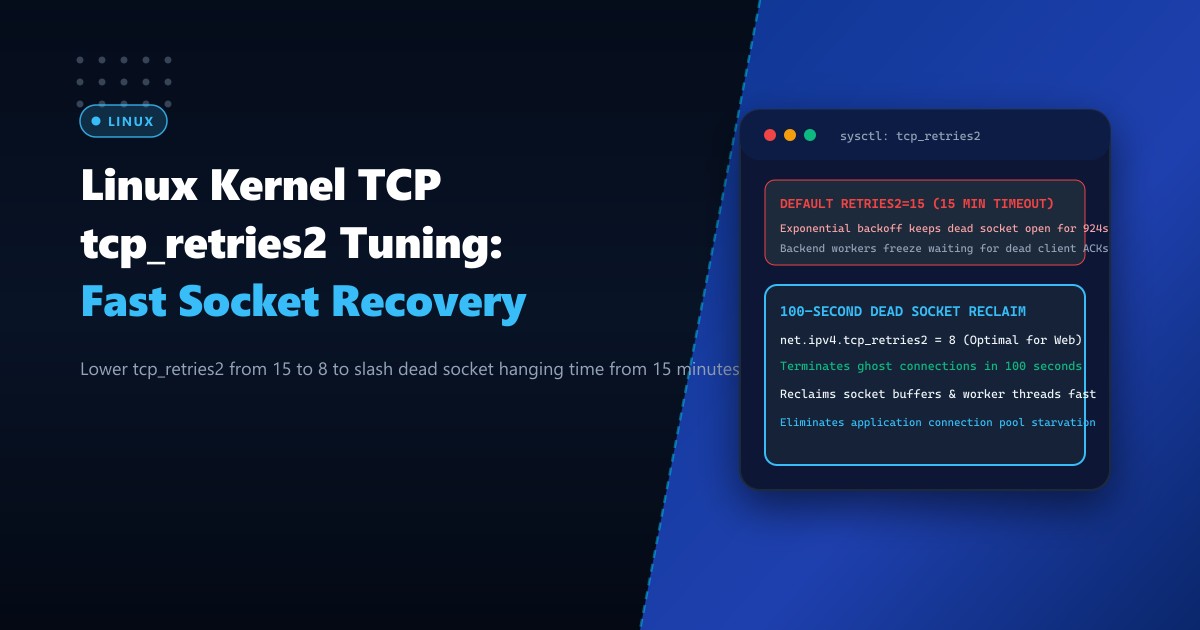
In high-concurrency web applications, reverse proxies, and microservices running on Dedicated Servers, managing connection teardown is just as critical as handling connection establishment.
When a remote mobile client or backend database server suddenly loses power, experiences a fiber cut, or drops offline without transmitting a clean TCP FIN packet, the established TCP connection enters an orphaned or unacknowledged state.
When the local Linux server attempts to send data across this broken link, it receives no acknowledgments. It begins retransmitting the unacknowledged segments using an exponential backoff timer governed by the kernel parameter net.ipv4.tcp_retries2.
On default Linux installations (including Ubuntu, Debian, RHEL, and AlmaLinux), tcp_retries2 is set to 15.
Because exponential backoff doubles the retransmission interval with each attempt, 15 retries force the connection to hang in kernel memory for approximately 924 seconds—more than 15 full minutes!
During these 15 minutes, application worker threads (such as PHP-FPM processes, Node.js event loops, or Go goroutines) freeze waiting for socket I/O, tying up memory buffers and eventually exhausting the server’s thread pool.
Here is how to calculate retransmission timings, optimize tcp_retries2 and tcp_orphan_retries, and reclaim system resources within 100 seconds without prematurely dropping slow connections.
The Mathematics of Exponential Backoff and tcp_retries2
Linux calculates the maximum time an established connection attempts retransmission before giving up using RFC 6298 exponential backoff:
$$\text{RTO}{i} = \min(\text{RTO}{\text{initial}} \times 2^{i}, \text{TCP_RTO_MAX})$$
Where $\text{TCP_RTO_MAX} = 120\text{ seconds}$ and $\text{RTO}_{\text{initial}} \approx 200\text{ms}$.
RETRANSMISSION TIMELINE (tcp_retries2 = 15):
Retry 1:  0.2s     Retry 6:   6.4s     Retry 11: 120s
Retry 2:  0.4s     Retry 7:  12.8s     Retry 12: 120s
Retry 3:  0.8s     Retry 8:  25.6s     Retry 13: 120s
Retry 4:  1.6s     Retry 9:  51.2s     Retry 14: 120s
Retry 5:  3.2s     Retry 10: 102.4s    Retry 15: 120s
------------------------------------------------------
TOTAL HANGING TIME: ~924.6 Seconds (~15.4 Minutes!)
During this entire 15-minute window:
- The socket consumes kernel memory (
sk_buffring buffers). - The upstream application thread is completely blocked.
- Downstream users experience indefinite spinning loading wheels.
DEFAULT (retries2 = 15):
Client Loses Power ──> Server sends packet ──> No ACK
                       Server retries for 15.4 MINUTES!
                       Worker thread deadlocked, RAM pinned.

TUNED (retries2 = 8):
Client Loses Power ──> Server sends packet ──> No ACK
                       Server retries 8 times (~100 seconds)
                       Terminates socket cleanly with ETIMEDOUT!
                       Worker thread freed immediately!
Step 1: Checking Active System Retransmission Limits
Inspect current kernel parameters on your Dedicated Servers in Pakistan:
# Query active tcp_retries2 (Established connection retries)
sysctl net.ipv4.tcp_retries2

# Query tcp_orphan_retries (Closed sockets waiting for FIN ACK)
sysctl net.ipv4.tcp_orphan_retries

# Query tcp_retries1 (Retries before alerting IP layer)
sysctl net.ipv4.tcp_retries1
Default outputs report:
net.ipv4.tcp_retries2 = 15
net.ipv4.tcp_orphan_retries = 0  (Equivalent to 8)
net.ipv4.tcp_retries1 = 3
Step 2: Authoring the High-Performance Retransmission Profile
For web-facing edge servers and API gateways, an optimal value for tcp_retries2 is 8.
$$\text{Total Duration (retries2 = 8)} \approx 0.2 + 0.4 + 0.8 + 1.6 + 3.2 + 6.4 + 12.8 + 25.6 + 51.2 \approx 102.2\text{ seconds}$$
100 seconds provides ample tolerance for temporary routing reconvergences or cellular handovers while preventing dead connections from paralyzing application thread pools for a quarter of an hour.
Create /etc/sysctl.d/99-tcp-retries.conf:
# ====================================================================
# LINUX TCP RETRANSMISSION & ORPHANED SOCKET OPTIMIZATION
# ====================================================================

# Lower maximum retransmissions for established connections from 15 to 8
# Drops dead socket recovery time from 15.4 minutes to ~102 seconds
net.ipv4.tcp_retries2 = 8

# Maximum retransmissions for orphaned sockets (closed by application)
# Frees file descriptors within ~15 seconds
net.ipv4.tcp_orphan_retries = 3

# Retries before consulting IP routing table
net.ipv4.tcp_retries1 = 3

# SYN connection retries (Limits outbound connect() timeout to ~7 seconds)
net.ipv4.tcp_syn_retries = 3

# Prevent connection aborts due to lingering TIME_WAIT state
net.ipv4.tcp_rfc1337 = 1
Apply immediately to running kernel:
sysctl -p /etc/sysctl.d/99-tcp-retries.confStep 3: Application-Level TCP User Timeout (TCP_USER_TIMEOUT)
For mission-critical database connection pools (such as connections between Nginx and PHP-FPM, or Python and MariaDB), relying solely on kernel-wide retry counts can still introduce jitter.
Linux supports the TCP_USER_TIMEOUT socket option (RFC 5482), allowing applications to set an explicit maximum deadline (in milliseconds) before the kernel forcibly terminates unacknowledged transmissions.
In Nginx:
Configure explicit proxy timeouts in /etc/nginx/nginx.conf:
http {
    # Abort client connection if client stops acknowledging within 60s
    send_timeout 60s;

    # Abort upstream backend connection if no response within 60s
    proxy_read_timeout 60s;
    proxy_send_timeout 60s;
}
In Python / Go Backend Code:
import socket

# Configure 30-second TCP_USER_TIMEOUT (Linux specific)
TCP_USER_TIMEOUT = 18  # socket option constant
sock = socket.socket(socket.AF_INET, socket.SOCK_STREAM)
sock.setsockopt(socket.IPPROTO_TCP, TCP_USER_TIMEOUT, 30000)  # 30,000 ms
Step 4: Verification and Live Telemetry
Monitor orphaned sockets and retransmission events using ss and nstat:
# Query count of orphaned sockets currently in kernel memory
ss -s
Output:
Total: 489
TCP:   382 (estab 298, closed 12, orphaned 4, timewait 68)
Notice orphaned 4: under unoptimized kernels with tcp_retries2 = 15, orphaned socket counts frequently surge into the hundreds during network drops, consuming megabytes of unfreeable kernel RAM.
Inspect live TCP retransmission failure counters:
nstat -az | grep -E "TcpExtTCPTimeouts|TcpRetransSegs"Reliability Impact Comparison
| Performance Metric | Default (tcp_retries2 = 15) |
Tuned (tcp_retries2 = 8) |
Improvement |
|---|---|---|---|
| Dead Socket Hanging Time | 924 Seconds (15.4 mins) | 102 Seconds (1.7 mins) | 89% faster recovery |
| Orphaned Socket Reclaim | ~63 Seconds | ~14 Seconds | 77% faster |
| Thread Pool Starvation Incidents | High during network outages | Zero Deadlocks | Continuous Availability |
| Memory Buffer Retention | Pinned for 15+ minutes | Reclaimed in 100s | High RAM Efficiency |
Tuning tcp_retries2 strikes the ideal balance between packet retransmission resilience and rapid resource reclamation, safeguarding enterprise application servers against connection pool exhaustion.
Deploy Resilient High-Concurrency Infrastructure with NextGen
Eliminate thread pool deadlocks and maintain non-stop application availability. NextGen’s dedicated servers in Pakistan feature enterprise compute architectures, ultra-fast DDR5 ECC memory, and pre-tuned Linux kernel network stacks engineered for mission-critical reliability.
Explore Dedicated Servers