
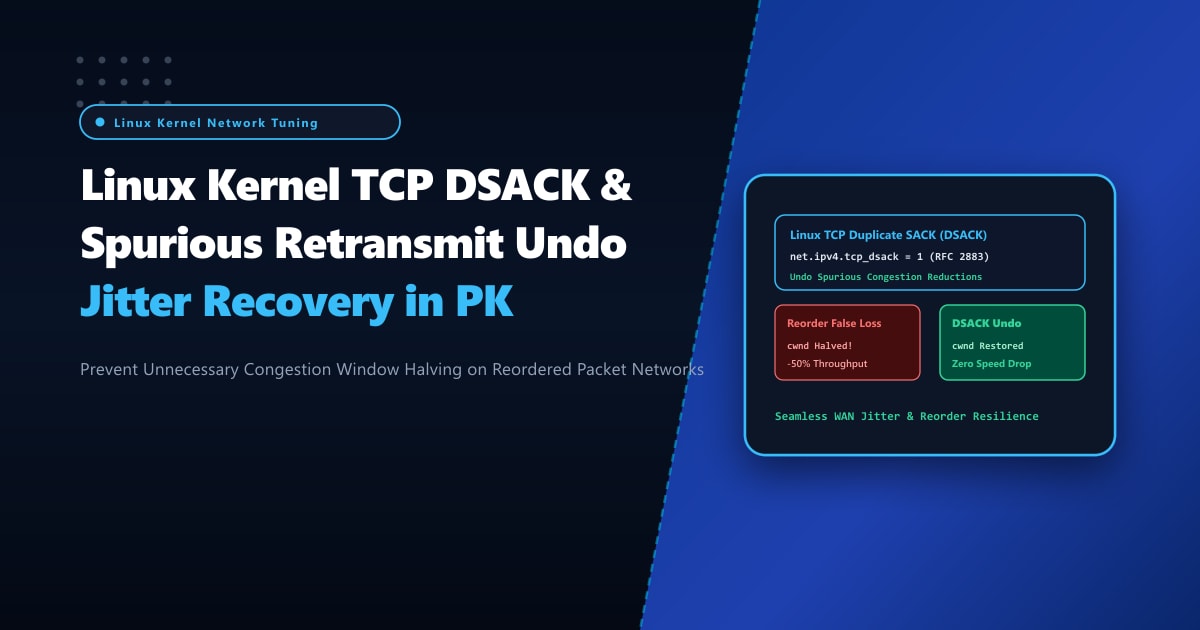
Network transit across Pakistan involves heterogeneous multi-path routing: traffic traverses diverse fiber routes (PTCL, Transworld, Nayatel, Cybernet), microwave links, and mobile broadband (4G LTE / 5G). In these environments, packet reordering is a frequent occurrence. Packets that take slightly disparate routing paths arrive at the receiver out of sequence.
When a standard Linux TCP stack encounters out-of-order packets, it issues duplicate ACKs (DUPACKs). If three duplicate ACKs arrive, the kernel’s fast retransmit logic assumes a packet was lost: it immediately retransmits the missing segment and cuts the Congestion Window (cwnd) in half (or shifts into TCP loss recovery).
However, if the original packet was simply delayed rather than dropped, this retransmission is completely spurious. Cutting the congestion window unnecessarily destroys transfer speeds, causing bandwidth throughput collapse across Pakistani e-commerce, media streaming, and API gateways!
By enabling and tuning Duplicate Selective Acknowledgment (DSACK - RFC 2883) and Congestion Window Undo (CWND Undo) on high-performance Dedicated Servers, Linux servers can detect spurious retransmissions, restore the congestion window immediately to its full pre-loss state, and eliminate catastrophic throughput drops.
How TCP DSACK and CWND Undo Eliminate Spurious Loss Recovery
Here is the exact protocol-level interaction between a client experiencing packet reordering and a Linux server with DSACK enabled:
+-----------------------------------------------------------------------------------+
|                     SPURIOUS RETRANSMIT vs. DSACK CWND UNDO                       |
+-----------------------------------------------------------------------------------+
| 1. Packet Reordering Scenario:                                                    |
|    - Server transmits Packets 1, 2, 3, 4, 5.                                      |
|    - Packet 2 takes a delayed routing path via an alternate ISP transit hop.     |
|    - Receiver gets Packet 1, then Packets 3, 4, 5.                                |
|    - Receiver emits 3 Duplicate ACKs requesting Packet 2.                         |
|                                                                                   |
| 2. Spurious Fast Retransmit (Without DSACK / Undo):                               |
|    - Linux kernel interprets 3 DUPACKs as packet loss.                            |
|    - Server retransmits Packet 2 (Retransmit 2').                                 |
|    - Server halves CWND from 64 to 32 (cutting throughput by 50%!).               |
|    - Original Packet 2 arrives at client, followed by Retransmit 2'.              |
|    - Network bandwidth wasted; connection throttled for tens of RTTs!             |
|                                                                                   |
| 3. Optimized DSACK + CWND Undo Execution (RFC 2883):                              |
|    - Client receives redundant copy of Packet 2.                                  |
|    - Client returns SACK block explicitly reporting: SACK 2-3 (Duplicate receipt).|
|    - Server inspects DSACK block: "The receiver already had Packet 2!"            |
|    - Linux kernel invokes CWND UNDO: cwnd instantly restored from 32 back to 64!  |
|    - ssthresh is restored; TCP metrics engine increases reordering threshold.    |
|    - Result: Zero throughput loss! Continuous maximum line-rate transmission.     |
+-----------------------------------------------------------------------------------+
Step 1: Auditing TCP SACK, DSACK, and FACK Kernel Settings
Check your current Linux kernel sysctl parameters governing selective acknowledgment and duplicate reporting:
sysctl net.ipv4.tcp_sack
sysctl net.ipv4.tcp_dsack
sysctl net.ipv4.tcp_reordering
Default values in modern Linux kernels:
net.ipv4.tcp_sack = 1
net.ipv4.tcp_dsack = 1
net.ipv4.tcp_reordering = 3
tcp_sack = 1: Enables RFC 2018 Selective Acknowledgments.tcp_dsack = 1: Enables RFC 2883 Duplicate SACK reporting from the sender and receiver.tcp_reordering: The initial threshold of duplicate ACKs before assuming a packet is dropped. If packet reordering is high, a fixed threshold of 3 triggers too many premature fast retransmits.
Step 2: Optimizing Sysctl Parameters for High-Jitter Pakistani Links
To ensure aggressive recovery from spurious loss events and allow the kernel to adaptively learn the network’s packet reordering threshold, configure /etc/sysctl.d/99-tcp-dsack.conf:
# Enable RFC 2018 Selective Acknowledgment
net.ipv4.tcp_sack = 1

# Enable RFC 2883 Duplicate SACK (Crucial for CWND Undo detection)
net.ipv4.tcp_dsack = 1

# Enable Forward Acknowledgment (TCP FACK) for fast loss recovery
net.ipv4.tcp_fack = 1

# Initial reordering threshold (Default: 3).
# Allowing TCP to dynamically adjust up to max reordering prevents false retransmits.
net.ipv4.tcp_reordering = 3
net.ipv4.tcp_max_reordering = 300

# Enable TCP ECN (Explicit Congestion Notification) to distinguish router buffer drops from delay
net.ipv4.tcp_ecn = 2

# Enable BBR congestion control or ensure CUBIC undo is active
net.ipv4.tcp_congestion_control = bbr
Apply the updated configuration immediately:
sysctl --systemVerify that the changes are actively applied across all kernel networking subsystems:
sysctl -a | grep -E "tcp_sack|tcp_dsack|tcp_max_reordering"Step 3: Inspecting Socket-Level DSACK and CWND Undo Events with ss
To verify whether your server is actively detecting duplicate ACKs and executing CWND undo operations on live client connections, inspect active sockets using the modern ss socket statistics utility:
# Display detailed TCP socket internals including cwnd, ssthresh, and undo metrics
ss -ti '( sport = :https or sport = :http )'
Look for key TCP state flags in the connection output:
ESTAB 0 0 103.205.180.25:443 39.44.112.50:52314
     cubic wscale:7,7 rto:240 rtt:42.5/6.2 ato:40 mss:1460 rcvspace:65536
     rcv_ssthresh:64120 snd_ssthresh:48 snd_cwnd:64 bytes_acked:1842900
     bytes_received:4210 segs_out:1280 segs_in:920
     reord:5 dsack_dups:12 undo_retrans:4
Key Diagnostic Metrics Explained:
reord:5: The kernel dynamically detected packet reordering of 5 segments on this link and automatically raised the threshold beyond the default 3!dsack_dups:12: The client returned 12 DSACK blocks signaling arrival of duplicate packets.undo_retrans:4: The Linux kernel successfully detected 4 spurious retransmissions and executed full CWND Undo, restoring the transmission window back to 64 without penalizing client throughput!
Step 4: Tracking Global Spurious Retransmissions with nstat
You can monitor global kernel counters across the entire operating system using nstat (from iproute2):
# Monitor TCP DSACK and Undo counters over a 5-second interval
nstat -z -i 5 "TcpExtTCPDSACK*" "TcpExtTCPLossUndo*" "TcpExtTCPFullUndo*"
Example real-time telemetry from a high-traffic server:
#kernel
TcpExtTCPDSACKRecv               14820       0.0
TcpExtTCPDSACKSent                3240       0.0
TcpExtTCPLossUndo                  890       0.0
TcpExtTCPFullUndo                  612       0.0
TcpExtTCPPartialUndo 278 0.0TcpExtTCPDSACKRecv: Indicates how many times remote clients reported receiving duplicated data.TcpExtTCPFullUndo: The number of times the kernel completely undid a congestion window reduction after realizing a loss event was actually a delayed arrival.- High numbers in
TcpExtTCPFullUndoprove that your server is actively saving bandwidth and maintaining peak data delivery rates across noisy or jitter-prone local ISPs.
Enterprise Network Performance on Dedicated Pakistani Hardware
High-volume socket processing, granular TCP segment tracking, and real-time DSACK state machine calculations require unshared hardware execution. In hypervisor-virtualized cloud instances, CPU “steal time” and virtualized network interface card (vNIC) queue serialization introduce artificial jitter, exacerbating packet reordering and skewing round-trip time calculations.
Deploying on enterprise bare-metal Dedicated Servers in Pakistan equips your workloads with native Intel/Broadcom 10Gbps/25Gbps hardware NICs, multi-queue RSS (Receive Side Scaling), and direct peering with major national transit backbones.
Eliminate Network Latency with NextGen Dedicated Servers
Deliver ultra-smooth streaming, lightning-fast API responses, and uninterrupted web application performance across Pakistan. NextGen dedicated hosting provides pure bare-metal compute, hardware offload engines, and redundant low-latency network uplinks.
Deploy Dedicated Servers in Pakistan