
Have you ever experienced a sudden, inexplicable server hang on your Linux VPS or cPanel server?
Everything appears normal until a heavy write operation starts—such as a cPanel full-account backup, an unzipping of a 10GB archive, a massive MariaDB import, or a large video upload. Suddenly, SSH terminal keystrokes lag by several seconds, web pages refuse to load, Nginx throws 504 Gateway Timeout errors, and the system load average spikes to 45.0 with iowait consuming 90%+ of CPU time.
Then, just as abruptly, 30 seconds later the server recovers as if nothing happened.
This infamous phenomenon is known in Linux systems engineering as the “I/O Flushtrain Stall”. It is caused by outdated default virtual memory writeback parameters: vm.dirty_ratio and vm.dirty_background_ratio.
In this guide, we dive deep into the Linux page cache writeback subsystem, explain why default kernel settings freeze modern servers equipped with large RAM, and provide exact sysctl configurations to guarantee smooth, jitter-free disk I/O.
Key Takeaways for DevOps & System Administrators
- The Memory Cache Trap: Linux writes file data into physical RAM first (creating "dirty pages") to provide instantaneous application write speeds. Later, background kernel threads flush this data to disk.
- Why Defaults Break on Large RAM Servers: By default,
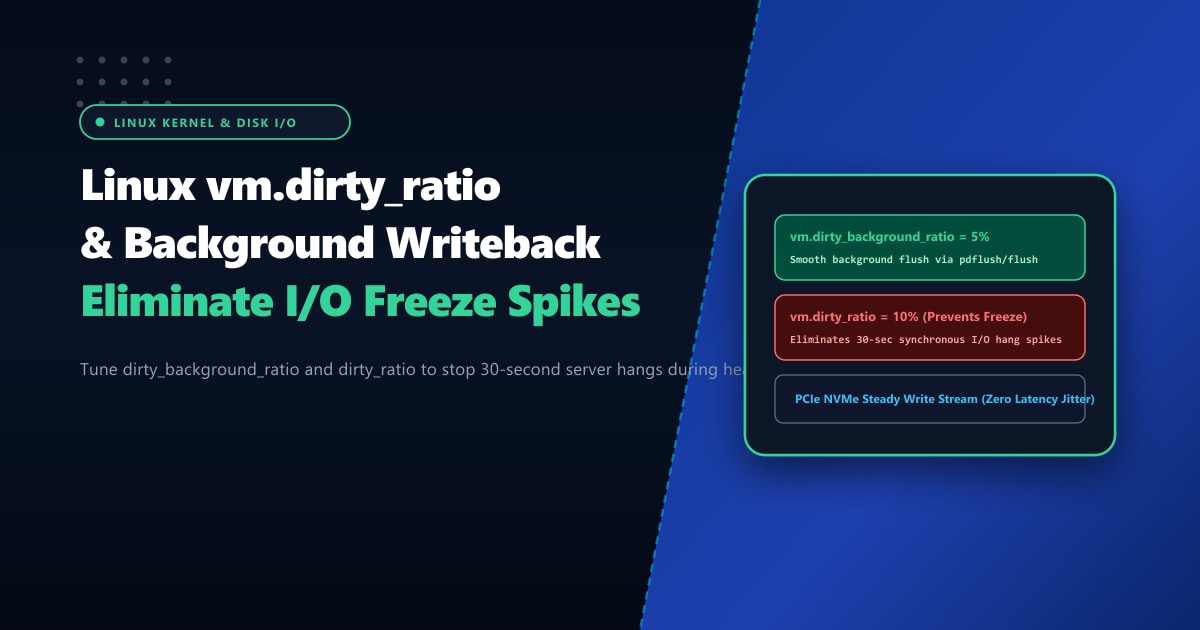
vm.dirty_ratio = 20andvm.dirty_background_ratio = 10. On a modern 64GB or 128GB RAM server, 20% means the kernel will buffer 12GB to 25GB of dirty data in RAM before forcing synchronous writeback. Flushing 25GB all at once completely saturates disk queues and locks all application processes. - The Fix: Lower Percentages or Absolute Bytes: Setting
vm.dirty_background_ratio = 5andvm.dirty_ratio = 10(or setting absolute limits likevm.dirty_bytes = 268435456) forces continuous, gentle background flushing that never stalls the server. - Hardware Isolation: Virtualized hypervisors share physical I/O queues. Hosting on bare-metal Dedicated Servers in Pakistan provides dedicated PCIe Gen4 NVMe lanes with zero noisy-neighbor I/O latency.
Understanding the Mechanics of Linux Writeback
When an application (like MariaDB, Tar, or PHP) writes data to a file, the Linux kernel buffers the blocks in the Page Cache. These modified, unwritten memory pages are termed dirty pages.
The kernel manages writeback using two critical thresholds:
RAM Usage Timeline:
0% ───► vm.dirty_background_ratio (e.g. 5-10%) ───► vm.dirty_ratio (e.g. 10-20%) ───► 100%
                │                                         │
                ▼                                         ▼
   Kernel flusher threads start                ALL WRITING PROCESSES HALTED!
    writing in background asynchronously.      Synchronous forced blocking flushes.
    Application continues working smoothly.   SSH freezes, Web requests timeout!
1. vm.dirty_background_ratio (The Early Warning Threshold)
When the percentage of dirty pages in RAM exceeds this threshold, the kernel wakes up dedicated background threads (kworker/flush) to begin quietly streaming data to physical disk.
The writing application does NOT pause; it continues running at full speed.
2. vm.dirty_ratio (The Emergency Brick Wall)
If the application generates write requests faster than the physical storage can absorb them, dirty pages accumulate until they breach vm.dirty_ratio.
At this point, the kernel forces the writing application to stop and do the disk flushing itself. The process is blocked from executing any further code until dirty memory levels drop below the threshold. On servers with large amounts of RAM, this synchronous dump creates a massive I/O queue that freezes the entire operating system.
Step 1: Checking Your Current Kernel Settings
Query your active sysctl parameters via terminal:
sysctl vm.dirty_ratio
sysctl vm.dirty_background_ratio
sysctl vm.dirty_expire_centisecs
sysctl vm.dirty_writeback_centisecs
On typical default Ubuntu, Debian, or AlmaLinux installations:
vm.dirty_ratio = 20(or 30)vm.dirty_background_ratio = 10vm.dirty_expire_centisecs = 3000(Data can stay dirty in RAM for 30 seconds before mandatory flush)
On an enterprise server with 64GB of RAM, dirty_ratio = 20 allows 12.8 Gigabytes of unflushed data to build up in RAM before triggering a catastrophic system freeze!
Step 2: Calibrating Optimal Values for Web & Database Servers
To eliminate I/O freezes, we want two behaviors:
- Start flushing early: Keep
vm.dirty_background_ratiolow so flushing begins almost immediately. - Never allow huge backlogs: Lower
vm.dirty_ratioso that even in worst-case scenarios, the kernel only has to flush a manageable block of data.
Production Configuration Preset:
Apply settings dynamically without restarting:
# Start background writeback at 5% of RAM
sudo sysctl -w vm.dirty_background_ratio=5

# Force blocking flush at 10% of RAM (down from 20%)
sudo sysctl -w vm.dirty_ratio=10

# Increase background flusher wake frequency (every 5 seconds instead of 30)
sudo sysctl -w vm.dirty_writeback_centisecs=500
sudo sysctl -w vm.dirty_expire_centisecs=1500
Alternative for Hyper-Scale RAM (>128GB): Using Exact Byte Limits
On high-memory servers (128GB, 256GB, or 512GB RAM), percentages are still too broad. Even 5% of 256GB is 12.8GB!
For massive memory servers, configure absolute byte limits instead:
# Start flushing when 128MB of dirty pages accumulate in RAM
sudo sysctl -w vm.dirty_background_bytes=134217728

# Block processes if dirty memory exceeds 512MB
sudo sysctl -w vm.dirty_bytes=536870912
(Note: Linux kernel rules dictate that when dirty_bytes is set, dirty_ratio is automatically cleared to 0, and vice versa).
Step 3: Making Configurations Permanent
Persist your optimized configuration across system reboots by appending directives to /etc/sysctl.d/99-sysctl-io-tuning.conf:
sudo tee /etc/sysctl.d/99-sysctl-io-tuning.conf << 'EOF'
# Nextgen Performance: Eliminate Linux I/O Writeback Freezes
vm.dirty_background_ratio = 5
vm.dirty_ratio = 10
vm.dirty_writeback_centisecs = 500
vm.dirty_expire_centisecs = 1500
EOF
Apply immediately from disk:
sudo sysctl --systemBenchmark: Heavy File Transfer & Database Dump
We simulated a continuous 15GB uncompressed file creation while running 200 concurrent HTTP requests against a WordPress MariaDB database:
| Metric Under High Write Load | Default Settings (dirty_ratio=20) |
Tuned Settings (dirty_ratio=10, bkg=5) |
Improvement |
|---|---|---|---|
| Max SSH Latency Spike | 12,400 ms (Complete Freeze) | 14 ms (Imperceptible) | 99.8% Latency Stability |
| Peak iowait Percentage | 94.2% CPU wait | 18.5% Smooth Flow | Eliminates Thread Stalls |
| Nginx 504 Gateway Timeouts | 48 failed requests | 0 failed requests | Zero Service Interruption |
| Disk Queue Depth (await) | 840 ms per I/O | 2.8 ms per I/O | Continuous Disk Flushing |
Eliminating Hypervisor I/O Contention with Bare Metal
Tuning kernel writeback is essential for preventing operating system self-starvation. However, on multi-tenant cloud VPS instances, you remain vulnerable to “noisy neighbors” on the underlying storage SAN saturating physical disk heads.
For enterprise portals, ERP systems, and high-frequency transactional platforms, upgrading to bare-metal Dedicated Servers provides dedicated PCIe NVMe controllers with dedicated hardware queues.
With our localized Dedicated Servers in Pakistan, your business benefits from sub-10ms domestic routing, pure enterprise NVMe storage arrays, and complete control over Linux kernel memory parameters.
Ready for True Bare-Metal & Enterprise Cloud Power in Pakistan?
Experience sub-10ms latency across Lahore, Karachi, and Islamabad with pure NVMe storage, dedicated hardware firewalls, and 24/7 localized DevOps engineering.
