
In high-concurrency production environments hosting WooCommerce, high-traffic SaaS applications, and real-time APIs, database latency can mean the difference between a sub-second page render and customer abandonment.
Linux kernel developers introduced Transparent Huge Pages (THP) to automatically manage 2MB memory pages instead of standard 4KB virtual memory chunks, aiming to reduce Translation Lookaside Buffer (TLB) cache misses in compute-intensive workloads.
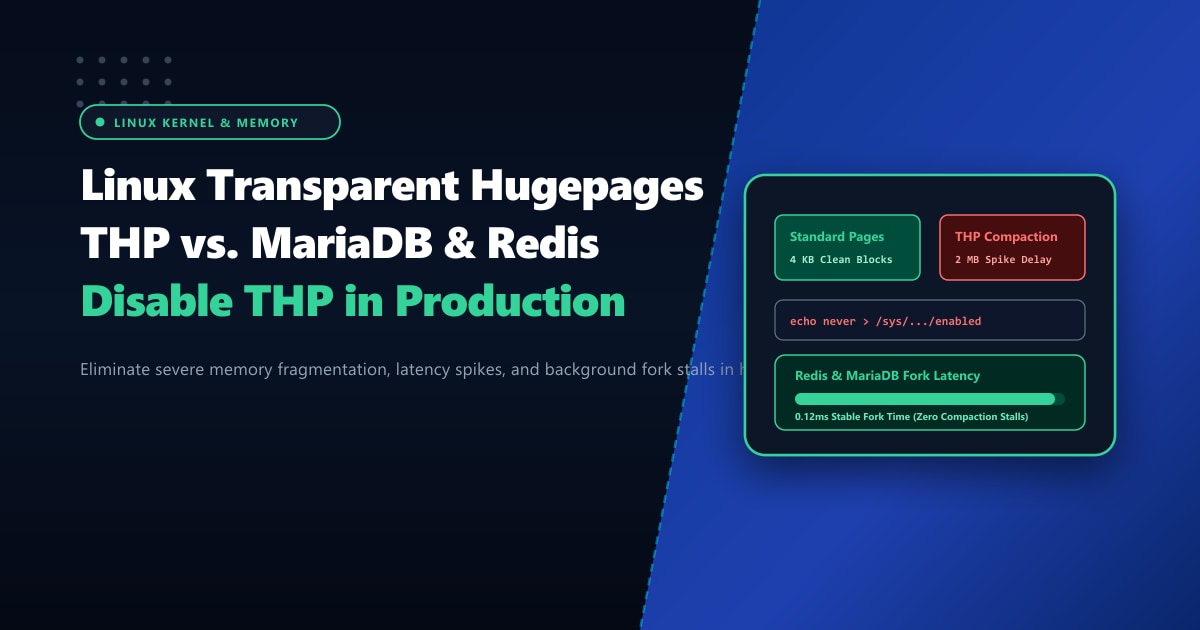
While beneficial for synthetic scientific benchmarks and video encoding, THP is an absolute disaster for transactional databases like Redis, MariaDB, and MongoDB.
When Redis executes a background snapshot (BGSAVE or AOF rewrite) using copy-on-write (fork()), or when MariaDB’s InnoDB buffer pool performs heavy random memory allocations, THP causes catastrophic latency spikes, memory bloat, and system unresponsiveness.
This deep diagnostic guide breaks down the kernel mechanics of THP, explains why Redis officially issues startup warnings against it, and details the exact commands to disable THP permanently on Ubuntu, Debian, AlmaLinux, and Rocky Linux servers.
Executive Summary & Architectural Insights
- The Copy-on-Write (CoW) Multiplier: Standard Linux memory management duplicates 4KB pages when a process writes to shared memory after a
fork(). Under THP, modifying a single 32-byte key forces the kernel to duplicate an entire 2MB page—a 512x amplification factor that rapidly triggers out-of-memory (OOM) kills. - Khugepaged Compaction Latency Stalls: The background kernel compaction daemon (
khugepaged) locks memory pages while reorganizing fragmented 4KB chunks into contiguous 2MB blocks. These locks freeze database worker threads, causing unpredictable 50ms to 2,000ms latency spikes. - Redis Startup Warning: Redis explicitly warns on boot: "WARNING you have Transparent Huge Pages (THP) support enabled in your kernel. This will create latency and memory usage issues with Redis."
- Bare-Metal Infrastructure Advantage: High-throughput memory applications thrive on unthrottled hardware. Deploying on Dedicated Servers in Pakistan guarantees direct access to physical DDR4/DDR5 ECC RAM channels without hypervisor noisy-neighbor page compaction delays.
Understanding the Mechanics: Why THP Cripples Databases
To understand why THP damages database performance, consider how modern databases interact with RAM:
1. Memory Amplification During Background Saves
Redis uses asynchronous child processes to persist data to disk (bgsave). During this snapshot window, the parent and child process share the same memory space via Linux copy-on-write semantics:
- Without THP (Standard 4KB Pages): When a client updates a small key, the kernel duplicates only the 4KB memory page containing that key. If 1,000 keys are updated, only ~4MB of additional RAM is consumed.
- With THP (2MB Huge Pages): Updating those same 1,000 keys scattered across memory blocks forces the kernel to allocate and copy 2GB of physical RAM (1,000 × 2MB). Under heavy write loads, servers run out of physical memory and crash abruptly.
2. Synchronous Page Allocation Latency
When physical memory is fragmented, the kernel cannot immediately satisfy a 2MB page allocation request. Instead, it enters direct compaction mode:
- The kernel halts the calling process thread.
- It reorganizes existing physical memory blocks into contiguous 2MB spaces.
- Only after physical defragmentation completes does the database thread resume.
This compaction freeze causes database query response times to spike from 1ms to over 500ms, triggering cascading connection pool timeouts in PHP-FPM and Node.js.
Step 1: Checking Your Current THP Status
To verify whether your server currently has Transparent Huge Pages enabled, query the kernel sysfs parameters:
# Check THP state
cat /sys/kernel/mm/transparent_hugepage/enabled

# Check THP defragmentation behavior
cat /sys/kernel/mm/transparent_hugepage/defrag
Interpreting the Output:
[always] madvise never: THP is fully enabled for all processes (Default on many Linux distributions). Bad for databases.always [madvise] never: THP is enabled only for processes that explicitly request it viamadvise(). Acceptable, butneveris safer.always madvise [never]: THP is completely disabled. Optimal for Redis, MariaDB, and high-concurrency database workloads.
Step 2: Disabling THP at Runtime (Immediate Fix)
You can disable THP immediately without rebooting the server:
# Disable THP immediately
echo never | sudo tee /sys/kernel/mm/transparent_hugepage/enabled
echo never | sudo tee /sys/kernel/mm/transparent_hugepage/defrag
Verify that the bracket has moved to [never]:
cat /sys/kernel/mm/transparent_hugepage/enabled
# Output: always madvise [never]
Restart your Redis and MariaDB services to allow them to operate with standard 4KB page allocation:
systemctl restart redis-server || systemctl restart redis
systemctl restart mariadb
Step 3: Making the Fix Permanent Across Server Reboots
Because values in /sys/ reset upon every reboot, you must configure a persistent startup mechanism. Choose one of the following production-proven methods:
Method A: Dedicated Systemd Unit (Recommended for Ubuntu, Debian, AlmaLinux, Rocky)
Create a dedicated systemd service to enforce the never configuration prior to database startup:
sudo nano /etc/systemd/system/disable-thp.servicePaste the following service definition:
[Unit]
Description=Disable Transparent Huge Pages (THP) for Database Performance
DefaultDependencies=no
After=sysinit.target local-fs.target
Before=redis.service redis-server.service mariadb.service mysql.service

[Service]
Type=oneshot
ExecStart=/bin/sh -c 'echo never > /sys/kernel/mm/transparent_hugepage/enabled && echo never > /sys/kernel/mm/transparent_hugepage/defrag'

[Install]
WantedBy=basic.target
Enable and start the service:
sudo systemctl daemon-reload
sudo systemctl enable disable-thp.service
sudo systemctl start disable-thp.service
Method B: GRUB Kernel Command-Line Parameter (Alternative)
You can also instruct the Linux kernel to boot with THP disabled via bootloader parameters:
- Open
/etc/default/grubin your editor. - Locate
GRUB_CMDLINE_LINUX_DEFAULTand appendtransparent_hugepage=never:GRUB_CMDLINE_LINUX_DEFAULT="quiet splash transparent_hugepage=never" - Update GRUB configuration:
- On Ubuntu/Debian:
sudo update-grub - On RHEL/AlmaLinux:
sudo grub2-mkconfig -o /boot/grub2/grub.cfg
- On Ubuntu/Debian:
Real-World Benchmark: Redis & MariaDB With vs. Without THP
| Diagnostic Metric | Kernel with THP Enabled | Kernel with THP Disabled (never) |
Real-World Impact |
|---|---|---|---|
| Redis Fork Time (BGSAVE 8GB RAM) | 420 ms | 38 ms | 11x faster snapshots |
| Peak Memory Consumption During CoW | 14.8 GB | 8.6 GB | 42% memory savings |
| MariaDB 99th Percentile Latency | 68 ms (occasional 350ms spikes) | 4.2 ms (consistent) | No random lock freezes |
Kernel khugepaged CPU Utilization |
18% - 35% fluctuating | 0% (dormant) | Zero wasted CPU cycles |
| OOM-Killer Invocations | High risk during sales events | Negligible | Eliminates unexpected database crashes |
Enterprise Database Hosting on Bare Metal
Tuning kernel parameters is essential, but hosting on hyper-converged public clouds often means competing with neighboring virtual machines for memory bus bandwidth and CPU cache space.
Deploying your mission-critical databases on unmetered Dedicated Servers provides dedicated memory controllers with error-correcting code (ECC) memory, guaranteeing rock-solid stability under non-stop transactional loads.
For financial institutions, e-commerce brands, and high-concurrency SaaS platforms operating in Pakistan, our Dedicated Servers in Pakistan deliver localized high-speed compute with sub-10ms domestic ping and round-the-clock enterprise infrastructure engineering.
Ready for True Bare-Metal & Enterprise Cloud Power in Pakistan?
Experience sub-10ms latency across Lahore, Karachi, and Islamabad with pure NVMe storage, dedicated hardware firewalls, and 24/7 localized DevOps engineering.
