
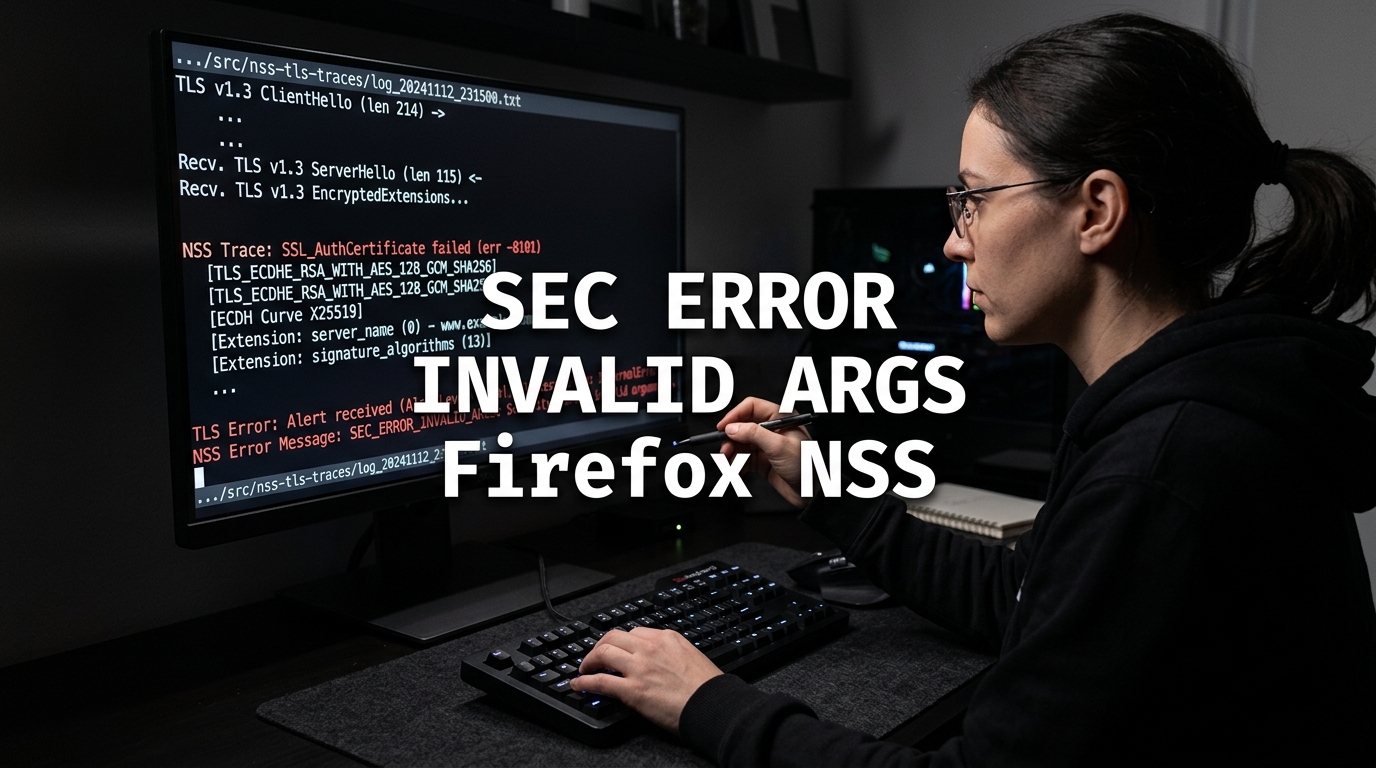
When testing new TLS 1.3 features or deploying custom web server configurations, system administrators frequently test in Chromium-based browsers before validating in Mozilla Firefox. Chromium utilizes BoringSSL, which is forgiving toward certain non-standard parameters in TLS negotiation. In contrast, Mozilla Firefox relies on strict Network Security Services (NSS) runtime checks.
A catastrophic handshake error encountered when TLS parameters are malformed or incompatible is:
An error occurred during a connection to example.pk.
SEC_ERROR_INVALID_ARGS
Error code: SEC_ERROR_INVALID_ARGS
This error code indicates that an internal function call inside NSS (SECStatus = SECFailure) received illegal, unparseable, or out-of-bounds arguments during cryptographic state-machine processing. On production websites hosted on a Dedicated Server, SEC_ERROR_INVALID_ARGS is almost always caused by server-side mismatches between the negotiated cipher suite, elliptic curves (ECDHE), and signature algorithms.
Cryptographic Mechanics: Why NSS Throws SEC_ERROR_INVALID_ARGS
During the TLS 1.2 or TLS 1.3 handshake, the browser transmits a ClientHello containing:
- Supported Cipher Suites (e.g.,
TLS_AES_128_GCM_SHA256,ECDHE-RSA-AES128-GCM-SHA256). - Supported Named Groups / Key Share (e.g.,
x25519,secp256r1,secp384r1). - Supported Signature Algorithms (e.g.,
rsa_pss_rsae_sha256,ecdsa_secp256r1_sha256).
Under normal operation, the server selects a mutually agreeable combination and responds with ServerHello and KeyShare. However, NSS invokes SEC_ERROR_INVALID_ARGS under specific fault conditions:
- Incompatible Curve / Key Share Parameter: The server responds with a Key Share on an elliptic curve or Finite Field Diffie-Hellman group that the client did not advertise or with invalid point coordinates.
- Signature Algorithm vs. Key Type Mismatch: The server signs the handshake using a hashing algorithm or signature scheme that is mathematically invalid for the presented public key (e.g., attempting an Ed25519 signature with an RSA private key).
- Invalid TLS Record Padding / Encrypted Extensions: In TLS 1.3, if early data (0-RTT) or encrypted extension lengths do not match ASN.1 bounds, NSS’s internal parsing function fails argument validation.
- Hardware Acceleration / FIPS Driver Bug: In enterprise Linux distributions with FIPS mode enabled or buggy OpenSSL engine plugins, crypto parameters passed to NSS fail validation checks.
Step-by-Step Diagnostic with OpenSSL
To uncover exactly which parameter is causing NSS to abort, use OpenSSL to test specific protocol components from a remote Cloud VPS:
1. Test Elliptic Curve Negotiation
Check which curve your server is selecting:
openssl s_client -connect example.pk:443 -curves X25519:prime256v1 -tls1_3 </dev/nullLook for:
Server Temp Key: X25519, 253 bitsIf the server forces a legacy or non-standard curve (such as sect283k1 or custom FIPS curves), modern Firefox NSS cannot map the parameter points and returns SEC_ERROR_INVALID_ARGS.
2. Test Supported Signature Algorithms
Simulate Firefox’s exact signature algorithm preferences:
openssl s_client -connect example.pk:443 \
    -sigalgs ecdsa_secp256r1_sha256:rsa_pss_rsae_sha256:rsa_pkcs1_sha256 \
    -servername example.pk </dev/null
If OpenSSL aborts with alert handshake failure or no shared cipher, the server’s certificate or cipher configuration lacks compatible signing primitives.
Resolving the Issue in Nginx, Apache & cPanel
To ensure 100% interoperability with Mozilla NSS and modern cryptographic standards on a Dedicated Server in Pakistan, configure standard ciphers, curves, and protocol versions.
Fix 1: Enforce Standard ECDHE Curves in Nginx
Edit your Nginx SSL configuration (/etc/nginx/conf.d/ssl.conf):
# Enable modern TLS protocols only
ssl_protocols TLSv1.2 TLSv1.3;

# Specify RFC-standard named elliptic curves supported universally by Firefox NSS
ssl_ecdh_curve X25519:prime256v1:secp384r1;

# Modern, secure cipher suites without obsolete parameters
ssl_ciphers 'ECDHE-ECDSA-AES128-GCM-SHA256:ECDHE-RSA-AES128-GCM-SHA256:ECDHE-ECDSA-AES256-GCM-SHA384:ECDHE-RSA-AES256-GCM-SHA384:ECDHE-ECDSA-CHACHA20-POLY1305:ECDHE-RSA-CHACHA20-POLY1305:DHE-RSA-AES128-GCM-SHA256:DHE-RSA-AES256-GCM-SHA384';

ssl_prefer_server_ciphers off;
Reload Nginx:
nginx -t && systemctl reload nginxFix 2: Standardize Apache / cPanel SSL Directives
In WHM, navigate to Service Configuration >> Apache Configuration >> Global Configuration:
Set the SSL Cipher Suite to the Mozilla Intermediate profile:
ECDHE-ECDSA-AES128-GCM-SHA256:ECDHE-RSA-AES128-GCM-SHA256:ECDHE-ECDSA-AES256-GCM-SHA384:ECDHE-RSA-AES256-GCM-SHA384:DHE-RSA-AES128-GCM-SHA256:DHE-RSA-AES256-GCM-SHA384Set SSL/TLS Protocols to:
+TLSv1.2 +TLSv1.3Rebuild configuration:
/usr/local/cpanel/scripts/rebuildhttpdconf
/usr/local/cpanel/scripts/restartsrv_httpd
Fix 3: Reissue Certificate if Key-Pair Corrupted
If the private key was generated with non-standard curve parameters (e.g., using openssl ecparam -name secp256k1 intended for cryptocurrency applications rather than standard web TLS), reissue the certificate with standard RSA 2048/4096 or ECDSA prime256v1:
# Generate compliant ECDSA prime256v1 key
openssl ecparam -name prime256v1 -genkey -noout -out /etc/ssl/private/domain.key

# Issue standard certificate with Certbot
certbot certonly --standalone -d example.pk --key-type ecdsa
Comparative Analysis of NSS Handshake Errors
| NSS Error Code | Layer | Root Cause | Primary Fix |
|---|---|---|---|
SEC_ERROR_INVALID_ARGS |
NSS Crypto Engine | Illegal curve, point, or sigalg parameters | Enforce X25519:prime256v1 curves |
SEC_ERROR_NO_MEMORY |
Arena Allocator | Oversized cert chain or socket buffer bloat | Reduce ssl_buffer_size to 4k |
SEC_ERROR_UNKNOWN_CRITICAL_EXT |
X.509 RFC 5280 | Private unhandled critical OID in certificate | Reissue without critical flags |
SEC_ERROR_CERT_NOT_IN_NAME_SPACE |
PKI Constraint | Domain outside intermediate CA subtree | Align DNS SAN with CA constraints |
For additional cryptographic troubleshooting, review our architectural guides on Fixing SEC_ERROR_NO_MEMORY in Firefox and Fixing SEC_ERROR_CERT_CONTAINS_UNKNOWN_CRITICAL_EXT.
Eliminate TLS handshake rejections, NSS cryptographic errors, and cipher incompatibilities with enterprise dedicated servers optimized for modern HTTP/2, HTTP/3, and TLS 1.3.
