
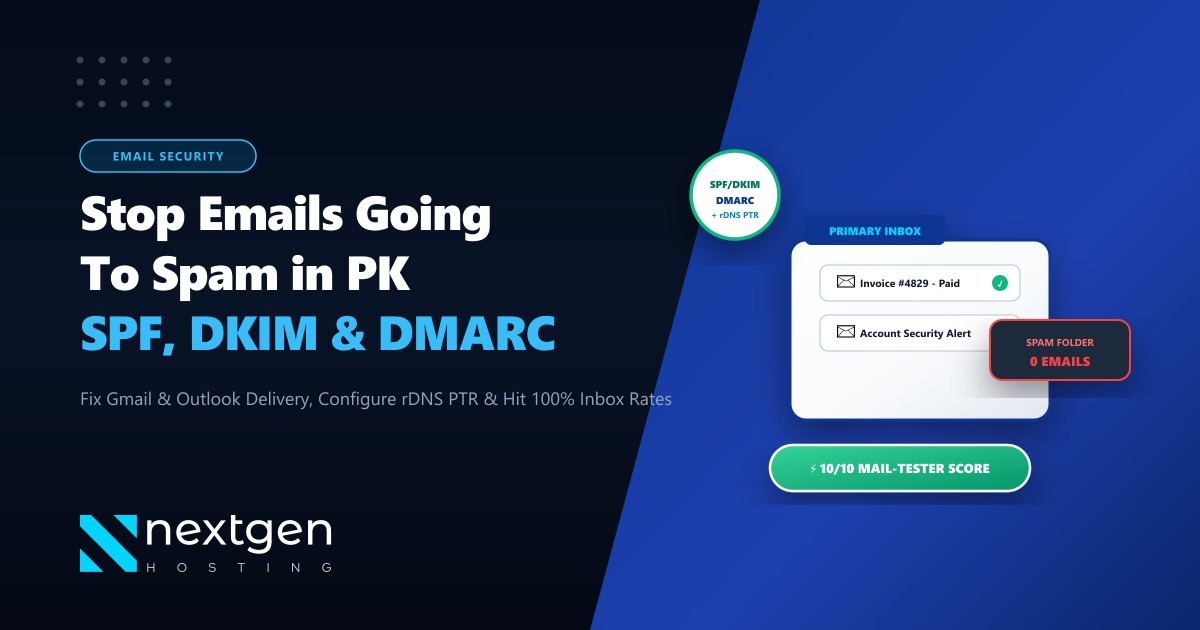
There is nothing more damaging to a Pakistani business than sending a critical sales proposal, order confirmation, or password reset email—only for it to vanish straight into your client’s Spam or Junk folder.
In 2026, major email mailbox providers—chiefly Google (Gmail) and Microsoft (Outlook/Office 365)—have enacted strict, automated sender requirements. Domains that send email without proper cryptographic authentication (SPF, DKIM, DMARC, and matching reverse DNS PTR records) are immediately flagged, rate-limited, or rejected at the gateway.
Yet, hundreds of Pakistani businesses, eCommerce brands, and web agencies still operate on default email configurations with missing authentication headers or blacklisted shared server IPs.
If your corporate emails are failing to land in inboxes, here is your definitive step-by-step engineering guide to achieving a flawless 10/10 deliverability score on Mail-Tester.
The 4 Pillars of Email Authentication
- SPF (Sender Policy Framework): A public DNS TXT record declaring which server IP addresses are authorized to send email on behalf of your domain name.
- DKIM (DomainKeys Identified Mail): A public-key cryptographic signature appended to outgoing email headers that verifies the email was not forged or altered in transit.
- DMARC (Domain-based Message Authentication): Instructs receiving servers (Gmail, Yahoo, Outlook) what to do when SPF or DKIM checks fail (
p=none,p=quarantine, orp=reject). - Reverse DNS (rDNS / PTR): Verifies that your server's sending IP address resolves backward to your fully qualified hostname (FQDN), a mandatory requirement for Gmail and Microsoft mail servers.
1. How Modern Mail Servers Evaluate Your Email
When your server in Pakistan sends an email to a recipient at [email protected], Google’s incoming mail gateway executes a multi-point cryptographic verification:
[Outbound Email Pipeline]
Your Mail Server (Postfix / Exim) ──► Generates Message + Signs with DKIM Private Key
                                                                 │
                                                                 ▼
Google Mail Gateway (Gmail) ◄────────────────────────────────────┘
       │
       ├─► 1. Checks SPF: Does sending IP match your domain's SPF record?
       ├─► 2. Checks DKIM: Does cryptographic signature match your public DNS key?
       ├─► 3. Checks DMARC: Do SPF/DKIM domains align with your "From:" address?
       ├─► 4. Checks rDNS PTR: Does IP reverse-resolve to server's FQDN?
       │
       ▼
ALL 4 CHECKS PASS ──► Delivered to PRIMARY INBOX (100% Trust)
ANY CHECK FAILS   ──► Routed to SPAM or Bounced with 550 Error
2. Step-by-Step DNS Authentication Records
Add these 4 essential records to your domain’s DNS zone (via cPanel Zone Editor, Cloudflare, or your DNS provider):
1. SPF Record (Sender Policy Framework)
Create a TXT record at your root domain (@ or yourdomain.pk):
Name: @ (or yourdomain.pk)
Type: TXT
TTL:  3600
Value: v=spf1 +a +mx +ip4:103.xxx.xxx.xxx ~all
(Replace 103.xxx.xxx.xxx with your dedicated server or VPS IP. The ~all flag specifies a soft fail for unauthorized senders).
2. DKIM Record (DomainKeys Identified Mail)
Generate a 2048-bit DKIM key pair via cPanel (under Email Deliverability) or OpenDKIM on Linux. Publish the public key as a TXT record:
Name: default._domainkey.yourdomain.pk
Type: TXT
TTL:  3600
Value: v=DKIM1; k=rsa; p=MIIBIjANBgkqhkiG9w0BAQEFAAOCAQ8AMIIBCgKCAQEA...[YourPublicKey]...
3. DMARC Record (Policy & Reporting)
Create a TXT record under the _dmarc subdomain to enforce authentication alignment and receive diagnostic failure reports:
Name: _dmarc.yourdomain.pk
Type: TXT
TTL:  3600
Value: v=DMARC1; p=quarantine; rua=mailto:[email protected]; pct=100; sp=quarantinep=quarantine: Instructs recipient servers to place unauthorized emails in Spam rather than rejecting them outright. Once verified, escalate policy top=reject.rua: Specifies where daily XML diagnostic reports should be sent.
4. Reverse DNS (rDNS / PTR Record)
Unlike SPF, DKIM, and DMARC which live in your domain’s DNS, the PTR record must be configured by your hosting provider on your server’s IP address:
# Verify your server's reverse DNS PTR record:
dig -x 103.xxx.xxx.xxx +short

# Expected Output:
# mail.yourdomain.pk
If your IP returns no PTR record or a generic hostname (like static.103.xxx.isp.net), Gmail will drop your messages with a 550-5.7.1 error.
3. Dedicated Clean IP vs. Dirty Shared IP Pools
On cheap shared hosting in Pakistan, hundreds of unrelated websites share a single outbound mail IP. If an infected WordPress site on that server sends spam or phishing blasts, the entire server IP gets blacklisted on Spamhaus, Barracuda, and SORBS.
Even if your own SPF and DKIM records are configured perfectly, you suffer collateral damage because your shared neighbor burned the IP reputation.
For critical corporate communications, transactional eCommerce notifications, and invoice delivery, having a Dedicated Clean IP Address is mandatory.
Our global Dedicated Servers include clean, dedicated IPv4 addresses with full reverse DNS PTR delegation, ensuring your emails bypass spam filters effortlessly.
If your business serves local banking, healthcare, or government clients within Pakistan and you require ultra-fast local mail transit, our Dedicated Servers in Pakistan provide domestic datacenter hosting with pristine domestic IP subnets.
4. Testing Your Deliverability Score
Before sending client campaigns, test your email health using Mail-Tester.com:
- Send a test email from your domain to the unique address provided by Mail-Tester.
- Click “Check your score”.
- Verify that you achieve a 10/10 score with zero blacklist warnings and valid SPF, DKIM, and DMARC passes.
Ensure 100% Email Inbox Delivery with Nextgen
Never lose a business lead to the spam folder. Nextgen Hosting provides dedicated clean IP addresses, automated SPF/DKIM/DMARC wizards, pure NVMe cloud infrastructure, and 24/7 technical support in Pakistan.
