
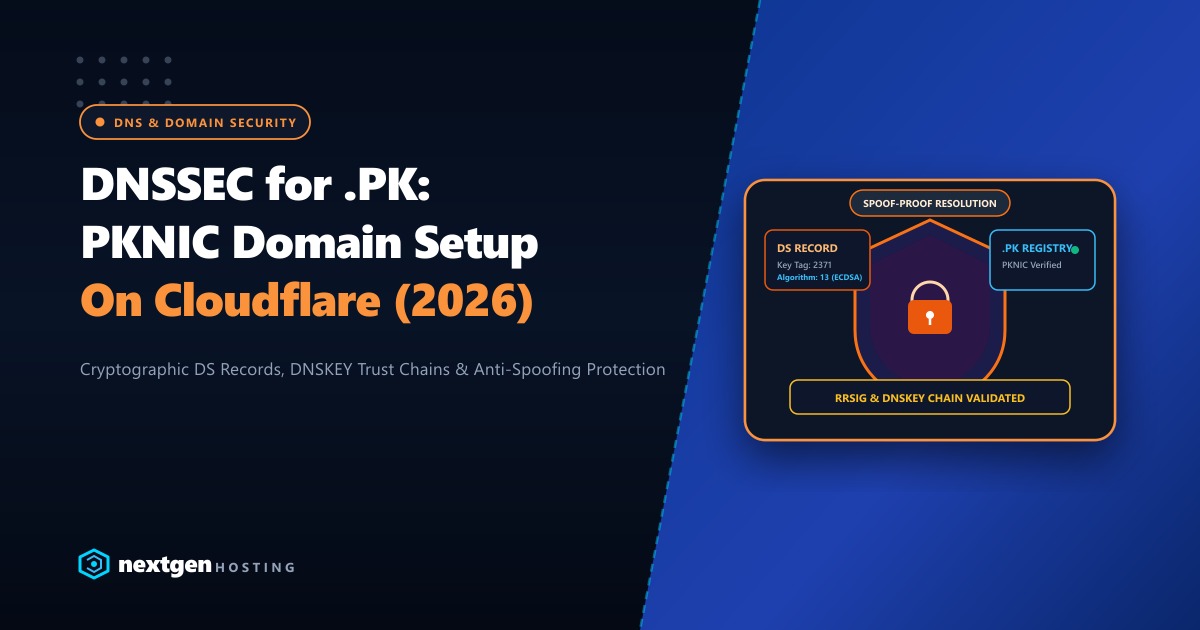
Domain Name System Security Extensions (DNSSEC) are one of the most critical—yet widely neglected—cybersecurity standards for Pakistani enterprises, banks, educational institutions, and government portals.
Without DNSSEC, the classic DNS protocol has zero cryptographic authenticity. An attacker executing a DNS cache poisoning attack or local ISP resolver spoofing (DNS hijacking) can forge DNS responses, redirecting your legitimate visitors to a fraudulent phishing clone of your website—even if your website displays an active SSL/TLS padlock!
With PKNIC’s updated registry infrastructure, Pakistani domain owners (.pk, .com.pk, .org.pk, .edu.pk, .net.pk) can now deploy end-to-end cryptographic trust chains.
Here is our complete technical walkthrough for generating and activating DNSSEC for your .pk domains on Cloudflare and cPanel/WHM in 2026.
DNSSEC Core Fundamentals
- How DNSSEC Protects You: DNSSEC adds digital signatures (
RRSIG) to your DNS records using public-key cryptography. Resolvers verify that the record received matches the private key held by the zone owner, preventing unauthorized alterations. - The Delegation Signer (DS) Record: To bridge trust between your DNS provider and the parent registry, a
DSrecord containing the cryptographic hash of your Key Signing Key (KSK) must be submitted to the PKNIC registry. - Recommended Algorithm: Always choose Algorithm 13 (ECDSA Curve P-256 with SHA-256). It produces compact, efficient signatures that reduce packet amplification risks compared to legacy RSA algorithms.
- Zero-Downtime Guarantee: Enabling DNSSEC properly introduces zero downtime and zero latency for end users because cryptographic signatures are cached directly by resolving nameservers.
1. How the DNSSEC Cryptographic Trust Chain Operates
DNSSEC relies on a hierarchical chain of trust originating at the Internet’s ICANN Root Zone down to your specific .pk domain:
[ Root Zone (.) ] -> Signs root DS records
        │
        ▼
[ .PK ccTLD Registry (PKNIC) ] -> Stores your domain's DS Record
        │
        ▼
[ Your Authoritative Nameserver (Cloudflare / cPanel) ] -> Stores DNSKEY & signs RRSIG
        │
        ▼
[ Client Resolver (Cloudflare 1.1.1.1, Google 8.8.8.8, PTCL DNS) ] -> Cryptographically Validates Answer
If an attacker attempts to intercept the DNS lookup and supply an unauthorized IP address, the client’s resolver verifies the digital signature against the PKNIC registry record, detects the signature mismatch, and safely drops the forged response with a SERVFAIL status.
2. Enabling DNSSEC on Cloudflare for a .PK Domain
Cloudflare provides single-click DNSSEC key generation:
Step 1: Generate DNSSEC Keys in Cloudflare
- Log into your Cloudflare Dashboard and select your
.pkdomain. - Navigate to DNS > Settings.
- Scroll down to the DNSSEC section and click Enable DNSSEC.
- Cloudflare will automatically generate your cryptographic parameters and display a modal containing:
- Key Tag: (e.g.,
2371) - Algorithm:
13(ECDSA Curve P-256 with SHA-256) - Digest Type:
2(SHA-256) - Digest: (A 64-character hexadecimal hash string)
- Public Key: (Base64 string)
- Key Tag: (e.g.,
3. Submitting DS Records to PKNIC Registry
To anchor the cryptographic trust chain, the DS record generated by Cloudflare or cPanel must be submitted to PKNIC:
- Log into your PKNIC Domain Management Portal (
pknic.net.pk). - Select your registered
.pkdomain from your dashboard. - Click on Manage DNSSEC / DS Records.
- Enter the exact parameters provided by your DNS provider:
- Key Tag: Enter the 4-5 digit Key Tag.
- Algorithm: Select
13 - ECDSA P-256 with SHA-256. - Digest Type: Select
2 - SHA-256. - Digest Hash: Paste the 64-character string carefully without extra whitespace.
- Save changes.
Propagation Note: PKNIC syncs zone delegations periodically. Allow 2 to 6 hours for the new DS record to propagate across global root and TLD nameservers.
4. Enabling DNSSEC in cPanel & WHM
If you host your own authoritative DNS servers on cPanel/WHM (using BIND or PowerDNS):
In cPanel (User Account Level):
- Log into your cPanel account.
- Under the Domains section, click on Zone Editor.
- Locate your
.pkdomain and click DNSSEC. - Click Create Key. Choose ECDSA P-256 and enable Active.
- Once generated, click View DS Record. Copy the Key Tag, Algorithm, Digest Type, and Digest into your PKNIC portal.
In WHM (Root Server Level via CLI):
To automate or inspect DNSSEC keys directly from the terminal on your cPanel server:
# Query active DNSSEC keys for domain
whmapi1 dnssec_get_records domain=yourdomain.pk

# Sign zone manually if using PowerDNS
pdnsutil secure-zone yourdomain.pk
pdnsutil show-zone yourdomain.pk
5. Validating DNSSEC Deployment
After submitting your DS record, verify the cryptographic integrity using command-line DNS diagnostics and online validators:
Method 1: Command Line dig Verification
Run this command from your terminal to verify that the ad (Authentic Data) flag is returned by validating resolvers:
# Query with DNSSEC checking enabled (+dnssec) and validate Authentic Data flag (+adflag)
dig +dnssec +adflag @1.1.1.1 yourdomain.pk A

# Query the parent registry directly for the DS record
dig @a.pknic.net.pk yourdomain.pk DS
Look for flags: qr rd ra ad in the response header. The presence of ad confirms your domain’s responses are authenticated end-to-end!
Method 2: Global DNSSEC Visualizers
Input your domain into the Verisign DNSSEC Debugger (dnssec-debugger.verisignlabs.com) or DNSViz (dnsviz.net). You should see a green, unbroken cryptographic chain from the root key down to your domain’s A records.
6. Secure Hosting Infrastructure for Mission-Critical Domains
Securing your DNS resolution with DNSSEC is only the first line of defense. The origin server hosting your database, web application, and mail services must be equally impenetrable.
Our global Dedicated Servers provide bare-metal isolation, hardware firewall options, and dedicated IP allocations that prevent IP poisoning and neighbor-induced security compromises.
For Pakistani enterprises, healthcare providers, and financial platforms subject to strict State Bank of Pakistan (SBP) cybersecurity regulations, our Dedicated Servers in Pakistan provide local physical servers in Karachi and Lahore with sub-10ms domestic latency, compliant physical data residency, and dedicated 24/7 network engineering support.
Protect Your Brand with Enterprise DNS & Dedicated Infrastructure
Eliminate domain spoofing and infrastructure vulnerabilities. Host your mission-critical applications on Nextgen's secure, ultra-fast bare-metal and cloud servers in Pakistan.
