
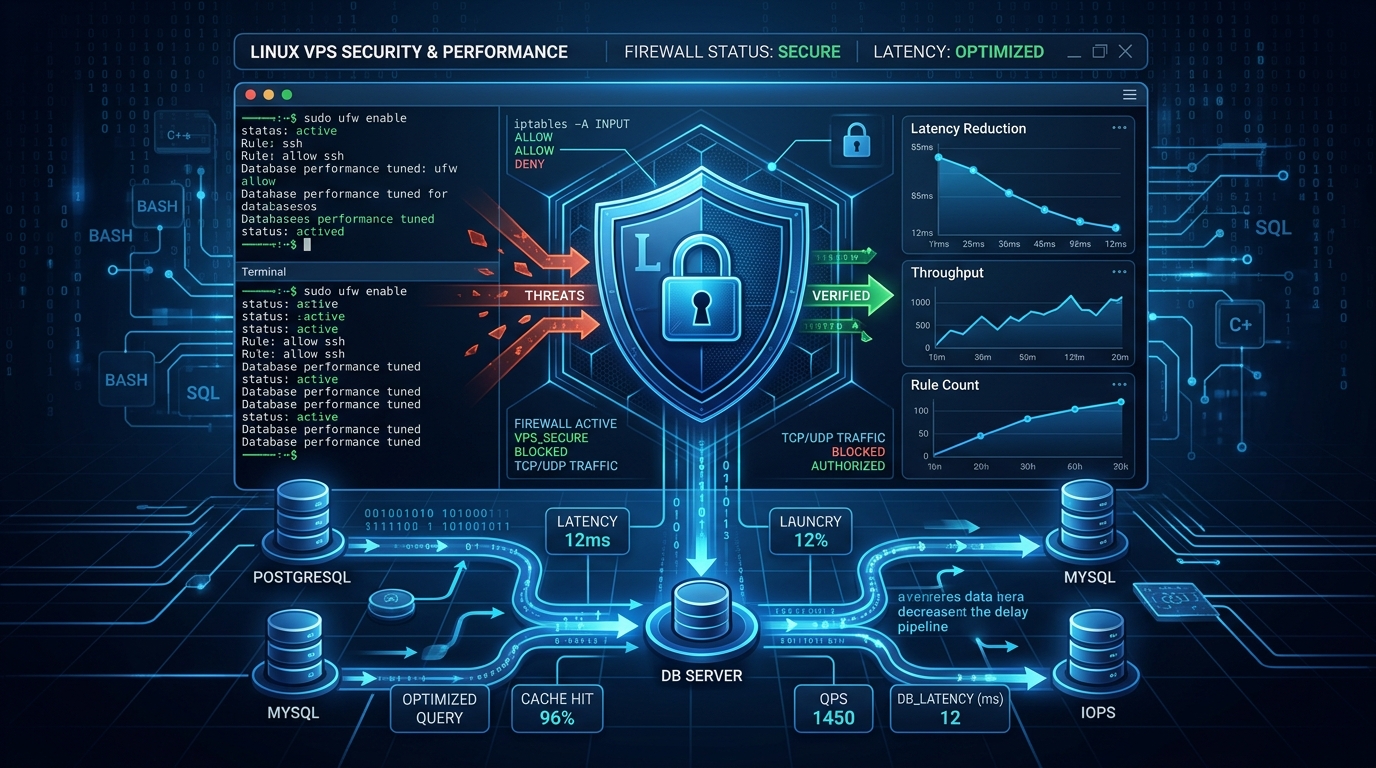
When managing multi-tenant cPanel environments, high-traffic API backends, or enterprise web nodes on Dedicated Servers in Pakistan, vanilla iptables or UFW quickly fall short. They lack dynamic behavioral intrusion detection, real-time log parsing, and automated brute-force remediation.
This is where ConfigServer Security & Firewall (CSF) combined with the Login Failure Daemon (LFD) becomes the de-facto industry standard. CSF provides a high-performance Netfilter wrapper, while LFD constantly scans syslog, auth logs, Apache/LiteSpeed error logs, and Exim mail streams to detect, throttle, and permanently ban malicious actors in milliseconds.
However, running CSF with out-of-the-box defaults leaves systems vulnerable to false-positive lockouts, memory exhaust under SYN floods, or unthrottled brute-force attempts on SSH and cPanel ports. Here is the definitive production hardening blueprint.
Understanding the CSF and LFD Architecture
CSF operates on top of Linux Netfilter (iptables and ipset). When configured properly, CSF offloads high-volume blocklists directly to ipset, keeping kernel memory lookups at (O(1)) hash complexity instead of sequentially evaluating tens of thousands of iptables chains.
Incoming Network Traffic
           │
           ▼
     [Netfilter / iptables] ──► ipset Hash Match? ──► [DROP] (O(1) Instant Drop)
           │
           ├──► [CSF Packet Filters] (Stateful TCP/UDP/ICMP tracking)
           │
           ▼
    Host Services (SSH, Web, Mail, cPanel)
           │
           ▼ (Generates Auth / Access Logs)
      [/var/log/secure, /var/log/messages, exim_mainlog]
           │
           ▼
       [LFD Daemon] ──► Pattern Regex Match ──► [Temporary / Permanent IP Ban]
                              │
                              └──► Pushes bad IP directly into CSF / ipset
Essential Pre-Requisite: Enabling ipset Support
By default, CSF stores blocked IP addresses in flat iptables rules. When your server blocks more than 1,000 bots, the sequential scanning of iptables chains causes CPU spikes in kernel softirqd processing.
Enabling ipset allows CSF to store hundreds of thousands of blocked IPs in kernel hash tables with virtually zero CPU overhead:
# 1. Install ipset package on Enterprise Linux (RHEL, AlmaLinux, Rocky)
sudo dnf install ipset ipset-devel -y

# On Ubuntu / Debian
sudo apt-get install ipset -y

# 2. Enable IPSET in /etc/csf/csf.conf
sudo sed -i 's/^LF_IPSET = "0"/LF_IPSET = "1"/' /etc/csf/csf.conf
sudo sed -i 's/^LF_IPSET_TEMPTIMEOUT = "0"/LF_IPSET_TEMPTIMEOUT = "1"/' /etc/csf/csf.conf
Step-by-Step Production Tuning in /etc/csf/csf.conf
Open /etc/csf/csf.conf and adjust the following critical production directives:
1. Turn Off Testing Mode and Secure Incoming Ports
# Disable testing mode (testing mode resets rules every 5 minutes)
TESTING = "0"

# Restrict incoming TCP ports to only essential services
# (Example: 22=SSH, 80=HTTP, 443=HTTPS, 2083=cPanel SSL, 2087=WHM SSL)
TCP_IN = "22,80,443,2083,2087"

# Restrict outbound TCP connections (prevents compromised PHP shells from connecting out)
TCP_OUT = "80,443,53,123"

# Restrict UDP ports (essential for DNS resolution and NTP time sync)
UDP_IN = "53"
UDP_OUT = "53,123"
2. Advanced Connection Limit Protection (CONNLIMIT)
Mitigate HTTP and SSH denial-of-service connection exhaustion by capping concurrent active states per remote IP:
# Format: port;max_concurrent_connections
# Limits concurrent connections per IP: 20 on SSH (22), 60 on HTTP (80), 80 on HTTPS (443)
CONNLIMIT = "22;5,80;60,443;80"
3. Port Flood Rate Limiting (PORTFLOOD)
Prevent rapid SYN/ACK connection floods by dropping traffic exceeding burst thresholds within a sliding second window:
# Format: port;protocol;hit_count;time_window_seconds
# Blocks IP if it opens more than 5 SSH connections in 10s, or 40 HTTPS connections in 3s
PORTFLOOD = "22;tcp;5;10,443;tcp;40;3"
4. Aggressive Brute Force Detection in LFD
Tuning Login Failure Daemon (LFD) triggers ensures rapid protection against credential stuffing attacks on corporate web nodes and Dedicated Servers:
# SSH brute force: trigger ban after 4 failed attempts within 300 seconds
LF_SSHD = "4"
LF_SSHD_PERM = "3600" # 1 hour temporary ban (or set to 1 for permanent ban)

# Web server 404/403 scanning (detects vulnerability scanners like WPScan / Nikto)
LF_APACHE_404 = "150"
LF_APACHE_404_PERM = "1800"

# cPanel / WHM login failures
LF_CPANEL = "4"
LF_CPANEL_PERM = "86400" # 24 hour ban

# Exim SMTP authentication brute-force
LF_SMTPAUTH = "5"
LF_SMTPAUTH_PERM = "86400"
Whitelisting Trusted Management Subnets (/etc/csf/csf.allow)
Before restarting CSF, always whitelist your office static IP or administrative VPN CIDR blocks in /etc/csf/csf.allow and /etc/csf/csf.ignore to prevent accidental administrator lockout:
# Add trusted static management IP with inline comment
echo "202.59.80.12 # Headquarters NOC" | sudo tee -a /etc/csf/csf.allow
echo "202.59.80.12" | sudo tee -a /etc/csf/csf.ignore

# Add internal management VPN subnet (e.g. WireGuard mesh)
echo "10.8.0.0/24 # Internal Ops VPN" | sudo tee -a /etc/csf/csf.allow
echo "10.8.0.0/24" | sudo tee -a /etc/csf/csf.ignore
Reloading and Verifying CSF Status
Apply the configuration changes:
# Test firewall configuration integrity and reload rules
sudo csf -r
Verify that IPSET and LFD are functioning properly:
# Check status of CSF rules and active IPSET sets
sudo csf -l

# Check LFD background daemon status
sudo systemctl status lfd --no-pager
To view real-time intrusion bans:
# Tail LFD log file to monitor automated IP blocking in real time
sudo tail -f /var/log/lfd.log
Example active defense output:
Oct  5 04:12:01 server1 lfd[18492]: (sshd) Failed SSH login from 185.220.101.4 (NL/Netherlands/tor-exit): 4 in the last 300 secs - *Blocked in csf* [LF_SSHD]
Oct  5 04:15:22 server1 lfd[18492]: (cpanel) Failed cPanel login from 45.154.255.8 (RU/Russian Federation): 4 in the last 300 secs - *Blocked in csf* [LF_CPANEL]
Summary Checklist for Production Deployment
| Directive | Default Value | Recommended Value | Impact |
|---|---|---|---|
LF_IPSET |
0 |
1 |
Reduces kernel CPU overhead by 90% via (O(1)) hash tables |
TESTING |
1 |
0 |
Enforces permanent rule retention across reboots |
CONNLIMIT |
"" |
"22;5,80;60,443;80" |
Drops concurrent connection exhaustion attacks |
PORTFLOOD |
"" |
"22;tcp;5;10,443;tcp;40;3" |
Throttles high-frequency SYN floods |
LF_SSHD |
5 |
4 |
Rapid mitigation of automated credential stuffing |
By mastering CSF and LFD configuration, system administrators gain granular control over server security, ensuring multi-tenant hosting environments remain resilient against automated threats.
Host Your High-Performance Infrastructure in Pakistan
Protect your applications with NextGen Dedicated Servers. Benefit from isolated bare-metal hardware, custom firewall setups, native low-latency routing, and round-the-clock enterprise support.
