
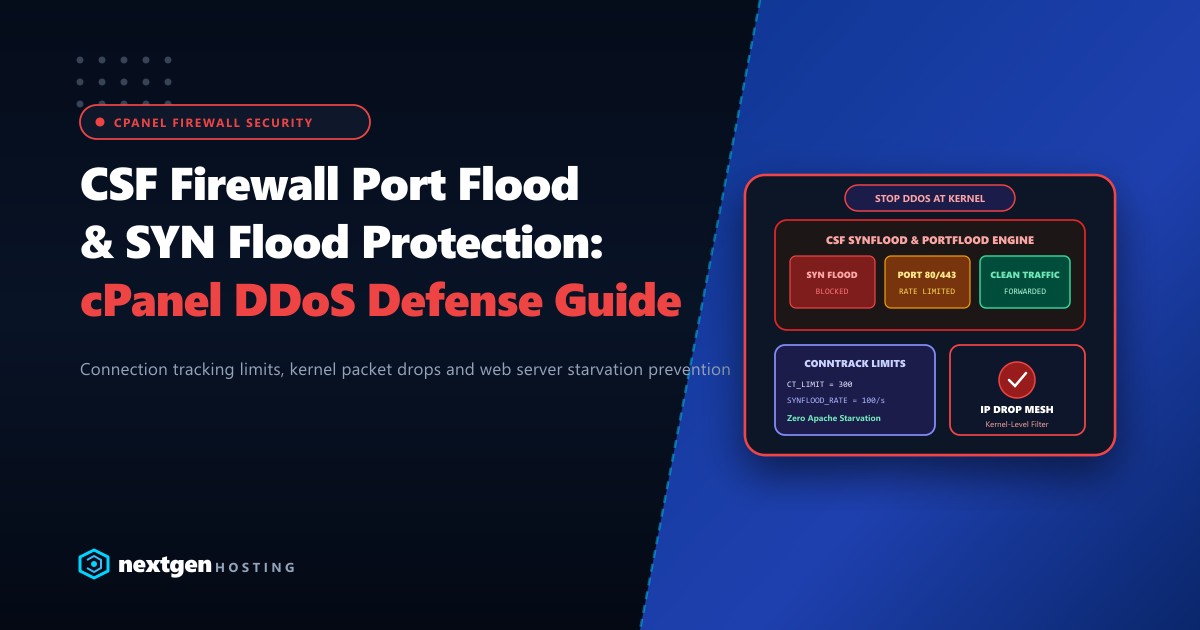
Small-to-medium Distributed Denial of Service (DDoS) attacks and malicious connection floods remain the most frequent cause of unplanned downtime on multi-tenant cPanel servers.
An attacker deploys a modest botnet or automated stressor tool targeting port 80 (HTTP) or port 443 (HTTPS). Within seconds, thousands of half-open TCP connections saturate the Linux kernel’s connection tracking table (nf_conntrack), exhausting the web server’s worker process pool (Apache MaxRequestWorkers or LiteSpeed connections). Legitimate visitors immediately experience 502 Bad Gateway or Connection Timed Out errors.
By properly tuning ConfigServer Security & Firewall (CSF) and leveraging the Linux kernel’s native iptables and SYN cookies, you can filter and drop flood attacks before they reach web server user-space.
Executive Summary: CSF Flood Mitigation Directives
- SYN Flood Mitigation: Enabling
SYNFLOOD = "1"with strict rate bursts drops half-open TCP handshakes at the network interface layer, keeping memory buffers intact. - Port Flood Throttling: Use
PORTFLOODto cap rapid connection bursts to web ports (80/443), preventing automated scrapers from overwhelming PHP backends. - Connection Tracking (CT): Configure
CT_LIMITto automatically block individual IP addresses opening hundreds of concurrent idle sockets. - Pakistan CGNAT Caveat: Because Pakistani mobile carriers (Jazz, Zong, Telenor) route thousands of cellular users through shared Carrier-Grade NAT (CGNAT) gateway IPs, overly aggressive connection limits can trigger false-positive blocks.
Understanding TCP SYN Floods vs. Port Floods
Before editing configuration files, understand how each attack exhausts system resources:
TCP SYN FLOOD ATTACK (Layer 4 Protocol Exploit):
Attacker sends SYN Packet -> Server responds SYN-ACK -> Attacker NEVER sends ACK
  * Result: Server kernel reserves memory for half-open connection until timeout.
  * Fix: SYN Cookies and CSF SYNFLOOD iptables rate limiting.

PORT FLOOD ATTACK (Layer 7 Connection Exhaustion):
Attacker completes TCP handshake -> Spams 200 HTTP requests/second -> Ties up Apache worker
  * Result: Web server worker pool hits MaxRequestWorkers limit (Server 503/504).
  * Fix: CSF PORTFLOOD and Connection Tracking (CT_LIMIT) temporary IP drops.
Step 1: Configuring SYN Flood Protection in csf.conf
Connect to your server via SSH as root and edit /etc/csf/csf.conf (or navigate in WHM to Plugins >> ConfigServer Security & Firewall >> Firewall Configuration):
# Enable SYN Flood protection in iptables
SYNFLOOD = "1"

# The rate of SYN packets allowed per second across all ports
SYNFLOOD_RATE = "100/s"

# Maximum burst of SYN packets allowed before rate limiting activates
SYNFLOOD_BURST = "150"
Enabling Kernel-Level SYN Cookies
Ensure that the Linux kernel actively drops spoofed SYN packets by verifying /etc/sysctl.conf:
# Verify TCP syncookies are enabled
sysctl net.ipv4.tcp_syncookies
# Output should be: net.ipv4.tcp_syncookies = 1

# If set to 0, enable permanently:
echo "net.ipv4.tcp_syncookies = 1" >> /etc/sysctl.conf
sysctl -p
Step 2: Implementing Port Flood Throttling (PORTFLOOD)
PORTFLOOD restricts the number of new connections allowed to specific ports within a rolling time window. If an IP exceeds this threshold, CSF blocks the IP using iptables for a configured duration.
Syntax:
port;protocol;hits;interval;block_time
In /etc/csf/csf.conf, locate PORTFLOOD and configure:
# Throttle HTTP and HTTPS to maximum 50 connections within 5 seconds; block for 300 seconds (5 mins)
PORTFLOOD = "80;tcp;50;5;300,443;tcp;50;5;300"
Directives Explained:
80;tcp;50;5;300: If an IP opens more than 50 connections on port 80 within 5 seconds, drop all packets from that IP for 300 seconds.443;tcp;50;5;300: Enforces the identical defense for encrypted TLS traffic.
Step 3: Connection Tracking Limits (CT_LIMIT)
Connection Tracking monitors the total number of simultaneous established connections per IP address across all ports:
# Check connections every 15 seconds
CT_INTERVAL = "15"

# Maximum simultaneous connections allowed from a single IP
CT_LIMIT = "300"

# Time to block an IP that exceeds CT_LIMIT (in seconds)
CT_BLOCK_TIME = "1800"

# Send email alert to root when an IP is blocked via CT
CT_EMAIL_ALERT = "0"

# Only track connections on specific critical ports
CT_PORTS = "80,443,21,22,25,110,143,465,587,993,995"
[!CAUTION] In Pakistan, setting
CT_LIMITbelow200can inadvertently block corporate offices or universities where hundreds of employees browse the internet through a single static public IP or cellular CGNAT pool. A threshold between300and400offers the ideal balance between DDoS mitigation and false-positive prevention.
Step 4: Whitelisting Cloudflare & Domestic Payment Webhooks
If your websites use Cloudflare as a reverse proxy, all incoming web traffic originates from Cloudflare’s IP ranges.
Without proper whitelisting, CSF’s PORTFLOOD and CT_LIMIT will view Cloudflare’s edge servers as an attacking botnet and block entire Anycast subnets, taking down every hosted site!
- Download the official Cloudflare IP list:
# Add official Cloudflare IPv4 CIDRs to CSF ignore list
curl -s https://www.cloudflare.com/ips-v4 >> /etc/csf/csf.ignore- Similarly, ensure that Pakistani payment gateway webhook IP ranges (JazzCash, EasyPaisa, PayFast) are whitelisted in
/etc/csf/csf.allowto prevent transaction callbacks from being dropped during flash sales.
Step 5: Applying Changes and Verifying CSF Status
After modifying configuration parameters, restart CSF and LFD (Login Failure Daemon):
# Restart CSF firewall rules
csf -r

# Restart LFD monitoring daemon
systemctl restart lfd

# Verify that SYN cookies and PORTFLOOD iptables chains are active
iptables -L -n -v | grep -i "PORTFLOOD"
For high-volume digital publishers and mission-critical financial applications in Pakistan, hardware capacity is your first line of defense. Deploying on enterprise bare-metal Dedicated Servers provides dedicated 1Gbps to 10Gbps network uplinks with upstream hardware DDoS scrubbing. When latency-sensitive domestic traffic is paramount, hosting on Dedicated Servers in Pakistan guarantees low domestic latency across Nayatel, PTCL, and StormFiber fiber routes while insulating your infrastructure from global network congestion.
Secure Your High-Traffic Infrastructure with Nextgen
Protect your applications with enterprise DDoS mitigation, hardened Linux firewalls, pure NVMe storage, and proactive 24/7 server monitoring from Nextgen Hosting.
