
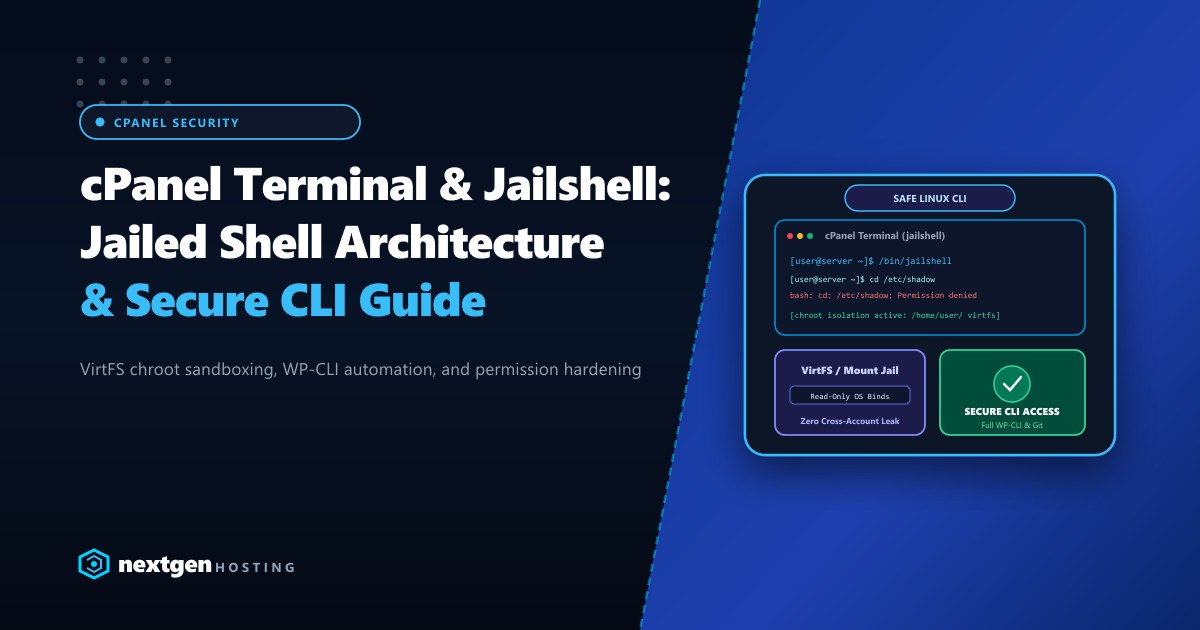
Command-line access (SSH and cPanel Web Terminal) is an indispensable tool for modern web developers. From orchestrating WP-CLI bulk maintenance to executing Composer dependency installs and deploying Git webhooks, the terminal saves hours of repetitive GUI clicking.
However, offering unrestricted bash shells (/bin/bash) on a multi-tenant hosting server introduces grave security vulnerabilities. An unconfined user could potentially inspect global process lists, read world-readable configuration files, or probe system daemons.
To bridge this gap, cPanel developed Jailed Shell (/bin/jailshell) powered by VirtFS. This architectural guide breaks down how jailshell functions, how to configure it safely, and how developers in Pakistan can harness CLI power without compromising server integrity.
Executive Summary: cPanel Jailshell Architecture
- VirtFS Isolation: Jailshell creates a chroot-style sandboxed virtual filesystem (
/home/virtfs/username/) using Linux bind mounts, restricting users exclusively to their home directory. - Protected System Binaries: Core operating system binaries (
/bin,/usr/bin) are mounted as read-only. Users cannot overwrite system files or access neighboring accounts. - Developer Tooling Intact: Unlike disabled shells, jailshell supports full execution of modern development tools including WP-CLI, Composer, Node.js (via NVM), and Git.
- Process Masking: Combined with CloudLinux CageFS or proc mount restrictions, jailshell prevents users from seeing processes run by other tenants on the same server.
What is cPanel Jailshell and How Does VirtFS Work?
When a user logs into SSH or opens the cPanel Terminal under jailshell, cPanel intercepts the session and constructs a dynamic, containerized environment called VirtFS:
+-------------------------------------------------------------+
|                      PHYSICAL HOST OS                       |
|           /bin, /usr, /lib, /etc, /home/all_users           |
+-------------------------------------------------------------+
                              |
                     [ BIND MOUNTS (R/O) ]
                              |
                              v
+-------------------------------------------------------------+
|              VIRTF S SANDBOX (/home/virtfs/userA/)          |
|  - /bin, /usr, /lib      -> Read-Only Bind Mounts           |
|  - /tmp, /dev            -> Private, Isolated Directories   |
|  - /home/userA           -> Read/Write (Actual Home Dir)    |
|  - /home/userB, /root    -> INACCESSIBLE (Zero Visibility)  |
+-------------------------------------------------------------+
Key Security Guardrails:
- Read-Only System Binds: The directories
/bin,/usr/bin,/sbin, and/libare mounted into the jail using Linuxmount --bindwith strict read-only flags. Even if an attacker executes malicious code, they cannot alter operating system binaries. - Private
/tmpDirectory: Each jailed user has a dedicated, private/tmpmount. This prevents race-condition exploits where attackers scan/tmpfor database socket files or temporary session cookies. - Restricted
/procFilesystem: Users can only view their own active processes. System daemons (Exim, MySQL, Apache/LiteSpeed) are concealed.
Enabling Terminal and Jailshell in WHM
Server administrators can assign shells at the account creation level or toggle them retroactively in WebHost Manager (WHM):
Step 1: Set Default Shell in Tweak Settings
- Navigate to WHM >> Server Configuration >> Tweak Settings.
- Click the Security tab.
- Locate Default shell for new accounts and select Jailed Shell (
/bin/jailshell). - Click Save.
Step 2: Enable Web Terminal Feature
To allow cPanel users to access the in-browser command line:
- Open WHM >> Packages >> Feature Manager.
- Edit your default hosting feature list.
- Check Terminal and save changes.
Step 3: Modifying an Existing User via CLI
If you manage high-density hosting or manage enterprise infrastructure, you can toggle shells instantly using the cPanel root utility:
# Check current shell of a user
grep username /etc/passwd

# Assign Jailed Shell to a specific user
/usr/local/cpanel/bin/chsh username /bin/jailshell

# Verify shell assignment
# Output: username:x:1005:1005::/home/username:/bin/jailshell
For mission-critical production environments where agencies run hundreds of continuous integration pipelines, deploying on high-spec Dedicated Servers eliminates hypervisor throttling. For local development shops building high-traffic national platforms, provisioning Dedicated Servers in Pakistan guarantees low latency SSH sessions and ultra-responsive terminal responsiveness without international transit lag.
Essential Developer Workflows in Jailshell
Once inside jailshell, developers can run full development workflows with standard Linux syntax:
1. High-Speed WordPress Automation (WP-CLI)
# Check core version and database status
wp core version
wp db check

# Update all plugins while skipping external checks
wp plugin update --all

# Reset an administrator password instantly
wp user update admin --user_pass="StrongPass2026!#"
2. Dependency Management with Composer
# Navigate to your application directory
cd ~/public_html/laravel-app

# Install dependencies without development bloat
composer install --no-dev --optimize-autoloader
3. Git Version Control Deployment
# Clone a private repository over SSH
git clone [email protected]:mycompany/ecommerce-portal.git ~/public_html

# Pull latest staging changes
cd ~/public_html
git pull origin main
Troubleshooting Common Jailshell Issues
Error 1: “Permission denied (publickey)” or Shell Access Blocked
If a developer cannot connect via SSH or the cPanel Terminal button is missing:
- Ensure SSH keys are authorized in cPanel >> SSH Access >> Manage SSH Keys.
- Verify that port
22(or your custom SSH port like2222) is whitelisted in your server firewall (CSF / ConfigServer Security & Firewall).
Error 2: VirtFS Mount Leaks During Account Termination
Occasionally, if a system process keeps a file open inside VirtFS, deleting an account can leave orphaned bind mounts.
Never run rm -rf /home/virtfs directly! Doing so can wipe actual system root files through the bind mounts.
Instead, unmount safely using the official cPanel script:
# Clear stale VirtFS mounts safely
/usr/local/cpanel/scripts/clear_orphaned_virtfs_mounts

# Force unmount for a specific user
/usr/local/cpanel/bin/virtfs-unmount-user username
Jailshell vs. Full Bash vs. CageFS: Technical Comparison
| Feature | Standard Bash (/bin/bash) |
cPanel Jailshell (/bin/jailshell) |
CloudLinux CageFS |
|---|---|---|---|
| User Sandboxing | ❌ None (Global OS view) | ✅ VirtFS Bind Mounts | ✅ Kernel-level Virtual Container |
| Risk of Cross-Read | ⚠️ High (reads world files) | 🔒 Low (isolated home) | 🛡️ Zero (total isolation) |
| Custom Binary Execution | Full | Allowed within VirtFS | Whitelisted in /etc/cagefs |
| cPanel Terminal Support | Yes | Yes (Default Recommended) | Yes |
| Best Used For | Root Administrators | Standard Resellers & Clients | Shared Hosting Environments |
Deploy Developer-Grade Hosting with Nextgen
Enjoy secure SSH access, pre-installed WP-CLI, Composer, Node.js, and automated Git version control backed by enterprise NVMe hardware and 24/7 DevOps support.
