
High-traffic WordPress, WooCommerce, and Laravel web applications in Pakistan routinely suffer from unpredictable performance degradation. During traffic surges, visitors encounter intermittent 502 Bad Gateway or 504 Gateway Time-out errors, while system administrators observe server physical memory steadily evaporating until the Linux Out-Of-Memory (OOM) killer terminates PHP-FPM processes.
In standard cPanel shared and multi-tenant hosting environments, PHP-FPM defaults to pm = ondemand or pm = dynamic. While these modes conserve memory on resource-constrained micro-VMs by destroying idle workers, they introduce severe CPU fork latency during traffic spikes and fail to control memory fragmentation caused by poorly coded third-party plugins.
Hosting enterprise web portals on bare-metal Dedicated Servers provides the dedicated RAM needed to adopt pm = static, eliminating process-spawning bottlenecks and ensuring rock-solid uptime under extreme traffic loads in Pakistan.
The Anatomy of PHP Process Managers: static vs dynamic vs ondemand
PHP-FPM offers three distinct process management modes:
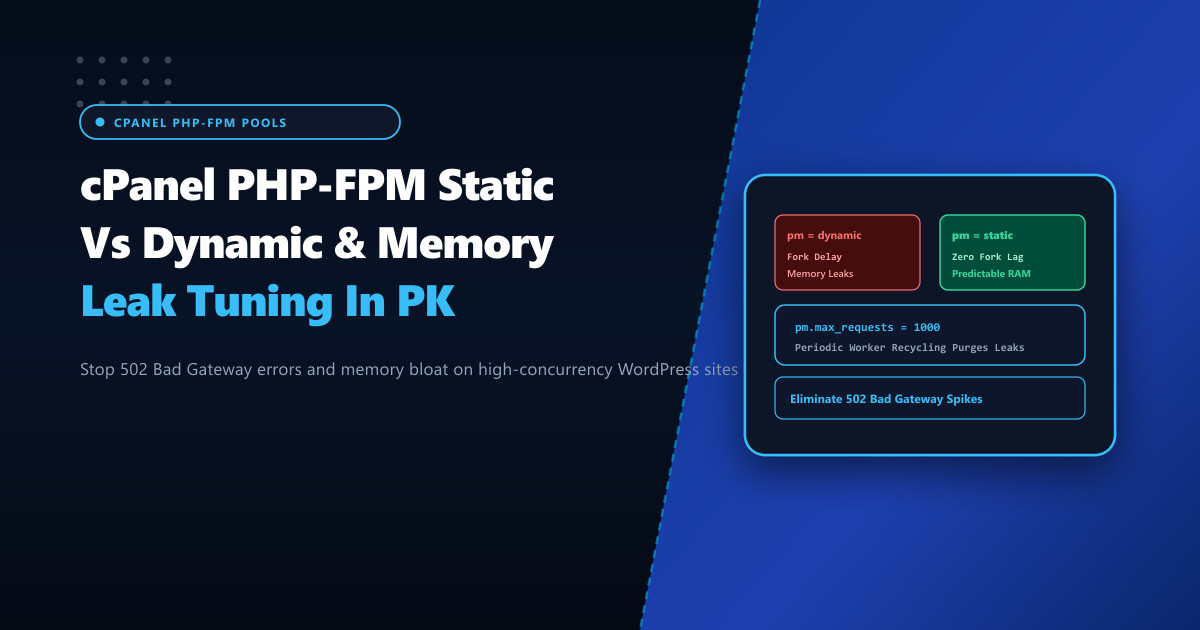
pm = ondemand: Spawns zero child processes until a request hits the socket. Once idle forpm.process_idle_timeout, workers are killed.- Problem: Severe request latency penalty (50ms–200ms) on cold starts while the kernel forks new PHP runtimes.
pm = dynamic: Maintains a minimum pool of workers (pm.min_spare_servers), spawning additional children up topm.max_childrenas load rises.- Problem: Constant forking and killing of worker processes creates CPU jitter and unstable memory footprints.
pm = static: Pre-allocates a fixed number of workers (pm.max_children) at service startup and keeps them permanently in memory.- Advantage: Zero process creation latency. Requests are immediately accepted by warm, ready workers.
pm = dynamic (Unstable Forking):
Traffic Spike ──> Fork New Worker ──> Allocate OpCache ──> Execute Request ──> Destroy Worker
(CPU spikes during fork; high TTFB delay)

pm = static (Instant Parallel Processing):
Traffic Spike ──> Warm Pre-Allocated Worker Immediately Serves Request ──> Recycle on Limit
(Zero CPU fork overhead; lowest possible TTFB)
Sizing pm.max_children Mathematically
To implement pm = static safely, calculate the exact number of worker processes your server’s RAM can accommodate without swapping:
$$\text{Available RAM for PHP} = \text{Total Server RAM} - (\text{OS Base} + \text{MySQL/MariaDB Buffer Pool} + \text{Redis})$$
$$\text{pm.max_children} = \frac{\text{Available RAM for PHP}}{\text{Average PHP Worker RSS Memory}}$$
Determine average PHP worker memory consumption on your live cPanel server:
# Measure average resident memory (RSS) consumed per PHP-FPM child process (in MB)
ps -C php-fpm -o rss= | awk '{sum+=$1} END {print "Avg PHP Worker: " sum/NR/1024 " MB"}'
Example Calculation for a 64GB Dedicated Server:
- Total Server RAM: 64,000 MB
- Reserved for OS + Nginx + Redis: 8,000 MB
- Reserved for MariaDB Buffer Pool: 24,000 MB
- Available for PHP-FPM: 32,000 MB
- Average PHP Worker RSS (Heavy WooCommerce): ~120 MB
pm.max_children: $32,000 / 120 \approx \mathbf{266}$
Curing PHP Memory Leaks via pm.max_requests
PHP is an inherently leaky runtime. Third-party WordPress plugins, uncollected circular object references, and database abstraction layers leave residual memory allocations that accumulate across hundreds of processed HTTP requests. Left unchecked, a worker that begins at 45MB will bloat to 350MB over time.
The antidote is pm.max_requests. This directive instructs PHP-FPM to gracefully terminate and respawn a worker after it has processed a defined number of requests, releasing all memory back to the operating system:
# Recycle workers every 1,000 requests to purge accumulated memory leaks
pm.max_requests = 1000
Applying Tuned Configuration in cPanel & WHM
In cPanel, PHP-FPM pools are managed per user and domain. Apply persistent pool configurations by creating a custom YAML template under /var/cpanel/userdata/[USER]/[DOMAIN].php_fpm.yaml:
# /var/cpanel/userdata/clientpk/nextgen.pk.php_fpm.yaml
pm: static
pm_max_children: 128
pm_max_requests: 1000
pm_process_idle_timeout: 10s
request_terminate_timeout: 120s
emergency_restart_threshold: 10
emergency_restart_interval: 1m
process_control_timeout: 10s
Rebuild the system-level FPM configurations and restart the service:
# Rebuild user PHP-FPM pool configuration
/scripts/php_fpm_config --rebuild

# Restart the PHP-FPM daemon for the specific PHP version (e.g. PHP 8.3)
/scripts/restartsrv_cpanel_php_fpm
systemctl restart ea-php83-php-fpm
Real-Time Process Monitoring via PHP-FPM Status Page
Enable the PHP-FPM status page in the pool configuration (pm.status_path = /fpm-status) and inspect worker health from the terminal:
# Query live PHP-FPM status
curl -s http://127.0.0.1/fpm-status?full | grep -E "(accepted conn|listen queue|idle processes|active processes)"
Key indicators of health:
listen queue = 0: Proves no requests are waiting for an available worker.active processes: Current active workers handling incoming traffic.idle processes: Available headroom for instantaneous traffic bursts.
Hosting high-concurrency ecommerce and web portals on enterprise Dedicated Servers in Pakistan ensures that PHP-FPM operates with zero fork latency, stable memory footprints, and sub-10ms response times for all domestic visitors.
Accelerate Your Web Applications with NextGen Dedicated Servers
Eliminate 502 Bad Gateway errors, memory exhaustion, and CPU throttling. Deploy pre-warmed PHP-FPM static pools on dedicated high-memory bare-metal infrastructure in Pakistan.
Explore Pakistan Dedicated Servers