
In multi-tenant enterprise web hosting, shared hosting clusters, and high-traffic agency environments across Pakistan, managing disparate PHP version requirements and fine-tuning runtime directives across thousands of isolated accounts presents substantial operational friction. When enterprise portals, WooCommerce stores, and proprietary Laravel APIs share hardware, default php.ini allocations inevitably lead to resource exhaustion, memory throttling, or bytecode execution stalls.
Achieving deterministic execution and high-concurrency throughput requires mastering cPanel’s MultiPHP subsystem. This involves architecting per-directory directive overrides, isolating PHP-FPM process pools, and engineering Zend OPCache memory allocations on dedicated infrastructure.
The Architecture of cPanel MultiPHP and Directive Hierarchy
cPanel’s implementation of MultiPHP under EasyApache 4 separates global default configurations from per-vhost and per-directory overrides. Understanding how runtime directives cascade through the web server and PHP execution engine is essential for debugging configuration drifts and performance bottlenecks.
+-------------------------------------------------------------------------+
| Global EasyApache 4 php.ini (/opt/cpanel/ea-phpXX/root/etc/php.ini)      |
+-------------------------------------------------------------------------+
                                   |
                                   v
+-------------------------------------------------------------------------+
| WHM MultiPHP INI Editor System Directives (/opt/cpanel/ea-phpXX/.../conf)|
+-------------------------------------------------------------------------+
                                   |
                                   v
+-------------------------------------------------------------------------+
| Domain Pool Configuration (/var/cpanel/userdata/[user]/[domain].php_fpm) |
+-------------------------------------------------------------------------+
                                   |
                                   v
+-------------------------------------------------------------------------+
| Account Root .user.ini or Directory-Level .htaccess (mod_php / suPHP)    |
+-------------------------------------------------------------------------+
When deploying on high-compute Dedicated Servers in Pakistan, utilizing global overrides for all tenants creates inefficient memory consumption. Instead, applying granular overrides ensures mission-critical tenants receive high resource headroom while isolating untrusted legacy tenants.
PHP-FPM Pool Inheritance and .user.ini Mechanics
Modern cPanel deployments rely on FastCGI Process Manager (PHP-FPM) to achieve process isolation and reduce Apache worker memory footprints. However, under PHP-FPM, traditional php_value and php_flag directives inside .htaccess files are ignored unless mod_php is active.
Under PHP-FPM, per-directory runtime adjustments are handled through .user.ini files. By default, the PHP engine scans each executed directory for .user.ini files with a cache interval dictated by user_ini.cache_ttl.
Tuning .user.ini Engine Frequency
On production clusters running e-commerce sites, rapid scanning of .user.ini on every incoming FastCGI connection creates unneeded filesystem IOPS on NVMe arrays:
; Recommended configuration in /opt/cpanel/ea-php83/root/etc/php.ini
user_ini.filename = ".user.ini"
user_ini.cache_ttl = 300 ; Increase cache from default 300s to avoid stats
Example Production .user.ini for High-Throughput E-Commerce
Place the following configuration inside the document root (/home/username/public_html/.user.ini):
; High-performance per-directory settings for WooCommerce / Laravel
memory_limit = 512M
max_execution_time = 120
max_input_vars = 5000
upload_max_filesize = 64M
post_max_size = 64M

; Security and performance directives
display_errors = Off
log_errors = On
error_log = /home/username/logs/php_errors.log
session.gc_maxlifetime = 14400
session.cookie_httponly = 1
session.cookie_secure = 1
Automated MultiPHP Directives via cPanel YAML Templates
For system administrators managing enterprise hosting clusters, editing per-account PHP-FPM pool directives through the cPanel GUI is inefficient. cPanel provides a template-driven YAML subsystem located in /var/cpanel/ApachePHPFPM/system_pool_defaults.yaml and per-user custom overrides in /var/cpanel/userdata/[user]/[domain].php_fpm.yaml.
Creating a Custom High-Performance Pool Template
To allocate dedicated PM pools and custom PHP INI directives directly into the generated PHP-FPM configuration, create /var/cpanel/userdata/clientacc/portal.example.pk.php_fpm.yaml:
---
pm: static
pm_max_children: 35
pm_process_idle_timeout: 10s
pm_max_requests: 1500
php_admin_value_memory_limit: 1024M
php_admin_value_max_execution_time: 180
php_admin_flag_opcache_enable: "1"
php_admin_value_opcache_memory_consumption: "256"
php_admin_value_opcache_max_accelerated_files: "20000"
php_admin_value_opcache_revalidate_freq: "60"
Once defined, rebuild the PHP-FPM daemon configurations and restart the service via WHM terminal:
# Verify YAML syntax integrity
/usr/local/cpanel/scripts/php_fpm_config --test

# Rebuild pool configurations and reload daemons
/usr/local/cpanel/scripts/php_fpm_config --rebuild
systemctl reload ea-php83-php-fpm.service
Zend OPCache Memory Optimization and JIT Compilation
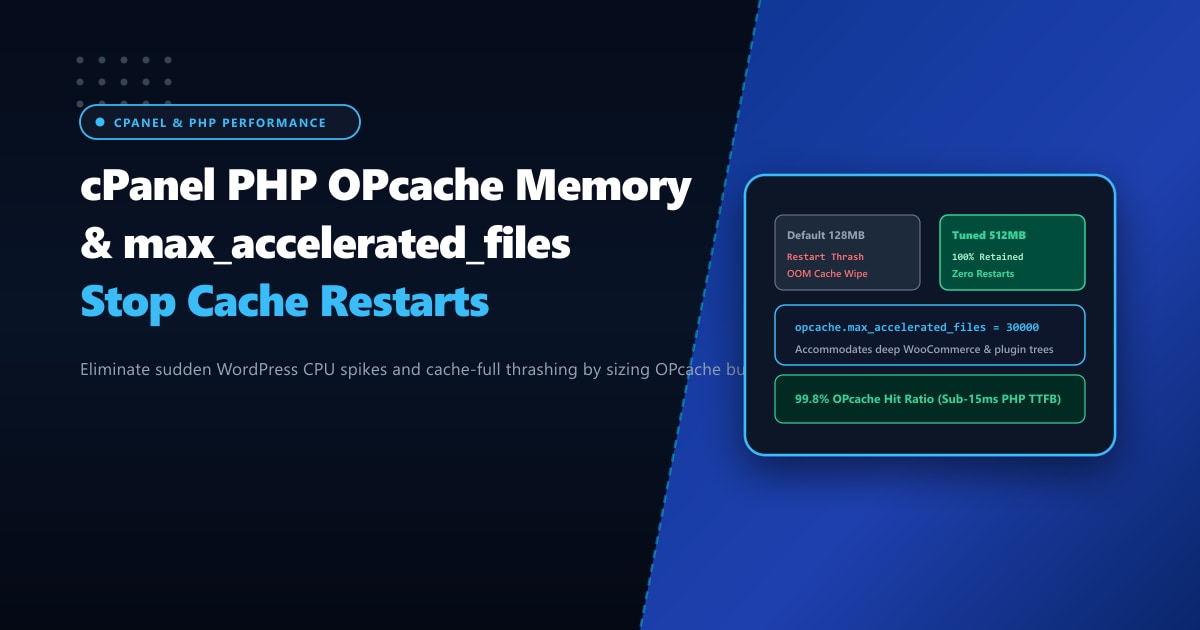
Zend OPCache improves PHP execution speed by storing precompiled script bytecode in shared memory (shm), completely bypassing the parsing and compilation stages for recurring requests. On high-density servers in Pakistan, default OPCache allocations (typically 128MB) exhaust shared memory within minutes, forcing the engine into frequent restarts.
| OPCache Directive | Default EA4 Allocation | Enterprise Production Value | Performance Impact |
|---|---|---|---|
opcache.memory_consumption |
128 (MB) |
512 - 1024 (MB) |
Prevents cache eviction churn |
opcache.interned_strings_buffer |
8 (MB) |
32 - 64 (MB) |
Caches immutable strings and class names |
opcache.max_accelerated_files |
10000 |
65407 (Prime Hash) |
Minimizes hash collisions across large frameworks |
opcache.validate_timestamps |
1 |
0 (or 60s interval) |
Bypasses filesystem stat() calls per request |
opcache.jit |
disable |
tracing (1255) |
Machine-code compilation for mathematical loops |
opcache.jit_buffer_size |
0 |
128M |
Allocates memory for JIT machine instructions |
Recommended Global OPCache Configuration (/opt/cpanel/ea-php83/root/etc/php.d/10-opcache.ini)
; Optimal Zend OPCache Production Blueprint
zend_extension=opcache.so
opcache.enable=1
opcache.enable_cli=1
opcache.memory_consumption=512
opcache.interned_strings_buffer=64
opcache.max_accelerated_files=65407
opcache.revalidate_freq=60
opcache.validate_timestamps=1
opcache.save_comments=1
opcache.fast_shutdown=1
opcache.enable_file_override=1

; PHP 8.3 JIT Compiler Configuration
opcache.jit=tracing
opcache.jit_buffer_size=128M
Diagnosing OPCache Fragmentation and Pool Health
To monitor real-time OPCache shared memory allocation without relying on external PHP scripts that expose internal server topology, utilize the command-line CLI tool:
# Query active OPCache statistics via ea-php CLI
/opt/cpanel/ea-php83/root/usr/bin/php -r 'print_r(opcache_get_status(false));'
Key output metrics to evaluate:
opcache_enabled: Must returntrue.free_memory: If dropping below 10% of total allocation, increaseopcache.memory_consumption.oom_restarts: Indicates out-of-memory restarts. This counter must remain zero in stable production. Any value greater than 0 signals severe hash table or shared memory exhaustion.cache_full: Iftrue, scripts are executing without opcode acceleration.
Deploying high-density cPanel hosting on enterprise Dedicated Servers provides bare-metal RAM arrays, dedicated CPU affinity, and unshared I/O pipelines necessary to allocate multi-gigabyte OPCache buffers without risk of out-of-memory kernel kills.
Need Enterprise Dedicated Infrastructure in Pakistan?
Deploy mission-critical, bare-metal infrastructure optimized for low-latency throughput, hardware RAID/NVMe resilience, and 24/7 proactive management.
