
If you host an eCommerce portal, an online coaching academy (LMS), or a media-rich publication in Pakistan, your server’s monthly bandwidth allowance and CPU resources are among your most valuable assets.
Yet, thousands of website owners wake up to unexpected Bandwidth Limit Exceeded account suspensions or server slow-downs caused by two rampant forms of digital resource theft:
- Image & Asset Hotlinking: Competitor websites and scraping scrapers embed your high-resolution product photos, downloadable PDFs, and banner graphics directly onto their own sites. Their visitors view the media, but your server pays the bandwidth bill and endures the CPU load.
- Leech Abuse (Credential Sharing): Paying subscribers on membership sites, student portals, or private forums publicly post their login credentials on WhatsApp, Discord, or Telegram groups. Suddenly, 50 unauthorized users are simultaneously streaming lectures and downloading private files using a single subscription.
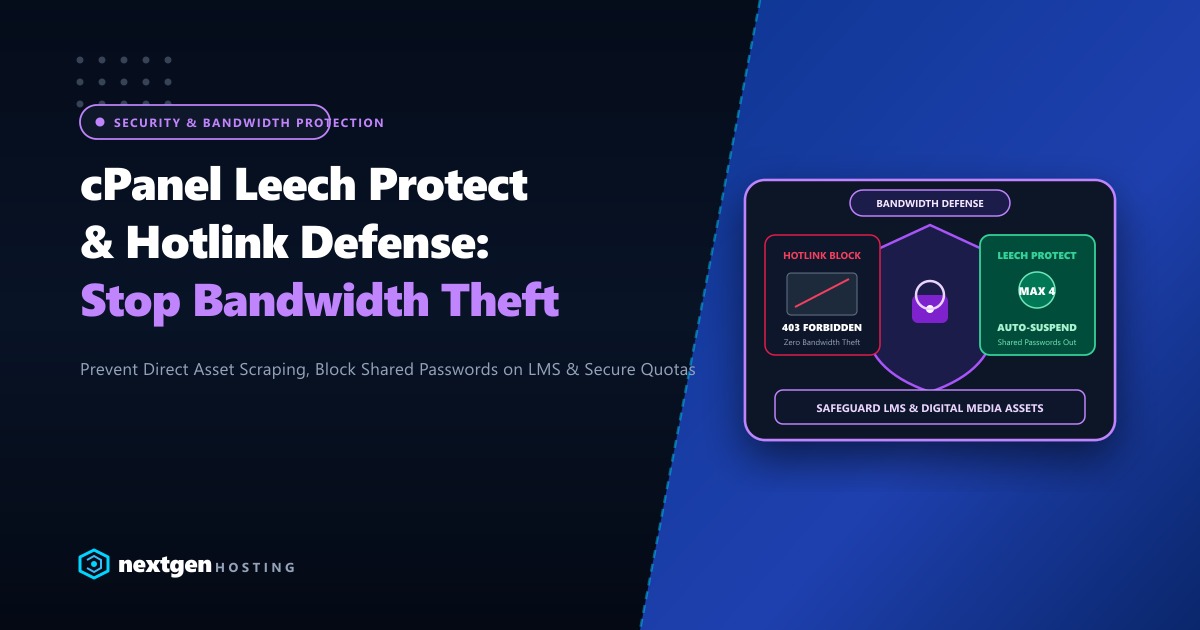
Fortunately, cPanel provides two powerful built-in security features to combat these exploits: Hotlink Protection and Leech Protect.
Here is our complete guide to hardening your cPanel account against resource theft in 2026.
Executive Bandwidth Defense Takeaways
- Hotlink Defense: Hotlink protection inspects the HTTP
Refererrequest header. If an external domain attempts to embed your images (.jpg,.png,.webp,.svg), your server instantly rejects the request with an HTTP403 Forbiddenor serves an alternative anti-piracy banner. - Leech Protect: Leech Protect monitors password-protected directories (via
.htpasswd). If a single user account is accessed by more than a specified number of unique IP addresses within a two-hour window, cPanel can automatically suspend the account or redirect abusive sessions. - Web Server Efficiency: Enforcing hotlink blocking at the web server layer (via LiteSpeed or Nginx rules) prevents unauthorized requests from ever touching your PHP runtime or MySQL database.
- Unmetered Dedicated Bandwidth: For large-scale digital publishers, educational institutes, and streaming portals, deploying on dedicated bare-metal infrastructure eliminates arbitrary bandwidth limits entirely.
1. Enabling Hotlink Protection in cPanel (GUI Method)
To activate hotlink protection via the cPanel graphical interface:
- Log into your cPanel Account.
- Under the Security section, click on Hotlink Protection.
- Click the Enable button.
- Under URLs to allow access, ensure all legitimate variations of your domain are listed:
http://yourdomain.pk https://yourdomain.pk http://www.yourdomain.pk https://www.yourdomain.pk - Under Block direct access for the following extensions, specify all protected media types:
jpg,jpeg,gif,png,bmp,webp,svg,pdf,mp4,zip - Check Allow direct requests (allows visitors to view images when they paste the image URL directly into their browser address bar).
- Optionally, under Redirect the request to the following URL, enter an image warning abusers:
https://yourdomain.pk/images/stop-stealing-bandwidth.png - Click Submit.
2. Advanced Hotlink Protection via .htaccess (LiteSpeed / Apache)
For finer control, you can implement hotlink blocking rules directly in your /public_html/.htaccess file:
# BEGIN Nextgen Hotlink Protection
<IfModule mod_rewrite.c>
RewriteEngine On
RewriteCond %{HTTP_REFERER} !^$
RewriteCond %{HTTP_REFERER} !^https?://(www\.)?yourdomain\.pk [NC]
RewriteCond %{HTTP_REFERER} !^https?://(www\.)?google\. [NC]
RewriteCond %{HTTP_REFERER} !^https?://(www\.)?bing\. [NC]
RewriteCond %{HTTP_REFERER} !^https?://(www\.)?facebook\.com [NC]
RewriteCond %{HTTP_REFERER} !^https?://(www\.)?instagram\.com [NC]

# Block unauthorized external domains from embedding media assets
RewriteRule \.(jpg|jpeg|png|gif|webp|svg|pdf|mp4)$ - [F,L]
</IfModule>
# END Nextgen Hotlink Protection
Note: Notice how major search engines (Google, Bing) and social platforms are whitelisted so your products can still be indexed in Google Images and shared on social feeds without breakage!
3. Configuring cPanel Leech Protect for Membership Portals
If you run a membership portal, LMS student area, or private downloads directory protected by HTTP Basic Authentication:
- In cPanel, navigate to Security > Leech Protect.
- Browse through your file manager hierarchy and click on the directory you wish to protect (e.g.,
public_html/members/orpublic_html/courses/). - Set the Number of Logins Per User Allowed in a 2-Hour Period (e.g.,
4). - Set the URL to Redirect Leech Users to:
https://yourdomain.pk/account-suspended-suspicious-activity/ - Check Send Email Alert to and enter your administrator email to receive automated security alerts whenever an account is flagged.
- Check Disable Compromised Accounts to automatically strip login privileges from the abuser until manual review.
- Click Save.
4. Protecting WordPress Membership & Course Videos
If your site runs a WordPress LMS (like LearnDash, Tutor LMS, or LifterLMS), basic cPanel Leech Protect only covers .htpasswd folders. To protect WordPress video streams:
- Never host private course videos as raw
.mp4files insidewp-content/uploads/. - Use private, token-authenticated video hosting (like Cloudflare Stream or Bunny.net Stream) with signed URLs and domain restrictions enabled.
- Integrate plugins like Prevent Concurrent Logins to automatically log out earlier sessions whenever a user logs in from a second device.
5. Enterprise Infrastructure for Media & Educational Platforms
Enforcing aggressive hotlink inspection and rate limiting requires adequate server CPU capacity. When thousands of requests hit your server, evaluating regex rules across millions of HTTP requests can strain underpowered shared hosting environments.
Our global Dedicated Servers provide high-clock AMD EPYC processors, 64GB+ DDR5 memory, enterprise NVMe storage arrays, and unmetered gigabit network pipes that eliminate bandwidth anxiety entirely.
For Pakistani universities, commercial eLearning platforms, and enterprise digital agencies requiring local data residency, sub-10ms domestic ping times, and compliance with local cybersecurity regulations, our Dedicated Servers in Pakistan provide local bare-metal hosting in Karachi and Lahore with dedicated IP pools and 24/7 technical engineering support.
6. Verifying Hotlink Defense from the Terminal
Test your hotlink protection from your terminal using curl by simulating an unauthorized external referrer:
# Test 1: Request with unauthorized competitor referrer
curl -I -H "Referer: https://competitor-site.com" https://yourdomain.pk/wp-content/uploads/banner.jpg

# Test 2: Request with legitimate domain referrer
curl -I -H "Referer: https://yourdomain.pk/shop" https://yourdomain.pk/wp-content/uploads/banner.jpg
Results:
- Test 1 will return HTTP
403 Forbidden, blocking the image from loading on the competitor’s website. - Test 2 will return HTTP
200 OK, ensuring legitimate visitors enjoy an uninterrupted experience!
Protect and Scale Your Digital Assets with High-Speed Hosting
Eliminate bandwidth theft, secure your premium content, and enjoy unmetered performance. Deploy your platforms on Nextgen's high-speed cloud and dedicated servers in Pakistan.
