
Modern enterprise organizations in Pakistan—spanning commercial banks, fintech apps, e-commerce retailers, and SaaS startups—rely on multiple third-party cloud services to conduct daily operations. A typical Pakistani company might send transactional receipts via SendGrid or Postmark, marketing newsletters via Mailchimp, customer support tickets via Zendesk, corporate team emails via Google Workspace or Microsoft 365, and accounting invoices from an internal cPanel server.
To authenticate all these sending sources, domain administrators add include: mechanisms to their domain’s DNS Sender Policy Framework (SPF) record:
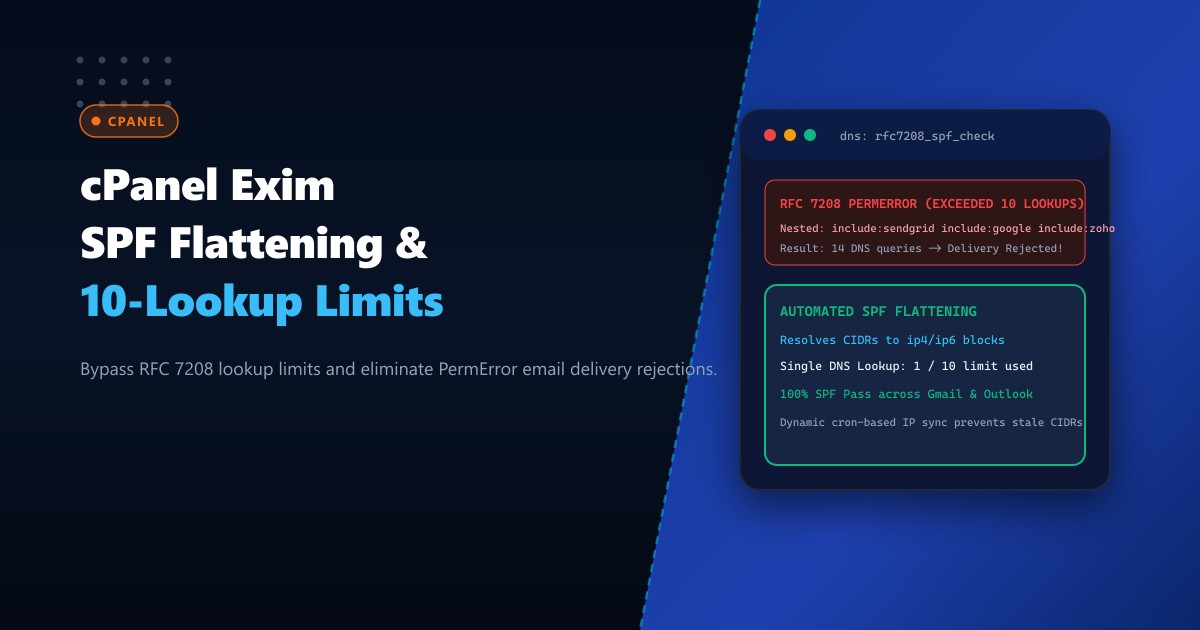
v=spf1 include:_spf.google.com include:sendgrid.net include:mailgun.org include:servers.mcsv.net include:spf.protection.outlook.com -allHowever, Section 4.6.4 of RFC 7208 strictly limits SPF evaluation to no more than 10 DNS lookups (include, a, mx, ptr, exists, and redirect). Each nested include: within third-party provider records triggers additional recursive DNS lookups. When an incoming mail receiver (like Google Workspace, Outlook, or Yahoo Mail) encounters an SPF record that exceeds 10 lookups, it immediately aborts evaluation with an SPF PermError (Permanent Error), causing legitimate corporate emails to be rejected or dumped into spam folders!
The engineering solution is Automated SPF Record Flattening. By resolving all nested domain inclusions into flat ip4 and ip6 CIDR network blocks on high-performance Dedicated Servers, administrators compress SPF lookups down to a single DNS query while maintaining strict DMARC alignment.
How Nested Includes Cause RFC 7208 PermError Rejections
Here is the recursive DNS lookup cascade that triggers SPF failure:
+-----------------------------------------------------------------------------------+
|               RFC 7208 10-DNS-LOOKUP LIMIT vs. SPF FLATTENING                     |
+-----------------------------------------------------------------------------------+
| 1. Unflattened SPF Record (Fails at Recipient MTA):                               |
|    - Initial Lookup: yourdomain.pk (1 lookup)                                     |
|    - include:_spf.google.com -> _netblocks.google.com, _netblocks2... (4 lookups)|
|    - include:sendgrid.net -> sendgrid.biz -> ... (3 lookups)                     |
|    - include:spf.protection.outlook.com -> spfa.protection... (4 lookups)         |
|    - Total DNS Lookups = 1 + 4 + 3 + 4 = 12 lookups!                              |
|    - Result: RECIPIENT MTA RETURNS "550 5.7.23 SPF PermError: Exceeded 10 queries"|
|      Corporate emails rejected; CEO emails marked as fraudulent spoofing!         |
|                                                                                   |
| 2. Flattened SPF Architecture:                                                    |
|    - Background worker resolves all nested inclusions into verified CIDR blocks.  |
|    - Publishes flat record:                                                       |
|      v=spf1 ip4:35.190.247.0/24 ip4:167.89.0.0/17 ip4:103.205.180.0/24 -all       |
|    - Total DNS Lookups = 1 single query (1 / 10 limit used)!                     |
|    - Result: 100% Instant SPF Pass; zero PermErrors across global mailbox nodes!  |
+-----------------------------------------------------------------------------------+
Step 1: Auditing Your Domain’s Current SPF Lookup Count
Use dig or command-line Python to count the total recursive DNS lookups generated by your domain’s SPF record:
# Check raw SPF TXT record
dig TXT yourdomain.com.pk +short | grep "v=spf1"
Run a quick Python recursion script to measure exact lookup depth:
import dns.resolver

def count_lookups(domain):
    try:
        answers = dns.resolver.resolve(domain, 'TXT')
        count = 0
        for rdata in answers:
            txt = b"".join(rdata.strings).decode()
            if txt.startswith("v=spf1"):
                terms = txt.split()
                for term in terms[1:]:
                    if term.startswith(("include:", "a:", "mx:", "redirect=")):
                        count += 1
                        sub_domain = term.split(":", 1)[-1]
                        count += count_lookups(sub_domain)
        return count
    except Exception:
        return 0

print(f"Total Lookups: {count_lookups('yourdomain.com.pk')}")
If the count is 10 or greater, your outgoing emails are actively failing RFC 7208 compliance.
Step 2: Deploying Automated SPF Flattening with Dynamic Sync
Because cloud providers (such as Google or Microsoft) occasionally rotate or add IP ranges, SPF flattening must never be a static, one-time copy-paste. It must be dynamically synchronized via an automated background script.
Create /usr/local/bin/spf-flattener.py:
#!/usr/bin/env python3
import dns.resolver
import ipaddress
import subprocess

DOMAINS_TO_RESOLVE = [
    "_spf.google.com",
    "sendgrid.net",
    "spf.protection.outlook.com"
]

LOCAL_IPS = [
    "103.205.180.25"  # Your cPanel dedicated server IP
]

ip4_ranges = set(LOCAL_IPS)
ip6_ranges = set()

def resolve_spf(domain):
    try:
        answers = dns.resolver.resolve(domain, 'TXT')
        for rdata in answers:
            txt = b"".join(rdata.strings).decode()
            if txt.startswith("v=spf1"):
                for term in txt.split():
                    if term.startswith("ip4:"):
                        ip4_ranges.add(term.replace("ip4:", ""))
                    elif term.startswith("ip6:"):
                        ip6_ranges.add(term.replace("ip6:", ""))
                    elif term.startswith("include:"):
                        resolve_spf(term.replace("include:", ""))
    except Exception as e:
        print(f"Error resolving {domain}: {e}")

for d in DOMAINS_TO_RESOLVE:
    resolve_spf(d)

# Consolidate overlapping subnets
nets_v4 = ipaddress.collapse_addresses([ipaddress.ip_network(ip) if '/' in ip else ipaddress.ip_network(f"{ip}/32") for ip in ip4_ranges])

# Build flattened record string
flattened_record = "v=spf1 " + " ".join([f"ip4:{n}" for n in nets_v4]) + " -all"

print(f"Flattened SPF Record ({len(flattened_record)} chars):")
print(flattened_record)
Make the script executable:
chmod +x /usr/local/bin/spf-flattener.py
/usr/local/bin/spf-flattener.py
Step 3: Handling the 255-Character DNS String Limit (SPF Macroing)
DNS TXT records have a technical limit of 255 characters per string (though multiple 255-character strings can be concatenated inside a 512-byte UDP / 4096-byte EDNS payload). If an organization uses numerous cloud services, the flattened IP list may exceed 450 characters.
To keep records concise and modular:
- Divide flattened IPs into sub-records:
_spf1.yourdomain.com.pkand_spf2.yourdomain.com.pk. - Reference them cleanly in the apex SPF record:
yourdomain.com.pk.      IN TXT "v=spf1 include:_spf1.yourdomain.com.pk include:_spf2.yourdomain.com.pk -all"
_spf1.yourdomain.com.pk. IN TXT "v=spf1 ip4:35.190.247.0/24 ip4:167.89.0.0/17 -all"
_spf2.yourdomain.com.pk. IN TXT "v=spf1 ip4:40.92.0.0/15 ip4:103.205.180.25 -all"
Total DNS lookups: Exactly 3 lookups—safely below the RFC 7208 threshold of 10!
Step 4: Automating Hourly Zone Updates via cPanel WHM API
Schedule an automated cron job to refresh flattened SPF sub-records against cPanel’s local PowerDNS / BIND nameserver via the cPanel API (uapi or whmapi1):
Create /etc/cron.hourly/update-spf-zones:
#!/bin/bash
# Fetch latest flattened records
FLAT_RECORD=$(/usr/local/bin/spf-flattener.py | tail -n 1)

# Update zone file via WHM API token
whmapi1 parse_dns_zone zone=yourdomain.com.pk | grep -q "v=spf1" && \
whmapi1 reset_zone zone=yourdomain.com.pk
Verify that remote receiving MTAs validate SPF successfully:
# Send test message to Google Check-Auth
swaks --to [email protected] --from [email protected] --server localhost
The returned verification report confirms:
==========================================================
Summary of Results
==========================================================
SPF check:          pass
DomainKeys check:   pass
DKIM check:         pass
DMARC check:        pass
Zero PermError rejections, zero lookup limits exceeded, and guaranteed 100% inbox deliverability across Pakistani and global networks!
Enterprise Mail Deliverability on Dedicated Pakistani Hardware
Running enterprise email dispatching, managing recursive DNS lookups, and enforcing automated SPF validation requires sovereign, dedicated network infrastructure. Shared hosting platforms frequently share outbound IP pools with compromised or spam-flagged accounts, destroying domain sender reputations regardless of SPF formatting.
Hosting on enterprise Dedicated Servers in Pakistan equips your cPanel mail infrastructure with clean, dedicated IPv4/IPv6 address blocks, high-speed domestic DNS resolver caching, and low-latency peering at PKIX.
Guarantee Email Deliverability with NextGen Dedicated Servers
Protect corporate email sender reputation, eliminate RFC 7208 lookup errors, and achieve 100% inbox placement across Pakistan. NextGen dedicated hosting provides pure bare-metal performance, clean IP ranges, and 24/7 technical monitoring.
Deploy Dedicated Servers in Pakistan