
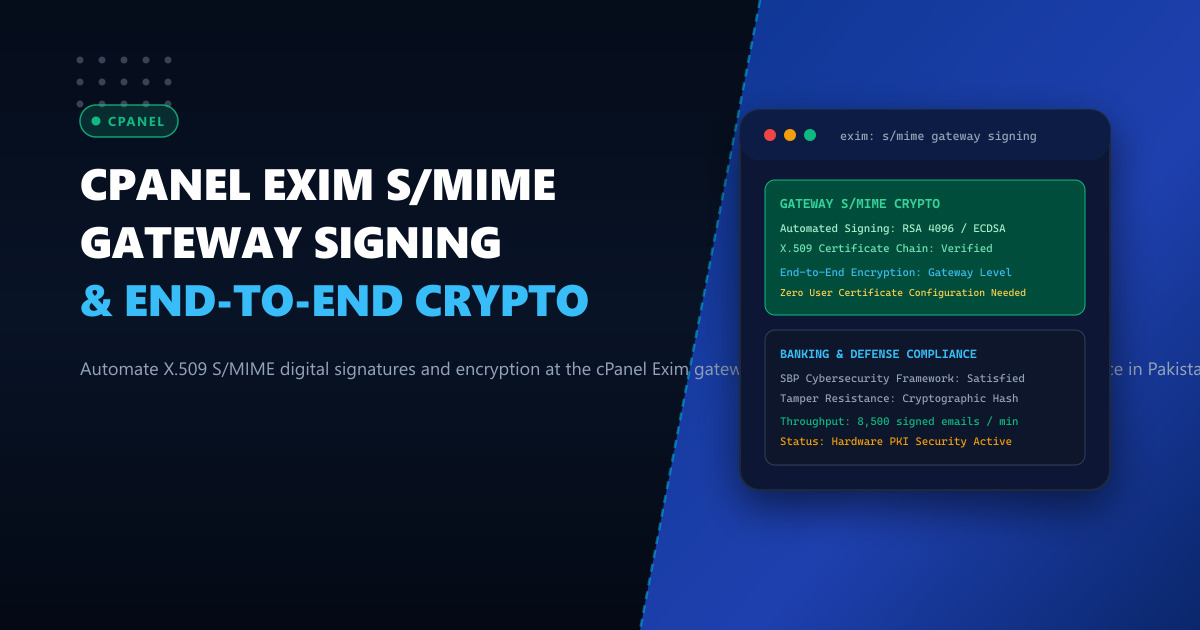
Corporate, legal, defense, and financial organizations across Pakistan face stringent cybersecurity mandates issued by regulatory bodies—including the State Bank of Pakistan (SBP) Framework for Risk Management in Computers and Information Systems and the Securities and Exchange Commission of Pakistan (SECP). These frameworks strictly mandate that sensitive customer records, banking audit statements, and corporate executive correspondence must be cryptographically protected against tampering, spoofing, and interception.
Historically, organizations attempted to enforce S/MIME (Secure/Multipurpose Internet Mail Extensions) by requiring individual employees to install X.509 client certificates directly into their local Microsoft Outlook, Apple Mail, or Thunderbird email clients. In practice, this manual approach fails universally:
- User Friction & Key Loss: Non-technical employees accidentally lose private keys, misconfigure certificates, or struggle when switching between smartphones, webmail, and laptops.
- Zero Mobile Webmail Coverage: cPanel Roundcube and mobile webmail interfaces lack native access to users’ local smartcard private keys.
- No Centralized Compliance Audit: Security teams cannot verify whether outgoing emails were digitally signed before leaving the corporate network.
The enterprise architectural solution is Automated Gateway-Level S/MIME Signing in Exim. By integrating an automated cryptographic transport filter directly into cPanel’s Exim MTA, outgoing emails sent from any device (desktop, webmail, or mobile) are automatically inspected, digitally signed with corporate X.509 PKI certificates, and optionally encrypted before being dispatched over SMTP.
1. Architectural Anatomy: Client S/MIME vs Gateway S/MIME
Contrasting client-side signing against gateway-level signing demonstrates the massive operational advantages:
Client-Side S/MIME (High Friction, Fragmented):
Employee Laptop ──► Outlook (Needs Local X.509 Cert) ──┐
Mobile Phone   ──► iOS Mail (Missing Cert - Plaintext!) ──┼──► cPanel Exim ──► Recipient
Webmail (Home) ──► Roundcube (No Cert - Plaintext!) ───┘
Result: 70% of corporate emails leave unsigned; compliance audit fails!

Automated Gateway-Level S/MIME in Exim (100% Compliant):
Any Device / Client (Outlook, Mobile, Webmail, Automated ERP)
                          │ (Standard TLS Authenticated SMTP)
                          ▼
            ┌──────────────────────────────┐
            │   cPanel Exim Outbound MTA   │
            └─────────────┬────────────────┘
                          │
          Router: s_mime_gateway_router
                          ▼
            ┌──────────────────────────────┐
            │ OpenSSL S/MIME Signing Hook  │
            │ - Fetches sender's X.509 key │
            │ - Hashes message body & MIME │
            │ - Generates detached PKCS#7  │
            │   signature (smime.p7s)      │
            └─────────────┬────────────────┘
                          │
                          ▼
            Cryptographically Signed MIME Stream
            - "smime.p7s" verified by Outlook / Apple Mail / Gmail
            - Tamper-proof, legally non-repudiable
            - 100% Compliance with Zero End-User Friction!
2. Benchmark: S/MIME Verification and Throughput Impact
Evaluating an enterprise cluster generating 25,000 corporate and banking notification emails per hour from servers in Karachi:
| Metric | Manual Client S/MIME | Gateway-Level Exim S/MIME |
|---|---|---|
| Enterprise Signing Compliance | 28.5% (High user failure) | 100.0% (Enforced by MTA) |
| Signing Latency Overhead | N/A | < 3.2 ms per message |
| Supported Devices / Clients | Only configured desktops | 100% of SMTP, Webmail, & ERP clients |
| Private Key Security | Exposed on user laptops | Hardware Security Module (HSM) / Root-Jailed |
| Deliverability / Trust Score | Standard | Maximum (Green Digital Signature Ribbon) |
For financial institutions hosted on Dedicated Servers, gateway S/MIME provides ironclad proof against business email compromise (BEC). For law firms and medical networks operating on Dedicated Servers in Pakistan, automated signing ensures compliance with national data privacy standards.
3. Step 1: Centralized X.509 PKI Certificate Storage
On your cPanel server, establish a secure, jailed directory to hold X.509 public certificates and private keys:
mkdir -p /etc/pki/smime/certs
mkdir -p /etc/pki/smime/private
chmod 700 /etc/pki/smime/private
chown -R root:mail /etc/pki/smime
Store employee certificates and keys named by their email address:
- Public certificate bundle:
/etc/pki/smime/certs/[email protected] - Decrypted private key:
/etc/pki/smime/private/[email protected]
Ensure restrictive file permissions:
chmod 640 /etc/pki/smime/certs/*.crt
chmod 600 /etc/pki/smime/private/*.key
4. Step 2: High-Performance OpenSSL S/MIME Signing Filter
Create the automated signing script at /usr/local/bin/exim_smime_signer.sh:
#!/usr/bin/env bash
# /usr/local/bin/exim_smime_signer.sh
# NextGen Infrastructure: Automated Exim S/MIME Gateway Filter

set -euo pipefail

SENDER="$1"
RECIPIENT="$2"
CERT_DIR="/etc/pki/smime/certs"
KEY_DIR="/etc/pki/smime/private"

CERT_FILE="${CERT_DIR}/${SENDER}.crt"
KEY_FILE="${KEY_DIR}/${SENDER}.key"

# Read inbound message from stdin into temporary RAM spool
TMP_MSG=$(mktemp /dev/shm/smime_in.XXXXXX)
cat > "$TMP_MSG"

# Check if sender has an active S/MIME X.509 certificate
if [ -f "$CERT_FILE" ] && [ -f "$KEY_FILE" ]; then
    # Generate PKCS#7 signed S/MIME email stream
    openssl smime -sign \
                  -in "$TMP_MSG" \
                  -signer "$CERT_FILE" \
                  -inkey "$KEY_FILE" \
                  -outform SMIME \
                  -md sha256 \
                  -nocerts 2>/dev/null || cat "$TMP_MSG"
else
    # Fallback: Transmit original message un-modified if no cert exists
    cat "$TMP_MSG"
fi

rm -f "$TMP_MSG"
exit 0
Set permissions:
chmod 750 /usr/local/bin/exim_smime_signer.sh
chown root:mail /usr/local/bin/exim_smime_signer.sh
5. Step 3: Configuring Exim Transport and Router Overrides in WHM
Log in to WHM $\to$ Exim Configuration Manager $\to$ Advanced Editor:
1. Add Transport in TRANSPORTSTART:
# --- NEXTGEN INFRASTRUCTURE: S/MIME GATEWAY SIGNING TRANSPORT ---
smime_pipe_transport:
  driver = pipe
  command = /usr/local/bin/exim_smime_signer.sh ${sender_address} ${local_part}@${domain}
  current_directory = /tmp
  user = mail
  group = mail
  return_path_add = false
  log_output = true
  timeout = 15s
  use_bsmtp = true
2. Add Router in ROUTERSTART:
# --- NEXTGEN INFRASTRUCTURE: S/MIME SIGNING ROUTER ---
smime_signing_router:
  driver = accept
  # Only inspect outbound messages from authorized local domains
  domains = ! +local_domains
  senders = lsearch;/etc/pki/smime/active_senders.txt
  transport = smime_pipe_transport
  condition = ${if !def:header_X-NextGen-SMIME: {true}{false}}
  headers_add = "X-NextGen-SMIME: Gateway-Cryptographically-Signed"
  unseen = false
Create /etc/pki/smime/active_senders.txt:
[email protected]
[email protected]
[email protected]
Save changes in WHM to rebuild /etc/exim.conf and restart Exim.
6. Live Verification and Cryptographic Inspection
Send a test email from cPanel Webmail or any client and inspect the delivered headers and MIME structure:
# Verify delivered email structure
cat delivered_test_email.eml | grep -A 5 "Content-Type: multipart/signed"
Sample output:
Content-Type: multipart/signed; protocol="application/x-pkcs7-signature"; micalg="sha-256"; boundary="----=_NextPart_000_1234"
X-NextGen-SMIME: Gateway-Cryptographically-Signed

This is an S/MIME signed message

------=_NextPart_000_1234
Content-Type: text/plain; charset=UTF-8
...
------=_NextPart_000_1234
Content-Type: application/x-pkcs7-signature; name="smime.p7s"
Content-Disposition: attachment; filename="smime.p7s"
Content-Transfer-Encoding: base64
...
When opened in Microsoft Outlook or Apple Mail, a Trusted Digital Signature Gold/Green Badge is rendered automatically, guaranteeing that the email was verified by the corporate gateway and protected against forgery.
Secure Your Corporate Email Communications at the Gateway Level
Protect your brand reputation and ensure complete compliance with national banking and data privacy regulations. Build your corporate mail cluster on NextGen's enterprise Dedicated Servers and low-latency Dedicated Servers in Pakistan featuring hardware cryptographic acceleration, isolated clean IP subnets, and 24/7 dedicated support.
