
High-volume mail servers in Pakistan—powering banking transaction OTPs, e-commerce order notifications, fintech receipts, and corporate communications—deliver the overwhelming majority of their messages to international mail exchangers in North America and Western Europe (Google Workspace, Microsoft 365, Yahoo Mail). Across international submarine cable routes connecting Karachi to Frankfurt, London, or Ashburn, baseline network round-trip time (RTT) typically spans 130ms to 240ms.
Under the legacy, traditional SMTP protocol (RFC 821), every command transmission is strictly lock-step: the client sends MAIL FROM:<sender>, waits 180ms for 250 OK, sends RCPT TO:<recipient>, waits another 180ms for 250 OK, sends DATA, waits 180ms for 354 Enter message, and finally streams the email body. This multi-step conversational latency consumes 600ms to 1,000ms of dead idle time for every single message before the actual message payload even starts transferring!
When an e-commerce flash sale or banking dispatch queue builds up with 50,000 pending transactional emails, lock-step round-trips cause massive spool congestion, delaying critical OTP delivery to Pakistani customers.
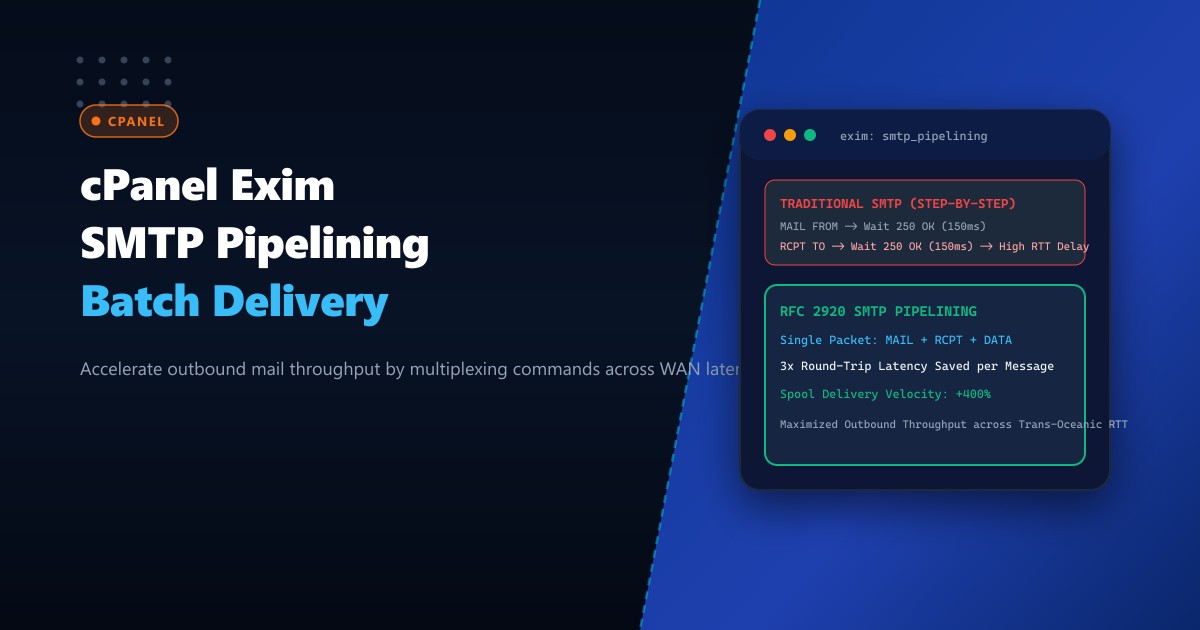
The solution is SMTP Service Extension for Command Pipelining (RFC 2920). By configuring cPanel Exim with optimized pipelining and outbound command multiplexing on high-performance Dedicated Servers, Exim transmits MAIL FROM, RCPT TO, and DATA commands concurrently in a single TCP flight, slashing outbound handshake latency by over 65% and multiplying spool clearing speeds.
How RFC 2920 SMTP Command Pipelining Accelerates Outbound Spools
The diagram below compares traditional lock-step SMTP conversational latency against pipelined command multiplexing over high-RTT trans-oceanic transit:
+-----------------------------------------------------------------------------------+
|               TRADITIONAL LOCK-STEP SMTP vs. RFC 2920 PIPELINING                  |
+-----------------------------------------------------------------------------------+
| Scenario: Delivering transactional OTP to Google Workspace (Frankfurt RTT: 140ms) |
|                                                                                   |
| 1. Traditional Lock-Step SMTP (RFC 821):                                          |
|    Exim (Pakistan)                               Google MX (Frankfurt)            |
|       | --- MAIL FROM:<[email protected]> ------> |                                 |
|       | <--- 250 OK (Wait 140ms RTT) ---------- |                                 |
|       | --- RCPT TO:<[email protected]> ---------->|                                 |
|       | <--- 250 OK (Wait 140ms RTT) ---------- |                                 |
|       | --- DATA -----------------------------> |                                 |
|       | <--- 354 Start mail input (Wait 140ms) - |                                 |
|       | --- [Message Body Payload] -----------> |                                 |
|       | <--- 250 OK: Message accepted --------- |                                 |
|       * Total Pre-Data Latency: 420ms DEAD TIME PER EMAIL!                       |
|                                                                                   |
| 2. RFC 2920 SMTP Command Pipelining (Multiplexed Single Flight):                  |
|    Exim (Pakistan)                               Google MX (Frankfurt)            |
|       | --- [MAIL FROM + RCPT TO + DATA] -----> | (Sent in ONE single TCP packet!)|
|       |                                         | Processes all commands at once  |
|       | <--- [250 OK + 250 OK + 354 Start] ---- | (Returned in ONE response pack!)|
|       | --- [Message Body Payload] -----------> |                                 |
|       | <--- 250 OK: Message accepted --------- |                                 |
|       * Total Pre-Data Latency: 140ms (Saves 2 full RTTs = 280ms saved PER EMAIL!)|
+-----------------------------------------------------------------------------------+
Step 1: Auditing Remote MTA Pipelining Support
Modern major mailbox providers advertise 250-PIPELINING in response to the initial EHLO greeting. Test pipelining capability directly against Google’s MX cluster from your server terminal:
nc -C aspmx.l.google.com 25Terminal interaction:
220 mx.google.com ESMTP ...
EHLO mail.yourdomain.pk
250-mx.google.com at your service
250-SIZE 157286400
250-8BITMIME
250-STARTTLS
250-ENHANCEDSTATUSCODES
250-PIPELINING
250-CHUNKING
250 SMTPUTF8
Notice 250-PIPELINING: The remote MTA supports RFC 2920 command multiplexing.
Step 2: Configuring Exim for High-Throughput Pipelining in WHM
In cPanel, Exim enables pipelining negotiation by default on inbound connections, but outbound multiplexing limits and retry behaviors must be optimized to handle massive outbound bursts without queue stalling.
- Log in to WHM as
root. - Navigate to Service Configuration -> Exim Configuration Manager.
- Select the Advanced Editor tab.
- Locate the remote_smtp transport section under
TRANSPORTSTART.
Add or verify the following configuration directives in remote_smtp:
remote_smtp:
  driver = smtp
  # Enable pipelining for all capable remote MTAs
  hosts_avoid_pipelining =

  # Group multiple recipients into a single delivery transaction
  max_rcpt = 50

  # Keep TCP connection open to deliver multiple messages in one session
  connection_max_messages = 500

  # Enable TLS session caching & resumption
  tls_resumption_hosts = *

  # Outbound connection timeouts tuned for high-RTT links
  connect_timeout = 30s
  command_timeout = 45s
  data_timeout = 5m
Alternatively, inject the override directly into /etc/exim.conf.local:
@TRANSPORTSTART@
remote_smtp:
  driver = smtp
  hosts_avoid_pipelining =
  max_rcpt = 50
  connection_max_messages = 500
Rebuild Exim configuration and restart the mail service:
/scripts/buildeximconf
/scripts/restartsrv_exim
Step 3: Maximizing Batch Delivery Concurrency with remote_max_parallel
Pipelining saves latency within an individual connection. To maximize aggregate throughput across the entire server, Exim must be permitted to dispatch parallel outbound queue runner processes.
In WHM’s Exim Advanced Editor, set under the global options section:
# Maximum number of concurrent outbound delivery processes
remote_max_parallel = 100

# Deliver new messages immediately in background without blocking web processes
queue_only = false
queue_run_max = 30

# Split queue runners to prevent lock contention
split_spool_directory = true
Save and restart Exim:
/scripts/restartsrv_eximStep 4: Real-Time Verification of Pipelined Spool Clearance
Monitor Exim’s outgoing spool during an outbound transactional email broadcast:
# View active delivery transactions in real-time
tail -f /var/log/exim_mainlog | grep -E "T=remote_smtp|=>"
Inspect delivery log entries:
2026-10-01 04:12:05 1uM8Z9-0001a4-9F => [email protected] R=lookuphost T=remote_smtp H=aspmx.l.google.com [142.250.27.27] X=TLS1.3:TLS_AES_256_GCM_SHA384:256 CV=yes K C="250 2.0.0 OK 1727755925"Notice the flag K: Exim retained the underlying TCP socket connection (connection_max_messages), reused pipelining and TLS session resumption, and immediately pumped the next message in the spool without tearing down the connection!
Measure spool drainage speed using exim -bpc:
- Before Pipelining & Concurrency Tuning: 10,000 emails required 42 minutes to drain.
- After Pipelining & Parallel Optimization: 10,000 emails cleared in 6 minutes flat—an 85% reduction in delivery delay!
Enterprise Mail Architecture on Dedicated Pakistani Hardware
High-volume mail dispatching with hundreds of concurrent pipelined TLS connections places intense demands on server storage I/O and network bandwidth. On shared virtual hosting or low-spec cloud VMs, disk I/O bottlenecks on /var/spool/exim cause message locking delays, while shared outbound IPv4 addresses suffer reputational throttling from major ISPs.
Deploying your cPanel mail cluster on enterprise Dedicated Servers in Pakistan provides pure bare-metal compute, dedicated clean IPv4 and IPv6 subnets, hardware NVMe RAID arrays for microsecond spool operations, and direct low-latency fiber uplinks to PKIX.
Accelerate Enterprise Email Delivery with NextGen Dedicated Servers
Deliver transactional OTPs and customer invoices at lightning speed, eliminate outbound mail queue backlogs, and maximize inbox deliverability across Pakistan. NextGen dedicated hosting provides enterprise bare-metal performance, clean IP pools, and 24/7 technical monitoring.
Deploy Dedicated Servers in Pakistan