
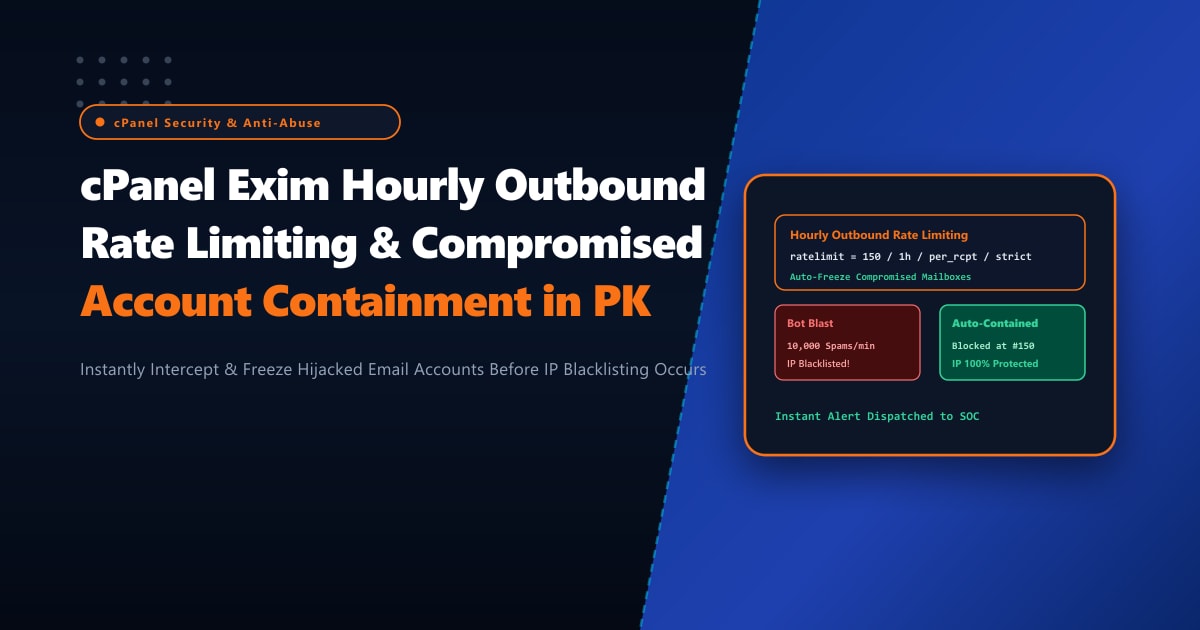
Web hosting providers, digital marketing agencies, and corporate enterprises across Pakistan face a persistent operational threat: compromised email accounts. Attackers utilize credential stuffing, password spray attacks against insecure mobile devices, or phishing to hijack user credentials (e.g. [email protected]). Within minutes of obtaining access, automated botnets connect to the server’s Exim SMTP submission port (587 or 465) and attempt to blast out tens of thousands of spam, crypto-extortion, and phishing emails across the globe.
If the hosting server lacks strict outbound rate limiting, these mass transmissions saturate Exim’s outgoing spool, exhaust CPU and network bandwidth, and—worst of all—trigger immediate IP blacklisting across major reputation watchdogs (Spamhaus ZEN, Barracuda, SpamCop, Microsoft SNDS, and Google Postmaster). Once an IP is blacklisted, all legitimate transactional and business emails across every domain hosted on that server are rejected with 550 Blocked errors.
By provisioning bare-metal Dedicated Servers and implementing cPanel Exim hourly outbound rate limiting with automated compromised account suspension and instant SOC alerts, administrators can detect and freeze malicious bursts at the 100th email, protecting corporate IP reputation and server performance.
The Anatomy of Outbound Spam Blasts vs. Enforced Rate Limiting
To understand how automated rate limiting preserves deliverability:
Compromised Mailbox ([email protected] - Hijacked via Weak Password)
                          │
                          ▼
┌─────────────────────────────────────────────────────────────┐
│ Botnet initiates outbound blast: 25,000 spam emails / hour   │
└─────────────────────────────────────────────────────────────┘
                          │
                          ▼
┌─────────────────────────────────────────────────────────────┐
│ cPanel Exim Outbound ACL Filter (ratelimit rule):           │
│ Evaluates: 150 emails / 1 hour / per mailbox                │
└─────────────────────────────────────────────────────────────┘
                          │
         ┌────────────────┴────────────────┐
         │ Has mailbox reached 150 emails? │
         └────────────────┬────────────────┘
             NO           │           YES
     ┌────────────────────┘           └────────────────────────┐
     ▼                                                         ▼
[ Emails 1 - 150 ]                                    [ Email 151+ BLOCKED ]
- Validated & Signed with DKIM                        - SMTP 550 Rejection Code returned
- Relayed to destination                              - Outgoing transport FROZEN
                                                      - cPanel auto-suspends mailbox
                                                      - Webhook notifies SOC on Telegram
                                                      - Zero IP Blacklisting!
Step 1: Configuring Global & Per-Domain Hourly Email Limits in WHM
cPanel & WHM provide built-in controls to enforce hourly email delivery ceilings at the server, package, and individual domain levels.
1. Configure Global Defaults via WHM Tweak Settings CLI
Set the global hourly outgoing limit for all cPanel accounts:
# Set global maximum hourly emails per domain to 150
whmapi1 set_tweaksetting key=maxemailsperhour value=150

# Prevent nobody / web server scripts from sending mail without authenticated owner
whmapi1 set_tweaksetting key=email_send_limits_track_nobody value=1

# Block and discard emails exceeding the limit instead of queuing them indefinitely
whmapi1 set_tweaksetting key=maxemailsperhour_action value=reject
2. Configure Dedicated Limits for High-Volume Corporate Accounts
If a specific enterprise customer (e.g. billing.enterprise.pk) legitimate sends 1,000 transactional receipts per hour, adjust their quota individually:
# Set custom limit for a specific cPanel user
echo "1000" > /var/cpanel/users/enterprisepk_email_limit
/scripts/updateuserdomains
Step 2: Advanced Exim ACL Outbound Rate Limiting in /etc/exim.conf.local
While cPanel’s WHM setting tracks limits per cPanel account, sophisticated attackers often hijack a single sub-mailbox (e.g. [email protected]) and consume the entire domain’s allocation.
To enforce rate limits per individual authenticated email address, add custom ACL logic in /etc/exim.conf.local:
In WHM Exim Configuration Manager -> Advanced Editor, locate the custom_begin_outgoing_notsmtp_check and custom_begin_mail sections:
# /etc/exim.conf.local
# Enforce strict 100 emails/hour per authenticated user

acl_check_ratelimit:
  # Check if authenticated user is sending
  defer condition = ${if def:authenticated_id {yes}{no}}
        ratelimit = 100 / 1h / strict / per_rcpt / $authenticated_id
        message   = "451 Outbound rate limit exceeded ($sender_rate_limit) for $authenticated_id. Contact administrator."
        log_message = "RATELIMIT EXCEEDED: $authenticated_id sent $sender_rate in $sender_rate_period"

  # Trigger auto-containment hook if threshold is violently exceeded
  warn condition = ${if >={$sender_rate}{150}{yes}{no}}
       condition = ${run{/opt/scripts/freeze_compromised_account.sh $authenticated_id $sender_rate}}
       log_message = "ACCOUNT AUTO-FROZEN: $authenticated_id blasted $sender_rate emails."

  accept
Rebuild Exim configuration and restart:
/scripts/buildeximconf
/scripts/restartsrv_exim
Step 3: Automated Account Freezing & SOC Alerting Script
Create the containment automation script /opt/scripts/freeze_compromised_account.sh:
#!/bin/bash
# /opt/scripts/freeze_compromised_account.sh
# NextGen Pakistan - Instant Compromised Mailbox Auto-Freeze & Alert

ACCOUNT="$1"
RATE="$2"
USER=$(echo "$ACCOUNT" | cut -d'@' -f2)
MAILBOX=$(echo "$ACCOUNT" | cut -d'@' -f1)

if [[ -z "$ACCOUNT" ]]; then
    exit 0
fi

# 1. Suspend outgoing mail privileges for this specific email address
whmapi1 suspend_outgoing_email user="$USER" email="$ACCOUNT"

# 2. Kill all active authenticated SMTP connections from this account
exiqgrep -f "$ACCOUNT" -i | xargs -r exim -Mrm

# 3. Dispatch high-priority Telegram alert to SOC Team
TELEGRAM_BOT_TOKEN="your_bot_token"
TELEGRAM_CHAT_ID="your_chat_id"
SERVER_HOSTNAME=$(hostname -f)

MESSAGE="🚨 *CRITICAL: Compromised Mailbox Frozen!*
*Server:* \`${SERVER_HOSTNAME}\`
*Account:* \`${ACCOUNT}\`
*Send Rate:* \`${RATE} emails/hr\`
*Action:* Outgoing mail suspended & spool purged immediately! IP preserved."

curl -s -X POST "https://api.telegram.org/bot${TELEGRAM_BOT_TOKEN}/sendMessage" \
     -d "chat_id=${TELEGRAM_CHAT_ID}" \
     -d "text=${MESSAGE}" \
     -d "parse_mode=Markdown" > /dev/null 2>&1
Make the script executable:
chmod 700 /opt/scripts/freeze_compromised_account.shStep 4: Real-Time Outbound Spool & Rate Limit Auditing
Monitor Exim logs in real time to catch compromised accounts being throttled:
# Monitor rate limit rejections in Exim mainlog
tail -f /var/log/exim_mainlog | grep -E "RATELIMIT EXCEEDED|ACCOUNT AUTO-FROZEN"
To list the top active senders in the last 24 hours:
# Inspect Exim sender statistics
eximstats -ne -nr /var/log/exim_mainlog | head -n 40
Check the active queue size:
exim -bpc
# A healthy, uncompromised server queue should remain between 0 and 50 messages!
Dedicated Server Infrastructure for Pakistani Corporate Mail
Running high-volume corporate email infrastructure on shared hosting exposes your domain to the risk of outbound spam contamination caused by insecure neighbors sharing the same outgoing public IP. Once a shared IP is flagged by Spamhaus or Google, all business transactions suffer delivery failures.
Deploying on bare-metal Dedicated Servers in Pakistan equips your organization with pristine dedicated static IPv4/IPv6 blocks, direct rDNS/PTR management, and hardware-isolated Exim spools capable of processing tens of thousands of legitimate emails per hour with zero blacklisting risk.
Protect Your Mail Server Reputation with NextGen Dedicated Servers
Eliminate outbound spam risks, enforce automated compromised account containment, and ensure 100% inbox delivery across Pakistan and international corporate networks. NextGen dedicated hosting provides clean IP pools, custom Exim ACL tuning, and 24/7 technical monitoring.
Deploy Dedicated Servers in Pakistan