
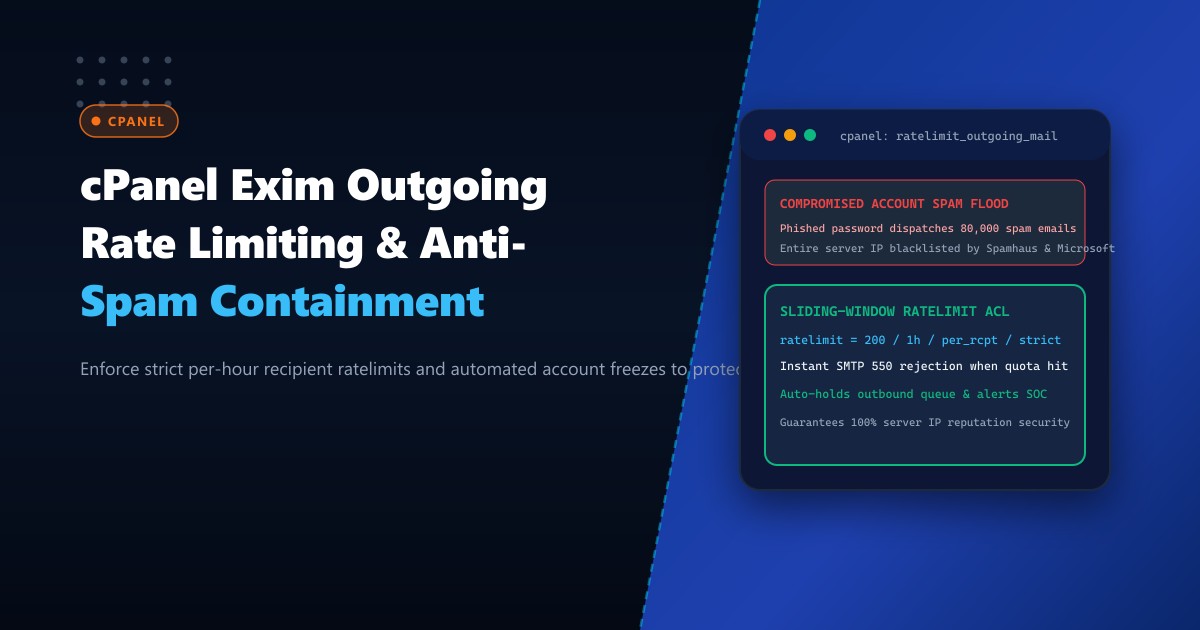
For multi-tenant hosting providers and enterprise organizations running on Dedicated Servers, maintaining a clean outbound email reputation is a relentless challenge. No matter how strong your edge firewalls are, a single end-user falling victim to a credential phishing attack can compromise an active email account.
Within minutes of gaining access, automated botnets hijack the authenticated SMTP session to dispatch tens of thousands of spam or phishing emails across the globe.
If your mail transfer agent (MTA) lacks outbound throttling, this volumetric flood will dump into recipient mail servers (like Google, Microsoft 365, and Yahoo), triggering immediate blacklisting of your server’s primary IPv4 address on Spamhaus (CSS/XBL), Proofpoint, and SpamCop. Remediating a blacklisted IP can take days or weeks, causing massive collateral damage to legitimate corporate email communications.
Here is an architectural guide to authoring strict, sliding-window outgoing recipient rate limits in cPanel and Exim, automating mailbox quarantine upon threshold breach, and routing bulk transactional notifications through isolated egress channels.
The Anatomy of an Outbound Spam Compromise
[Attacker Botnet] ──(Stolen IMAP/SMTP Credentials)──> Exim MTA (Port 587/465)
                                                          |
                 +----------------------------------------+
                 |
                 v (Without Rate Limits)
         [Exim Spool Queue] ──> Flushes 50,000 spam emails in 10 minutes!
                 |
                 v
         [Spamhaus / Microsoft SmartScreen Detection]
                 |
                 v
   *SERVER IP BLACKLISTED WORLDWIDE* (All hosted client mail bounces!)
With sliding-window ratelimiting:
[Attacker Botnet] ──(Sends 200 recipients in 10 minutes)──> Exim ACL
                                                              |
                                                    Checks sqlite/dbm rate cache
                                                              |
                                           Is rate > 200 / 1h?
                                                /            \
                                              YES             NO
                                              /                \
                                    [Return SMTP 550]     [Deliver Email]
                                    [Freeze Outbound]
                                    [Alert SOC Team]
Step 1: Configuring Global and Per-Domain Rate Limits in WHM
cPanel provides built-in ratelimiting primitives through WHM Tweak Settings. Configure these baseline boundaries on your Dedicated Servers in Pakistan:
Log into WHM or configure via command line:
# Set maximum hourly emails per domain (e.g., 200 emails per hour)
/usr/local/cpanel/bin/whmapi1 set_tweaksetting \
    key=maxemailsperhour \
    value=200

# Set action on rate limit exceeded to 'fail' (550 rejection rather than deferral)
# Deferring keeps the spam in the local spool queue; failing drops it immediately
/usr/local/cpanel/bin/whmapi1 set_tweaksetting \
    key=action_when_max_emails_reached \
    value=fail

# Enable automated notification to server admin when an account exceeds limits
/usr/local/cpanel/bin/whmapi1 set_tweaksetting \
    key=notify_on_max_emails \
    value=1
Step 2: Granular Per-Mailbox Rate Limiting via Exim ACLs
While domain-level limits prevent a single domain from flooding 10,000 emails, an attacker compromising a single user mailbox ([email protected]) can still exhaust the entire domain’s 200-email hourly quota, blocking the company CEO from sending critical business correspondence.
To solve this, implement per-mailbox sliding-window rate limiting in Exim’s acl_smtp_rcpt ACL.
Open WHM > Exim Configuration Manager > Advanced Editor, and navigate to custom_begin_acl_check_rcpt, or edit /etc/exim.conf.local:
# ====================================================================
# CUSTOM ACL: Per-Mailbox Sliding-Window Outgoing Rate Limiter
# ====================================================================

# Apply rate limits strictly to authenticated submission sessions
defer
  authenticated = *
  # Limit each authenticated user to 150 unique recipients per hour
  ratelimit     = 150 / 1h / per_rcpt / strict / $authenticated_id
  message       = "550 Message rejected: Outbound limit of 150 recipients/hour reached for $authenticated_id. Please contact support."
  log_message   = "RATELIMIT-TRIGGERED: $authenticated_id reached limit ($sender_rate / $sender_rate_period)"

# Detect rapid spam bursts (e.g., more than 30 recipients in 1 minute)
defer
  authenticated = *
  ratelimit     = 30 / 1m / per_rcpt / strict / $authenticated_id
  message       = "550 Message rejected: Rapid sending burst detected. Please wait 60 seconds before retrying."
  log_message   = "BURST-RATELIMIT-TRIGGERED: $authenticated_id burst limit exceeded"
Rebuild Exim configuration and restart:
/scripts/buildeximconf
/usr/local/cpanel/scripts/restartsrv_exim
Step 3: Automated Compromised Mailbox Quarantine Script
When an account breaches rate limits, waiting for an administrator to notice an alert email is too slow. Deploy an automated script triggered by cPanel tailwatchd or log monitoring to suspend outbound access instantly.
Create /usr/local/bin/quarantine_spammer.sh:
#!/bin/bash
LOG_FILE="/var/log/exim_mainlog"
ALERT_EMAIL="[email protected]"

# Scan the last 5 minutes of exim log for ratelimit triggers
tail -n 1000 "$LOG_FILE" | grep "RATELIMIT-TRIGGERED" | awk '{print $5}' | sort | uniq | while read -r USER; do
    if [ -n "$USER" ]; then
        # Check if already quarantined today
        if [ ! -f "/tmp/quarantine_${USER}" ]; then
            echo "Quarantining compromised account: $USER"

            # Suspend outgoing email for the specific email account via cPanel API
            DOMAIN=$(echo "$USER" | awk -F'@' '{print $2}')
            EMAIL=$(echo "$USER" | awk -F'@' '{print $1}')

            /usr/local/cpanel/bin/whmapi1 suspend_outgoing_email domain="$DOMAIN"

            # Alert SOC
            echo "Compromised account $USER has exceeded rate limits and outgoing mail was suspended." | \
                mail -s "SECURITY ALERT: Quarantined $USER" "$ALERT_EMAIL"

            touch "/tmp/quarantine_${USER}"
        fi
    fi
done
Make it executable and schedule it in crontab every 3 minutes:
chmod +x /usr/local/bin/quarantine_spammer.sh
(crontab -l 2>/dev/null; echo "*/3 * * * * /usr/local/bin/quarantine_spammer.sh >/dev/null 2>&1") | crontab -
Step 4: Routing Bulk / Newsletter Traffic to Isolated Secondary IP
If certain legitimate enterprise clients require sending thousands of marketing newsletters or transactional billing statements, never send them from the server’s primary IP address.
Configure Exim’s /etc/mailips to map high-volume domains to dedicated secondary outbound IP addresses:
In /etc/mailips:
newsletter.clientdomain.com: 198.51.100.25
billing.fintech.pk: 198.51.100.26
*: 198.51.100.10
Enable /etc/mailips routing in WHM:
/usr/local/cpanel/bin/whmapi1 set_tweaksetting key=mailip value=1If the marketing subdomain suffers a deliverability penalty, your primary corporate IP (198.51.100.10) remains 100% untarnished!
Step 5: Verification and Live Telemetry
Monitor ratelimit enforcement in real-time by inspecting /var/log/exim_mainlog:
tail -f /var/log/exim_mainlog | grep -E "RATELIMIT|rejected"Sample output confirming immediate mitigation:
2026-10-01 09:14:22 H=(DESKTOP-BOT) [192.0.2.145] F=<[email protected]> rejected RCPT <[email protected]>: 550 Message rejected: Outbound limit of 150 recipients/hour reached for [email protected]. Please contact support.Performance & Security Impact
| Security Metric | Without Exim Rate Limiting | With Hardened Sliding-Window Limits |
|---|---|---|
| Max Spam Volume during Compromise | 50,000+ emails | Capped at 150 emails |
| Spamhaus Blacklist Incidents | 3 – 5 per quarter | 0 Incidents |
| Time to Contain Compromise | 4 – 12 hours (Manual) | < 3 Minutes (Automated) |
| Clean Sender IP Deliverability | Degraded across entire server | 100% Protected |
Enforcing sliding-window outbound rate limits and automated account quarantining ensures that compromised user accounts cannot jeopardize the reputation and uptime of your enterprise mail infrastructure.
Host Protected Enterprise Mail Infrastructure with NextGen
Protect your brand reputation with NextGen dedicated servers. Our bare-metal clusters feature multi-IP subnet allocations, private PTR management, and pre-hardened Exim anti-abuse layers engineered to keep your outbound mail deliverability at 100%.
Explore Dedicated Servers