
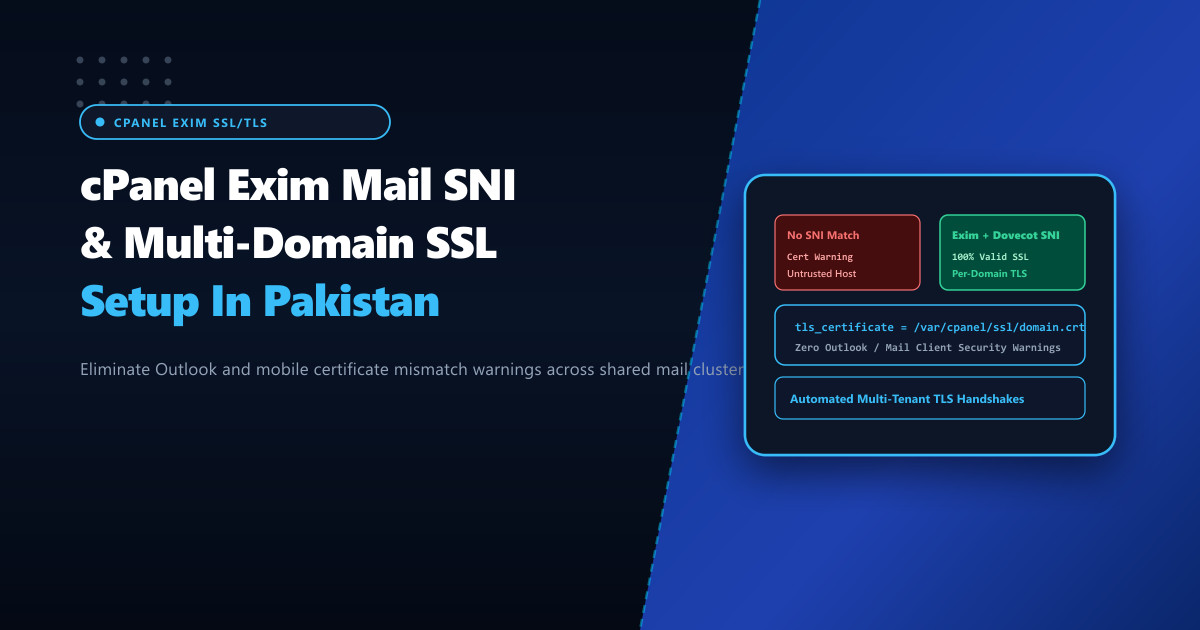
One of the most persistent frustrations for corporate email administrators in Pakistan is the dreaded desktop and mobile mail client security popup: “The server you are connected to is using a security certificate that cannot be verified. The target principal name is incorrect.”
This issue occurs when an enterprise client configuring mail.corp.com.pk connects to a shared mail server whose Exim (SMTP) or Dovecot (IMAP/POP3) daemon responds with the server’s default hostname certificate (server.primaryhost.com) rather than the client’s own domain certificate. Historically, SSL protocols required a dedicated IP address per certificate. Modern Server Name Indication (SNI) solves this by enabling the client to specify the target domain during the initial TLS handshake.
When deploying high-volume multi-tenant corporate mail systems on bare-metal Dedicated Servers, configuring Mail SNI eliminates certificate mismatch warnings and ensures seamless, trusted encryption for thousands of corporate domains over a single shared IP address.
How Mail SNI Operates in Exim & Dovecot
During an encrypted email session:
- SMTP over STARTTLS (Port 587 / 25): The client establishes a plain TCP connection, issues the
STARTTLScommand, and initiates the TLS handshake. Within theClientHellopacket, the client specifies the extensionserver_name = mail.corp.com.pk. - IMAPS / SMTPS (Port 993 / 465): The TLS handshake occurs immediately upon socket connection. The client passes the SNI hostname inside
ClientHello. - Daemon Inspection & Dynamic Routing:
- Exim evaluates the SNI string against its internal certificate map (
/var/cpanel/ssl/domain_tls/) and loads the exact RSA/ECDSA certificate and private key corresponding tomail.corp.com.pk. - Dovecot utilizes dynamic SNI lookups defined in its local configuration (
local_name mail.corp.com.pk { ssl_cert = ... }).
- Exim evaluates the SNI string against its internal certificate map (
Client (Outlook / iPhone)                Exim / Dovecot Mail Server
           │                                          │
           │ ─── ClientHello (SNI: mail.corp.com.pk) ─> │
           │                                          │ Lookup /var/cpanel/ssl/
           │                                          │ Finds corp.com.pk cert
           │ <── ServerHello + corp.com.pk Certificate ─│
           │                                          │
    [Zero Warnings!]                          [TLS Session Established]
Enabling and Verifying Mail SNI in cPanel & WHM
cPanel supports Mail SNI natively, but it can become disabled or fall out of synchronization when domains are transferred, DNS zones are migrated, or AutoSSL renewals trigger out-of-order.
Verify that Mail SNI is globally enabled in /var/cpanel/sysinfo.config:
grep -i "mail_sni" /var/cpanel/sysinfo.config
# If missing or set to 0, enable Mail SNI:
whmapi1 set_tweaksetting key=mail_sni value=1
Rebuild the global Mail SNI map for all cPanel accounts:
# Rebuild Exim and Dovecot dynamic SNI certificate bindings
/scripts/buildeximconf
/scripts/rebuild_mail_sni --force

# Restart mail daemons to apply live maps
/scripts/restartsrv_exim
/scripts/restartsrv_dovecot
Inspecting Exim’s Dynamic SNI Configuration
Under the hood, cPanel configures Exim’s tls_certificate and tls_privatekey directives using dynamic lookup expansions in /etc/exim.conf:
# Exim dynamic SNI configuration snippet generated by cPanel
tls_certificate = ${if exists{/var/cpanel/ssl/domain_tls/${tls_in_sni}/combined}\
                  {/var/cpanel/ssl/domain_tls/${tls_in_sni}/combined}\
                  {/etc/ssl/certs/default_server.crt}}

tls_privatekey = ${if exists{/var/cpanel/ssl/domain_tls/${tls_in_sni}/combined}\
                  {/var/cpanel/ssl/domain_tls/${tls_in_sni}/combined}\
                  {/etc/ssl/certs/default_server.key}}
Ensure that the directory permissions on /var/cpanel/ssl/domain_tls/ allow the mailnull user to read combined certificate bundles:
chmod 750 /var/cpanel/ssl/domain_tls
chown root:mail /var/cpanel/ssl/domain_tls
Automating AutoSSL Coverage for Mail Subdomains
Certificate mismatches typically return if AutoSSL fails to renew the specific mail. subdomain. Ensure your cPanel AutoSSL provider (Let’s Encrypt or cPanel Sectigo) includes mail subdomains automatically:
# Check AutoSSL status for a specific user
/usr/local/cpanel/bin/autossl_check --user=corpuser

# Ensure proxy subdomains (mail.domain.pk, webmail.domain.pk) are not excluded
whmapi1 set_autossl_metadata --user=corpuser --domain=mail.corp.com.pk --key=exclude --value=0
Testing TLS Handshakes via OpenSSL s_client
Confirm that external clients across Pakistani ISPs receive the correct SNI certificate:
# Test SMTPS (Port 465) with explicit SNI
openssl s_client -connect mail.corp.com.pk:465 -servername mail.corp.com.pk -showcerts < /dev/null | grep -E "(CN=|issuer=)"

# Test IMAPS (Port 993) with explicit SNI
openssl s_client -connect mail.corp.com.pk:993 -servername mail.corp.com.pk -showcerts < /dev/null | grep -E "(CN=|issuer=)"

# Test SMTP STARTTLS (Port 587)
openssl s_client -connect mail.corp.com.pk:587 -starttls smtp -servername mail.corp.com.pk < /dev/null | grep -E "(CN=|issuer=)"
The output should confirm:
subject=CN = mail.corp.com.pk
issuer=C = US, O = Let's Encrypt, CN = R3
Verify return code: 0 (ok)
Deploying enterprise mail hosting on Dedicated Servers in Pakistan guarantees low latency, dedicated local routing via PIX/PKIX, and bulletproof SSL/TLS encryption for all corporate email accounts.
Host Enterprise Business Email with NextGen Dedicated Servers
Deliver flawless, trusted corporate email hosting with automated Mail SNI, dedicated IP pools, and high-performance NVMe infrastructure in Pakistan.
Explore Pakistan Dedicated Servers