
For web hosting providers, digital agencies, and enterprise IT administrators in Pakistan, nothing destroys email deliverability faster than an outbound spam incident.
A single customer website running an outdated WordPress plugin gets compromised with a PHP mailer script. Within minutes, the script floods tens of thousands of spam emails into the Exim mail queue. By the time the server administrator notices, the server’s primary IP address has landed on major international Real-Time Blackhole Lists (RBLs) like Spamhaus Zen, Barracuda, and SpamCop. Consequently, legitimate business emails sent by every other client on that server bounce with 550 Blocked by RBL errors.
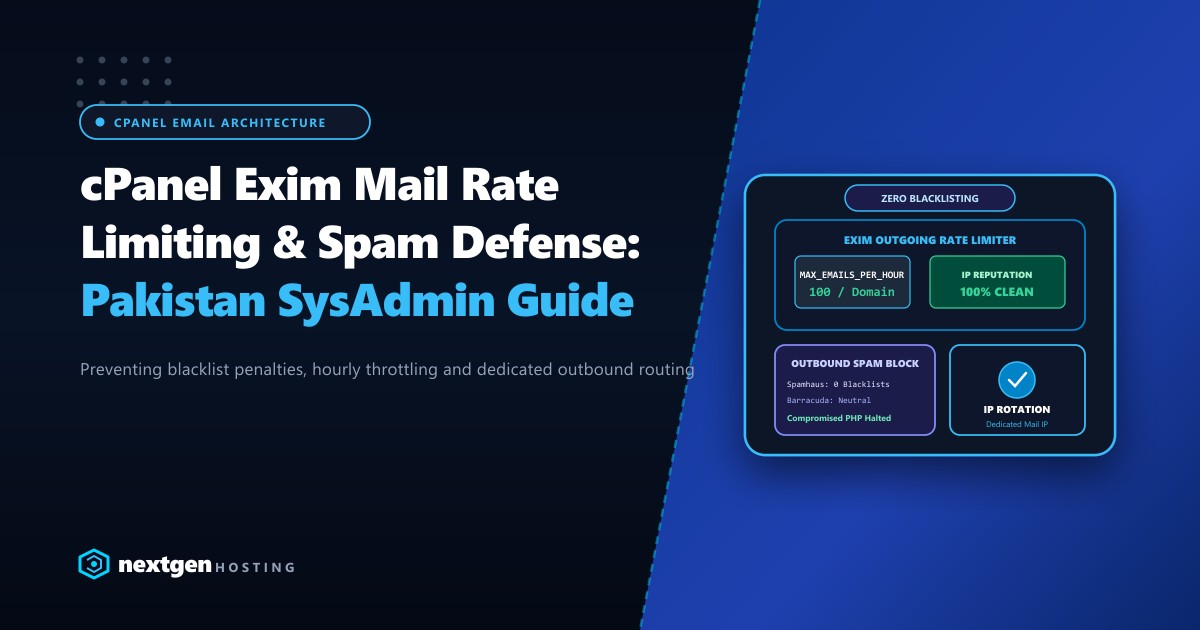
Implementing strict Exim rate limiting, outbound queue monitoring, and multi-IP rotation prevents compromised accounts from paralyzing your mail services.
Executive Summary: Exim Rate Limiting & Outbound Hardening
- Preventative Throttling: Enforce strict per-domain hourly outbound limits (e.g., 100 to 250 emails/hour) in WHM to contain malware outbursts instantly.
- Exim Script Tracking: Enable
mail.add_x_headerin PHP to record the exact filesystem path and script UID of every email originating from PHP mail(). - Queue Management via CLI: Use
exiqgrepandexim -bpto isolate and delete rogue frozen queues before downstream mail relays drop your IP. - Outbound IP Isolation: Decouple web traffic from mail delivery using
/etc/mailipsto route transactional mail over clean, dedicated secondary IP addresses.
Step 1: Enforcing Hourly Outbound Limits in WHM
cPanel provides native hooks to cap outbound message volume on a per-domain and per-account basis:
1. Configure Global Limits in Tweak Settings
- Log in to WHM as
root. - Navigate to Server Configuration >> Tweak Settings.
- Select the Mail tab and configure:
- Max hourly emails per domain: Set to
100or200(depending on whether you host corporate or retail accounts). - Count false failures towards hourly limit: Set to
On. - Action to take on domains that exceed max hourly emails: Set to “Hold outgoing mail until the next hour” or “Fail outgoing mail”.
- Discard outgoing mail for compromised accounts: Set to
On.
- Max hourly emails per domain: Set to
Compromised PHP Script -> Generates 5,000 Emails
                               |
                   [ Exim Hourly Quota Engine ]
                               |
             +-----------------+-----------------+
             |                                   |
   [ First 100 Emails ]               [ Email 101 to 5,000 ]
             |                                   |
         DISPATCHED                           BLOCKED
                                                 |
                                     Triggers cPanel Admin Alert
                                     Freezes Outbound Queue
2. Customizing Limits for High-Volume Clients
If a specific corporate client requires higher volume (e.g., invoice distributions):
- Navigate to WHM >> Account Information >> List Accounts.
- Click the
+icon next to the domain and select Modify Account. - Under Maximum Hourly Email by Domain Relayed, override the limit specifically for that cPanel account.
Step 2: Tracking the Source of Malicious PHP Scripts
When spam generates from an unauthenticated PHP script using mail(), Exim defaults to displaying nobody or the cPanel user as the sender without revealing the file location.
To identify the exact compromised file, enable script tracking in WHM >> Service Configuration >> PHP Configuration Editor:
; Enable X-PHP-Originating-Script Header
mail.add_x_header = On

; Log all mail calls with script path
mail.log = /var/log/php_mail.log
Inspect the headers of any outbound message in the queue:
# View headers of message ID 1xK9ab-0004p-00
exim -Mvh 1xK9ab-0004p-00
Look for the header:
X-PHP-Originating-Script: 1005:mailer.php (where 1005 is the Linux UID and mailer.php is the backdoor).
Step 3: Rapid Queue Inspection & Purging Commands
When investigating an ongoing mail surge, use these production terminal commands:
# View the total number of messages currently in the Exim queue
exim -bpc

# View a detailed summary of messages grouped by domain and age
exim -bp | exiqsumm

# Search for all queued messages sent by a specific compromised sender
exiqgrep -f "[email protected]"

# Delete all frozen messages from the queue immediately
exiqgrep -z -i | xargs exim -Mrm

# Delete all messages older than 24 hours (86400 seconds)
exiqgrep -o 86400 -i | xargs exim -Mrm
Step 4: Isolating Mail Delivery via Dedicated Outbound IPs
By default, Exim transmits mail from your server’s primary shared IP. If that IP is shared by hundreds of websites, an issue on one site damages the mail reputation of all sites.
To isolate email traffic, configure Exim to send outbound messages through clean, dedicated IP addresses:
- In WHM, navigate to Service Configuration >> Exim Configuration Manager >> Basic Editor.
- Under Domains and IPs:
- Set Reference /etc/mailips for outgoing SMTP connections to On.
- Set Reference /etc/mailhelo for outgoing SMTP connections to On.
- Edit
/etc/mailipsvia SSH:
# /etc/mailips
# Map critical business domains to dedicated clean IP addresses
vipcorporate.pk: 198.51.100.25
ecommerce-store.pk: 198.51.100.26

# Fallback default outbound IP for remaining shared accounts
*: 198.51.100.20- Configure corresponding Reverse DNS (rDNS / PTR) records for each dedicated IP at your hosting provider.
For high-volume transaction engines, CRM applications, and mission-critical enterprise portals, deploying on bare-metal Dedicated Servers provides dedicated /29 or /28 IPv4 subnets with pristine IP reputation. When serving enterprise clients inside Pakistan, hosting on domestic Dedicated Servers in Pakistan ensures that local transactional emails (such as bank OTPs and order confirmations) route directly to corporate mail gateways across Nayatel, PTCL, and StormFiber without traversing international hops.
Hardening Exim Against SMTP Brute-Force Attacks
Cybercriminals frequently target port 465 (SMTPS) and 587 (Submission) using dictionary password attacks against email mailboxes.
Combine Exim with cPHulk Brute Force Protection:
- Open WHM >> Security Center >> cPHulk Brute Force Protection.
- Enable protection for Exim (SMTP), Dovecot (IMAP/POP3), and cPanel Services.
- Set Maximum Failures per Account to
5within a 15-minute window. - Enable Block IP at firewall level via CSF / IPset integration to drop attacking IP packets before they consume server CPU.
Ensure 100% Email Deliverability with Nextgen Hosting
Protect your brand's reputation with dedicated clean outbound IPs, automated spam filters, pre-configured DKIM/SPF/DMARC records, and 24/7 technical monitoring.
