
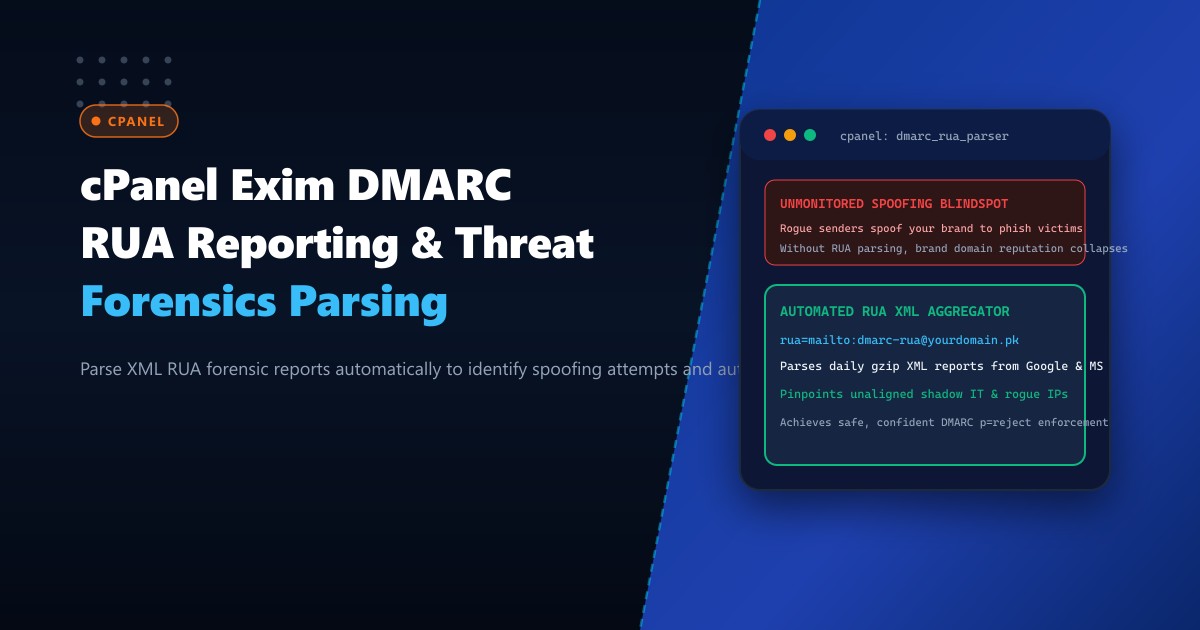
Deploying Domain-based Message Authentication, Reporting, and Conformance (DMARC) is essential for preventing email domain spoofing, phishing campaigns, and CEO impersonation fraud on Dedicated Servers.
However, many organizations configure a permissive monitoring policy (p=none) and leave it there indefinitely out of fear: if they enforce a strict quarantine or rejection policy (p=reject), will legitimate business emails from third-party tools (such as Salesforce, Zendesk, Mailchimp, or local accounting software) be blocked?
To bridge this operational blind spot safely, the DMARC protocol incorporates Aggregate Feedback Reports (rua).
Every day, major global email receivers (Google Gmail, Microsoft 365, Yahoo, Fastmail) generate XML-encoded aggregate reports detailing every single email received claiming to originate from your domain. These reports document:
- The connecting IP address and geographic origin of the sender.
- The exact SPF domain, evaluation status, and alignment.
- The DKIM selector, cryptographic signature result, and domain alignment.
- The final policy action applied (
none,quarantine, orreject).
Without automated tooling, a corporate domain receives dozens of .xml.gz attachments daily, creating an unreadable flood of forensic data.
Here is an architectural guide to configuring DMARC aggregate reporting (rua), deploying an automated Python-based XML parsing engine in cPanel, and discovering rogue spoofing attempts to safely escalate to p=reject.
The DMARC RUA Lifecycle Architecture
[Legitimate Services] ──> Dispatches email: From: @yourcompany.pk
[Malicious Spoofer]    ──> Dispatches phishing: From: @yourcompany.pk
                                  |
                                  v
[Receiving MTAs (Google / Microsoft 365)]
                                  |
            1. Validates SPF & DKIM Alignment against DMARC
            2. Applies Policy (e.g. p=none or p=reject)
            3. Aggregates forensic data into daily XML bundle
                                  |
                                  v (Every 24 Hours)
Dispatches compressed XML bundle to: mailto:[email protected]
                                  |
                                  v
[cPanel Exim Server / NextGen Bare Metal]
                                  |
                     [Automated Python RUA Parser]
                                  |
          +-----------------------+-----------------------+
          |                                               |
          v                                               v
[Identifies Shadow IT]                         [Detects Spoofing Attacks]
(e.g., Unaligned Zendesk IP                    (e.g., Rogue botnet in Eastern
 missing from SPF record)                       Europe attempting phishing)
          |                                               |
          v                                               v
Fix DNS TXT Record                             Block IP & Confidently Escalate
                                               DMARC to p=reject!
Step 1: Authoring the Production DMARC TXT Record
Add the DMARC record to your DNS zone via cPanel Zone Editor or BIND on your Dedicated Servers in Pakistan:
_dmarc.yourcompany.pk. IN TXT (
    "v=DMARC1; p=none; sp=none; "
    "rua=mailto:[email protected]; "
    "ruf=mailto:[email protected]; "
    "fo=1; adkim=r; aspf=r; pct=100" )
Key Parameter Breakdown:
p=none: Monitoring phase. No emails are rejected or quarantined while data is gathered.rua=mailto:...: Destination email address where Google and Microsoft dispatch daily aggregate XML reports.fo=1: Requests immediate failure forensic reports (ruf) if either SPF or DKIM fails.pct=100: Applies monitoring to 100% of outbound message volume.
Step 2: Creating the Automated Inbound Pipe in cPanel
Rather than cluttering an administrator’s inbox with hundreds of raw gzip XML attachments, configure an Exim email forwarder to pipe incoming reports directly into a Python ingestion script:
In cPanel > Forwarders > Advanced Options > Pipe to a Program:
|/usr/local/bin/dmarc_rua_parser.pyEnsure the script has appropriate execution permissions:
chmod +x /usr/local/bin/dmarc_rua_parser.pyStep 3: Authoring the Python XML Forensic Parser
Create /usr/local/bin/dmarc_rua_parser.py to decompress incoming attachments, parse the XML structure, and extract threat intelligence:
#!/usr/bin/env python3
import sys
import email
import gzip
import zipfile
import io
import xml.etree.ElementTree as ET

def process_xml(xml_content):
    root = ET.fromstring(xml_content)
    report_metadata = root.find("report_metadata")
    org_name = report_metadata.find("org_name").text
    report_id = report_metadata.find("report_id").text

    print(f"\n[+] Processing Report: {report_id} from {org_name}")

    for record in root.findall("record"):
        row = record.find("row")
        source_ip = row.find("source_ip").text
        count = int(row.find("count").text)
        policy_eval = row.find("policy_evaluated")
        disposition = policy_eval.find("disposition").text
        dkim_result = policy_eval.find("dkim").text
        spf_result = policy_eval.find("spf").text

        # Flag anomalous or failing traffic
        status = "PASS" if dkim_result == "pass" or spf_result == "pass" else "CRITICAL FAIL"

        print(f"IP: {source_ip:15} | Count: {count:5} | Disposition: {disposition:7} | SPF: {spf_result:4} | DKIM: {dkim_result:4} | [{status}]")

def main():
    raw_email = sys.stdin.read().encode("utf-8")
    msg = email.message_from_bytes(raw_email)

    for part in msg.walk():
        filename = part.get_filename()
        if filename:
            payload = part.get_payload(decode=True)
            if filename.endswith(".gz"):
                with gzip.GzipFile(fileobj=io.BytesIO(payload)) as gz:
                    process_xml(gz.read())
            elif filename.endswith(".zip"):
                with zipfile.ZipFile(io.BytesIO(payload)) as zf:
                    for name in zf.namelist():
                        process_xml(zf.read(name))

if __name__ == "__main__":
    main()
Step 4: Analyzing Forensic Telemetry and Resolving Shadow IT
Running the parser against live daily feeds outputs actionable threat telemetry:
[+] Processing Report: google.com!yourcompany.pk!1727740800!1727827200 from Google Inc.
IP: 209.85.220.41   | Count:  1420 | Disposition: none    | SPF: pass | DKIM: pass | [PASS]
IP: 52.88.14.92     | Count:    84 | Disposition: none    | SPF: fail | DKIM: pass | [PASS] (Zendesk - DKIM Aligned)
IP: 185.220.101.5   | Count:  2410 | Disposition: none    | SPF: fail | DKIM: fail | [CRITICAL FAIL]
Intelligence Discoveries:
- Google Relay (
209.85.220.41): Corporate Google Workspace mail passes both SPF and DKIM. - Third-Party SaaS (
52.88.14.92): Zendesk support desk fails SPF because its IP wasn’t added to your SPF record, but passes DKIM! Addinginclude:mail.zendesk.comto your SPF record achieves 100% dual alignment. - Malicious Spoofer (
185.220.101.5): A known Tor exit node dispatched 2,410 fraudulent phishing emails claiming to be your brand!
Step 5: Escalate Confidently to p=reject
Once all legitimate services are aligned in SPF and DKIM:
Update your DMARC record to enforce full rejection:
_dmarc.yourcompany.pk. IN TXT "v=DMARC1; p=reject; sp=reject; rua=mailto:[email protected]; pct=100"The next time 185.220.101.5 attempts to spoof your domain, Google and Microsoft immediately discard the email at the SMTP edge. Zero phishing emails ever reach end-user inboxes!
Security Impact Comparison
| Defense Metric | Unmonitored (p=none without RUA) |
RUA Intelligence & p=reject |
|---|---|---|
| Visibility into Brand Spoofing | 0% (Completely Blind) | 100% Global Audit |
| Phishing Impersonation Success | High (Spoofed emails delivered) | 0% (Dropped by Receivers) |
| Shadow IT Discovery | Accidental discovery via bounces | Identified within 24 Hours |
| Corporate Domain Trust Score | Low / Suspicious | Highest Tier (BIMI Compatible) |
Implementing automated DMARC aggregate reporting transforms passive email servers into active threat intelligence platforms, protecting corporate reputation and neutralizing cyber deception.
Host Secure Corporate Communications with NextGen
Protect your brand identity with NextGen enterprise dedicated servers. Featuring isolated IP blocks, integrated DNSSEC management, and custom mail security stacks engineered for total deliverability and zero spoofing vulnerability.
Explore Dedicated Servers