
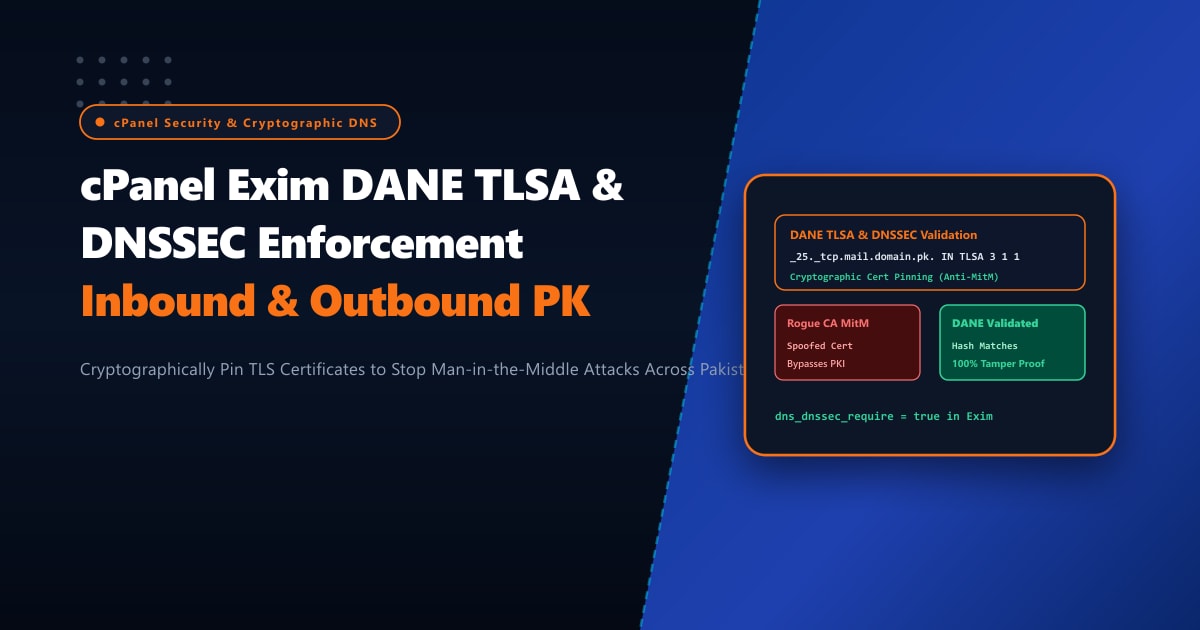
In enterprise email ecosystems across Pakistan—handling critical banking transactions, fintech OTP deliveries, legal records, and corporate correspondence—traditional opportunistic STARTTLS is no longer sufficient to guarantee confidential message transit. Opportunistic TLS is vulnerable to active man-in-the-middle (MITM) downgrade attacks: an adversary manipulating network routing via BGP route leaks or ISP-level transparent proxies can strip the STARTTLS verb from SMTP greetings, forcing mail transfer agents (MTAs) to fallback to unencrypted cleartext transmission.
To eliminate this vulnerability, security architects rely on DANE (DNS-based Authentication of Named Entities - RFC 7672) backed by DNSSEC. By publishing cryptographic TLSA records in DNS, domain owners declare strict TLS requirements and bind their server certificates directly to cryptographically authenticated DNS zones.
When cPanel servers operate on high-speed bare-metal Dedicated Servers, configuring Exim with strict DNSSEC resolver validation and outbound DANE verification ensures that outbound emails cannot be intercepted, snooped, or downgraded across trans-oceanic transit corridors connecting Pakistan to international mail nodes.
Understanding Opportunistic TLS vs. DANE (RFC 7672) with DNSSEC
Here is how DANE TLSA transforms outbound SMTP security compared to standard opportunistic STARTTLS:
+-----------------------------------------------------------------------------------+
|                        OPPORTUNISTIC STARTTLS vs. DANE TLSA                       |
+-----------------------------------------------------------------------------------+
| 1. Standard Opportunistic STARTTLS (Vulnerable to MITM & Downgrades):             |
|    - Exim connects to destination MX (e.g., mail.bank.com.pk:25).                 |
|    - Intermediary ISP proxy or BGP hijack intercepts connection.                   |
|    - Intermediary strips "250-STARTTLS" capability from EHLO greeting.             |
|    - Exim assumes TLS is unsupported and sends credentials & email in CLEARTEXT!  |
|                                                                                   |
| 2. Strict DANE Verification (RFC 7672 with DNSSEC):                               |
|    - Exim queries local DNSSEC-validating recursive resolver for TLSA record:     |
|      _25._tcp.mail.bank.com.pk IN TLSA 3 1 1 <sha256-hash-of-public-key>          |
|    - Resolver verifies cryptographic DNSSEC signature chain from Root (.) to zone.|
|    - Exim detects TLSA record: MANDATORY TLS ENCRYPTION ENFORCED!                 |
|    - Exim establishes TLS and verifies destination server certificate hash.       |
|    - If TLS handshake fails or certificate is forged, DELIVERY IS ABORTED!        |
|    - Result: Zero chance of cleartext wiretapping or rogue CA certificate forged. |
+-----------------------------------------------------------------------------------+
Step 1: Configuring a Local DNSSEC-Validating Recursive Resolver (Unbound)
Exim cannot perform DANE validation reliably if it delegates DNS lookups to an external, non-DNSSEC-validating caching nameserver. To ensure tamper-proof lookups, configure a local validating resolver using Unbound listening on 127.0.0.1:
# Install Unbound DNS resolver on Enterprise Linux (AlmaLinux / Rocky Linux)
dnf install -y unbound

# Update DNS root trust anchors for DNSSEC
unbound-anchor -a "/var/lib/unbound/root.key"
Edit /etc/unbound/unbound.conf:
server:
    interface: 127.0.0.1
    port: 53
    do-ip4: yes
    do-ip6: yes
    do-udp: yes
    do-tcp: yes

    # Enforce strict DNSSEC validation
    validator: yes
    auto-trust-anchor-file: "/var/lib/unbound/root.key"
    val-permissive-mode: no
    val-clean-additional: yes

    # Access control
    access-control: 127.0.0.1 allow
    access-control: ::1 allow

    # Caching and Performance
    msg-cache-size: 64m
    rrset-cache-size: 128m
    infra-cache-numhosts: 10000
Enable and start Unbound:
systemctl enable --now unbound
systemctl status unbound
Verify DNSSEC validation using dig:
# Test DNSSEC validation on a signed domain
dig @127.0.0.1 sigok.verteiltesysteme.net +dnssec

# Look for the 'ad' (Authenticated Data) flag in the flags line:
# flags: qr rd ra ad; QUERY: 1, ANSWER: 2, AUTHORITY: 0, ADDITIONAL: 1
Set /etc/resolv.conf to query localhost first:
nameserver 127.0.0.1
nameserver 1.1.1.1
options edns0 trust-ad
Step 2: Enabling DANE Verification in cPanel Exim Configuration
To instruct Exim to query and enforce DANE TLSA records during outbound delivery:
- Log in to WHM as
root. - Navigate to Service Configuration -> Exim Configuration Manager.
- Select the Advanced Editor tab.
- Scroll to the Section: TRANSPORTSTART or search for the
remote_smtptransport block.
Add or verify the following configuration parameters under remote_smtp:
remote_smtp:
  driver = smtp
  hosts_try_dane = *
  dane_require_tls_ciphers = HIGH:!aNULL:!MD5:!RC4:!3DES
  tls_verify_certificates = /etc/pki/tls/certs/ca-bundle.crt
  dns_again_means_nonexist = false
Alternatively, if you are configuring raw Exim template overrides via /etc/exim.conf.local:
@TRANSPORTSTART@
remote_smtp:
  driver = smtp
  hosts_try_dane = *
  tls_tempfail_try_nodane = false
[!IMPORTANT] Setting
hosts_try_dane = *instructs Exim to check for TLSA records for all recipient domains. If a domain publishes a valid DNSSEC-signed TLSA record, Exim enforces strict TLS matching the certificate fingerprint. If the destination domain lacks DANE records, Exim gracefully falls back to standard opportunistic STARTTLS.
Rebuild Exim configuration and restart the daemon:
/scripts/buildeximconf
/scripts/restartsrv_exim
Step 3: Generating and Publishing Inbound TLSA Records for Your cPanel Domains
To protect incoming mail addressed to your own cPanel domains from interception, publish TLSA records for your mail exchangers (e.g., mail.yourdomain.pk):
Identify your mail server’s active TLS certificate public key hash:
# Extract the SHA-256 hash of the public key (Usage 3, Selector 1, Matching-Type 1)
openssl x509 -in /var/cpanel/ssl/installed/certs/mail_yourdomain_pk.crt -pubkey -noout \
  | openssl pkey -pubin -outform DER \
  | sha256sum \
  | awk '{print $1}'
Example output:
9b8e72c41f6a0d33e9d801124ca6b8478ef9910e53a28c24f57c66d21394a8e1Publish the TLSA DNS record in your DNSSEC-signed zone:
; TLSA record format: _<port>._<transport>.<hostname> IN TLSA <usage> <selector> <matching-type> <cert-data>
_25._tcp.mail.yourdomain.pk. IN TLSA 3 1 1 9b8e72c41f6a0d33e9d801124ca6b8478ef9910e53a28c24f57c66d21394a8e1
TLSA Parameter Explanation:
- Port:
_25(Standard SMTP port). - Protocol:
_tcp. - Usage 3 (DANE-EE): Binds the specific end-entity server certificate or its public key directly, bypassing traditional CA root dependencies.
- Selector 1 (SPKI): Checks the Subject Public Key Info rather than the full certificate (allowing cert renewals without breaking DANE as long as the private key is reused).
- Matching-Type 1 (SHA-256): Compares the SHA-256 fingerprint hash.
Step 4: Testing & Auditing DANE Verification in Real-Time
Send a test email from Exim to a DANE-enabled recipient (such as a German government address, NL domain, or dane.sys4.de testing service):
exim -v [email protected]Inspect /var/log/exim_mainlog:
grep "T=remote_smtp" /var/log/exim_mainlog | grep -E "DANE|CV="Successful DANE enforcement displays CV=dane in Exim logs:
2026-10-01 02:44:19 1tA8Xv-00041z-L9 => [email protected] R=lookuphost T=remote_smtp H=mail.sys4.de [194.77.107.13] X=TLS1.3:TLS_AES_256_GCM_SHA384:256 CV=dane K C="250 2.0.0 Ok: queued as 4X8m2Z"Notice CV=dane: Exim cryptographically validated the recipient’s TLSA DNSSEC record and verified that the remote certificate matched the published cryptographic hash before transmitting the message body.
High-Integrity Email Operations with Dedicated Pakistani Infrastructure
Performing recurring DNSSEC signature validation and maintaining low-latency TLS connections requires dedicated networking and stable computing resources. When shared cloud hosting nodes suffer noisy neighbor contention or throttled UDP DNS lookup performance, DNSSEC resolution timeouts can cause legitimate outgoing emails to defer in the mail spool with temporary resolution failures.
Hosting your cPanel cluster on enterprise Dedicated Servers in Pakistan provides sovereign, high-speed direct routing to PKIX, dedicated NVMe arrays for instant mail spool reads, and unmetered CPU power to process thousands of DANE cryptographic handshakes without spool congestion.
Secure Enterprise Email Infrastructure with NextGen Dedicated Servers
Protect corporate communications against MITM eavesdropping, guarantee DANE & DNSSEC cryptographic compliance, and achieve 100% email deliverability across Pakistan. NextGen provides enterprise bare-metal hosting with dedicated IPv4/IPv6 subnets, hardware DDoS shielding, and 24/7 technical administration.
Deploy Dedicated Servers in Pakistan