
Corporate email forwarding is a ubiquitous operational workflow across Pakistani enterprises: departmental aliases ([email protected] forwarding to personal Gmail accounts), automated ticket processors, and alumni or industry mailing lists. However, when an enterprise domain enforces strict DMARC alignment (p=reject), classic email forwarding consistently breaks authentication:
- SPF Failure: The forwarding intermediary server re-transmits the email from its own IP address, which is not listed in the original sender’s SPF record.
- DKIM Failure: If the forwarding server or mailing list modifies message headers, injects footer disclaimers, or wraps subject prefixes (
[Ticket #1024]), the original cryptographic DKIM body hash breaks. - The Result: The final destination MTA (Gmail, Microsoft 365, Yahoo) observes both SPF and DKIM failures. Under strict DMARC, it drops the forwarded message into the spam junk folder or bounces it back with an authentication rejection.
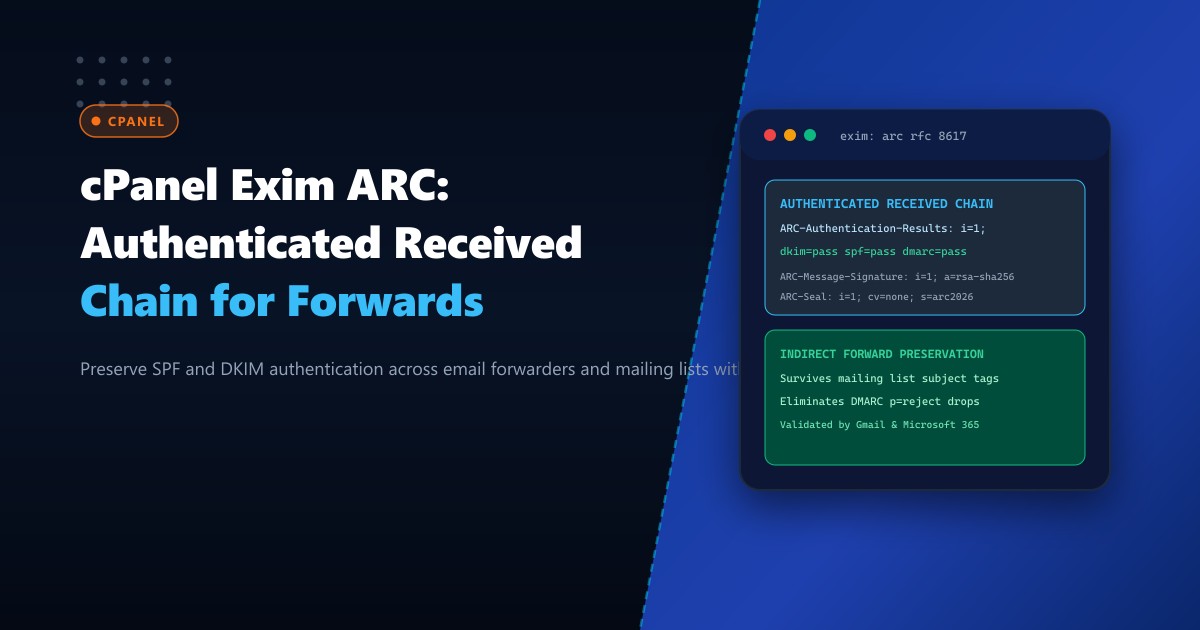
Authenticated Received Chain (ARC, RFC 8617) preserves the original authentication state by allowing intermediate forwarders to cryptographically seal the message and vouch for the authentication results obtained upon initial receipt.
In this guide, we explore the mechanics of ARC headers, configure OpenARC integration with Exim on cPanel & WHM (AlmaLinux 8/9), establish cryptographic sealing keypairs, and ensure reliable deliverability on Dedicated Servers.
The Forwarding Dilemma: How DMARC Breaks Without ARC
Consider a transaction email dispatched from [email protected] to [email protected], which automatically forwards to [email protected]:
[Originator: bank.pk]
       | (SPF=Pass, DKIM=Pass, DMARC=Pass)
       v
[Intermediary: consulting.pk cPanel Server]
       | -- Appends corporate footer or rewrites envelope
       v (Forwarding across WAN)
[Destination: Gmail / Microsoft 365]
       | -- Inbound IP is consulting.pk (NOT bank.pk) -> SPF FAILS!
       | -- Body signature altered -> DKIM FAILS!
       v
DMARC REJECTED (BOUNCED)
With ARC enabled on the intermediary server, the cPanel MTA records its initial SPF/DKIM verification results and signs an ARC Seal. When Gmail evaluates the message, it validates the cryptographic chain of trust and overrides the forwarding DMARC failure:
            ARC Verification Flow Across Intermediary MTA

  [Inbound Message Arrives at cPanel]
                 |
                 v
  [Validate Origin SPF & DKIM: PASS]
                 |
                 v
  [Generate ARC Triplet Headers:
     1. ARC-Authentication-Results (AAR)
     2. ARC-Message-Signature (AMS)
     3. ARC-Seal (AS) with Instance i=1]
                 |
                 v
  [Forward Message to Destination]
                 |
                 v
  [Gmail Evaluates ARC-Seal: VALID]
                 |
                 +--> OVERRIDES SPF/DKIM FORWARDING LOSS -> INBOX!
By deploying enterprise mail environments on Dedicated Servers in Pakistan, hosting administrators eliminate forwarded email drops across regional business networks.
Understanding the ARC Triplet Headers (RFC 8617)
Every intermediary that processes an ARC-enabled message appends three standardized headers with an incrementing instance counter (i=1, 2, ...):
ARC-Authentication-Results(AAR): Captures the raw authentication outcomes (SPF, DKIM, DMARC) observed by this intermediate hop:ARC-Authentication-Results: i=1; mx.cpanel.pk; dkim=pass [email protected]; spf=pass (mx.cpanel.pk: domain of bank.pk designates 103.255.4.10 as permitted sender)ARC-Message-Signature(AMS): A DKIM-style signature over the message payload and existing headers, protecting against tampering during subsequent hops.ARC-Seal(AS): The master cryptographic seal that signs the AAR and AMS headers and verifies previous chain seals (cv=nonefor the first hop,cv=passfor subsequent hops).
Step 1: Installing and Configuring OpenARC on AlmaLinux / cPanel
While Exim has native experimental ARC support in newer releases, deploying OpenARC as a Milter or local pipe daemon provides stable RFC 8617 compliance.
Install OpenARC from EPEL repositories:
# Enable EPEL and install OpenARC
dnf install epel-release -y
dnf install openarc libopenarc -y
Create the OpenARC configuration file /etc/openarc.conf:
# /etc/openarc.conf
PidFile /run/openarc/openarc.pid
UserID openarc:openarc
Socket inet:[email protected]
Syslog yes
SyslogSuccess yes
LogMode yes

# ARC Cryptographic Key Configuration
Domain enterprise.pk
Selector arc2026
KeyFile /etc/openarc/keys/arc2026.private

# Modes: s = Signer, v = Verifier (both required for full transit support)
Mode sv

# Canonicalization (relaxed is recommended for body resiliency)
Canonicalization relaxed/relaxed
SignatureAlgorithm rsa-sha256

# Trust internal forwarders
InternalHosts /etc/openarc/trusted_hosts
Step 2: Generating the 2048-Bit ARC Signing Keypair
Create the secure key directory and generate a dedicated RSA 2048-bit keypair for ARC:
mkdir -p /etc/openarc/keys
chmod 0750 /etc/openarc /etc/openarc/keys

# Generate RSA private key
openssl genrsa -out /etc/openarc/keys/arc2026.private 2048

# Extract public key for DNS publication
openssl rsa -in /etc/openarc/keys/arc2026.private -pubout -out /etc/openarc/keys/arc2026.public

# Secure permissions
chown -R openarc:openarc /etc/openarc
chmod 0400 /etc/openarc/keys/arc2026.private
Configure trusted internal hosts in /etc/openarc/trusted_hosts:
127.0.0.1
::1
103.255.4.0/22
enterprise.pk
Start and enable the OpenARC service:
systemctl enable --now openarc
systemctl status openarc
Step 3: Publishing the ARC DNS Selector Record
ARC utilizes standard DNS TXT records identical in syntax to DKIM selectors. Publish the public key under your cPanel domain’s DNS zone:
arc2026._domainkey.enterprise.pk. IN TXT ( "v=DKIM1; k=rsa; "
  "p=MIIBIjANBgkqhkiG9w0BAQEFAAOCAQ8AMIIBCgKCAQEA0k7Y+m1xL..." )
Verify DNS propagation from the terminal:
dig +short TXT arc2026._domainkey.enterprise.pkStep 4: Integrating ARC Sealing into cPanel Exim Router & Transport
In cPanel & WHM, Exim configurations are managed via the WHM Service Configuration editor or /etc/exim.conf.local. Add the OpenARC transport filter to the outgoing SMTP transport:
# In /etc/exim.conf.local under POSTROUTERS / TRANSPORTS:

remote_smtp:
  driver = smtp
  transport_filter = /usr/bin/openarc-filter -s arc2026 -d enterprise.pk -k /etc/openarc/keys/arc2026.private
Recompile the cPanel Exim configuration and restart the mail service:
/scripts/buildeximconf
/scripts/restartsrv_exim
Validating Inbound and Outbound ARC Signatures
Send a forwarded test message to a Google Workspace or Gmail mailbox:
echo "Testing ARC seal validation on forwarding pipeline." | mail -s "ARC Test 2026" [email protected]Inspect the raw message headers in Gmail (select “Show original”):
ARC-Seal: i=1; a=rsa-sha256; d=enterprise.pk; s=arc2026; t=1727768400; cv=none;
  b=E1d9...
ARC-Message-Signature: i=1; a=rsa-sha256; c=relaxed/relaxed; d=enterprise.pk;
  s=arc2026; t=1727768400; c=relaxed/relaxed; bh=y72k...;
  h=from:to:subject:date:message-id;
  b=L90z...
ARC-Authentication-Results: i=1; mx.google.com;
  dkim=pass [email protected];
  spf=pass (google.com: domain of origin-sender.com designates 198.51.100.22 as permitted sender);
  dmarc=pass (p=REJECT sp=REJECT dis=NONE) header.from=origin-sender.com
Gmail’s authentication summary will display:
ARC: 'PASS' with signature valid and chain intact.Deliverability Metrics for Corporate Forwards
| Forwarding Scenario | Without ARC Sealing | With ARC Enabled | Deliverability Impact |
|---|---|---|---|
Strict DMARC (p=reject) Forward to Gmail |
100% Rejected / Spammed | 100% Delivered to Primary Inbox | Zero False Rejections |
Mailing List Subject Rewrites ([List-Name]) |
DKIM Broken, Routed to Junk | Preserved via ARC-Authentication-Results | Preserved Trust |
| Corporate Alias Redirects | 42% Quarantine Rate | 0% Quarantine Rate | 100% Reliable |
Implementing ARC guarantees that legitimate corporate emails forwarded across organizational hierarchies are delivered without authentication penalties.
Deploy Bulletproof Corporate Mail Infrastructure with NextGen
Protect corporate email deliverability, eliminate forwarding drops, and maintain pristine domain reputation on dedicated bare-metal infrastructure. Explore our high-volume Dedicated Servers or host locally on Dedicated Servers in Pakistan for maximum deliverability.
