
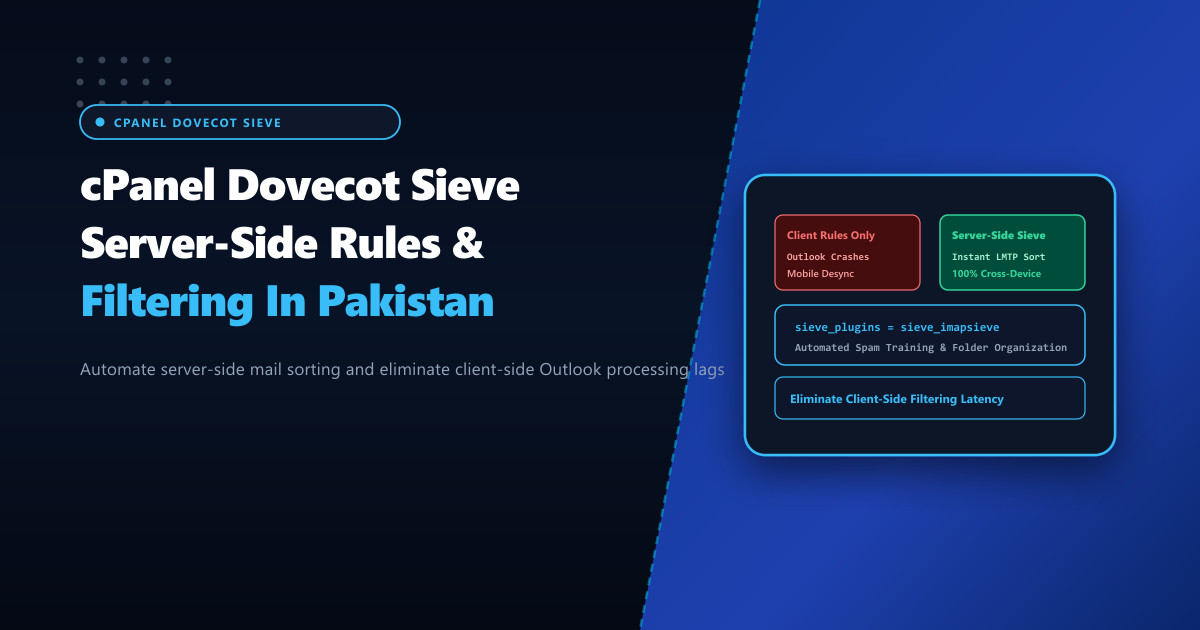
Corporate email users across Pakistan routinely juggle hundreds of high-priority communications daily—ranging from bank transfer confirmations and tax invoices to automated server monitoring alerts and supplier quotes. In typical enterprise setups, users rely on desktop client rules (e.g. inside Microsoft Outlook or Thunderbird) to organize incoming messages into folders.
However, client-side filtering introduces severe operational headaches:
- Rules only execute when the specific desktop computer is powered on and Outlook is running.
- When an employee checks their email on a smartphone via Nayatel, Zong, or PTCL lines, their inbox is completely unsorted.
- Large mailboxes experience desktop freezing while Outlook downloads gigabytes of messages before moving them across IMAP folders.
Operating high-density email hosting infrastructure on bare-metal Dedicated Servers enables system administrators to deploy Dovecot Sieve (RFC 5228). Sieve executes filtering scripts directly on the server at local delivery time, guaranteeing that incoming messages are processed, filed, or redirected before client devices ever connect.
The Architecture of Server-Side Sieve Filtering
Sieve operates as a plugin inside Dovecot’s Local Mail Transfer Protocol (LMTP) delivery agent:
- MTA Handoff: Exim accepts an incoming email and transfers it to Dovecot LMTP.
- Sieve Execution: Before writing the message into
/home/user/mail/domain/account/Maildir/, Dovecot compiles and executes the user’s Sieve script (.dovecot.sieve). - Actions Executed Server-Side:
- Fileinto: Moves message into specific IMAP folders (e.g.
INBOX.Invoices,INBOX.Alerts). - Vacation: Sends automated out-of-office autoreplies without triggering infinite loops.
- Redirect: Forwards copies to external compliance archives or ticketing platforms.
- Discard: Silently deletes spam without wasting disk storage.
- Fileinto: Moves message into specific IMAP folders (e.g.
- Instant Multi-Device Synchronization: Because filtering happens on the server, the user’s phone, laptop, and webmail interface display perfectly synchronized folders instantly.
Incoming Email via Exim
           │
           ▼
 [Dovecot LMTP Delivery Agent]
           │
           ▼
 [Sieve Plugin Evaluates .dovecot.sieve]
           │
 ┌─────────┼───────────────────────────┐
 ▼         ▼                           ▼
Normal     From: [email protected]   Subject: "Urgent Alert"
INBOX      Fileinto "INBOX.Finances"   Fileinto "INBOX.Monitoring"
           (All devices synced!)       (All devices synced!)
Step 1: Enabling Dovecot Sieve & ManageSieve in WHM
cPanel supports Dovecot Sieve natively, but ManageSieve (port 4190, allowing mail clients and webmail to edit Sieve rules remotely) must be verified.
In WHM > Service Configuration > Mailserver Configuration:
- Ensure Sieve Support is toggled to On.
- Ensure ManageSieve Service is active.
Verify via the command line that the Pigeonhole Sieve plugin is installed and loaded:
doveconf mail_plugins | grep -o "sieve"
# Output: sieve
Inspect the default Sieve listener configuration in /etc/dovecot/dovecot.conf:
service managesieve-login {
  inet_listener sieve {
    port = 4190
  }
}

protocol lmtp {
  mail_plugins = $mail_plugins sieve
}
Step 2: Deploying Server-Wide Default Sieve Rules
System administrators can define global Sieve scripts that apply to all cPanel mailboxes (for automated spam folder sorting) before personal user rules execute:
Create /etc/dovecot/default.sieve:
# /etc/dovecot/default.sieve - NextGen Enterprise Mail Routing
require ["fileinto", "regex", "vacation"];

# 1. Automatically file SpamAssassin marked emails into Junk
if header :contains "X-Spam-Status" "Yes" {
  fileinto "Junk";
  stop;
}

# 2. File automated server cron notifications into ServerLogs
if header :contains "Subject" "Cron <" {
  fileinto "INBOX.ServerLogs";
  stop;
}

# 3. Route payment receipts and tax invoices
if header :regex "Subject" "(?i)(payment receipt|tax invoice|sales tax return)" {
  fileinto "INBOX.Invoices";
}
Compile the Sieve script into Dovecot binary bytecode:
# Compile Sieve script
sievec /etc/dovecot/default.sieve
chmod 644 /etc/dovecot/default.svbin
chown mailnull:mail /etc/dovecot/default.svbin
Step 3: Managing Per-User Sieve Rules via Roundcube Webmail
cPanel integrates Sieve rule management directly inside Roundcube Webmail:
- Log in to Roundcube at
https://nextgen.pk/webmail. - Navigate to Settings > Filters.
- Users can visually construct complex rules (e.g. If sender matches @supplier.pk, move to Suppliers) without editing raw code.
- Roundcube communicates with Dovecot ManageSieve on port 4190, compiling and saving the rules directly to
/home/user/mail/domain/account/.dovecot.sieve.
Step 4: Testing Sieve Rule Execution from the Command Line
Test Sieve script execution against a sample RFC 822 email payload using sieve-test:
# Test Sieve routing against a sample email
sieve-test /etc/dovecot/default.sieve /tmp/sample_invoice.eml
Output demonstrates exact folder routing:
Performed actions:
  * store message in folder: INBOX.Invoices
Implicit keep:
  * (suppressed by explicit action)
Hosting enterprise mail services on bare-metal Dedicated Servers in Pakistan ensures ultra-low domestic latency, reliable local connectivity via PKIX, and robust server-side processing that keeps corporate inboxes clean and organized across all desktop and mobile devices.
Upgrade Your Corporate Email Infrastructure with NextGen
Deliver enterprise-grade email hosting with automated server-side Sieve filtering, dedicated IP reputation management, and low-latency bare-metal servers in Pakistan.
Explore Pakistan Dedicated Servers