
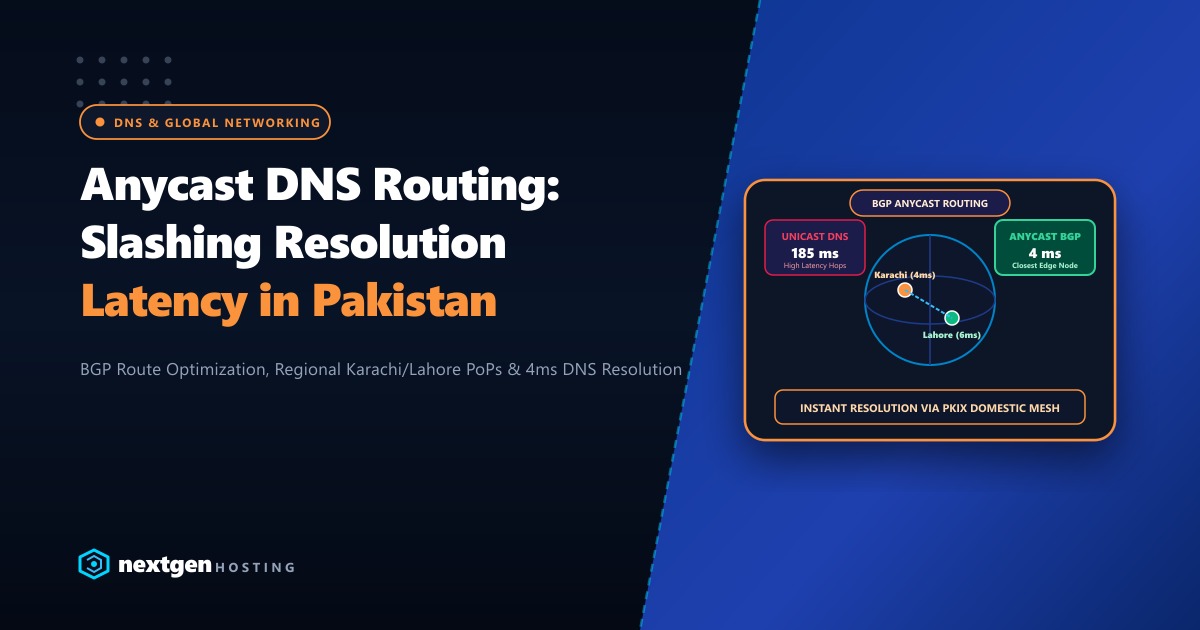
In web hosting architectures, Domain Name System (DNS) resolution is the single most critical point of failure. If a standalone web server housing your DNS daemon suffers hardware maintenance or network disruption, every domain hosted on that server goes completely dark—even if secondary mail servers or static failover sites are fully operational.
For Pakistani web hosts, agencies, and enterprise IT departments, hosting DNS nameservers locally on the same cPanel server that serves Apache/PHP and MariaDB is an outdated and risky design. A traffic spike or local DDoS attack on port 80/443 can exhaust server sockets, causing recursive resolvers across local ISPs (such as PTCL, Nayatel, StormFiber, and Jazz) to time out when querying authoritative nameservers.
The solution is an independent, distributed cPanel DNSOnly Cluster. By leveraging cPanel’s free cPanel DNSOnly operating system on isolated Dedicated Servers and configuring PowerDNS with native DNSSEC cryptographic signing, hosting providers can achieve 100% DNS uptime, sub-millisecond query responses, and bulletproof protection against DNS spoofing.
1. cPanel DNS Cluster Topologies
cPanel supports two primary clustering models: Direct Two-Way Sync and Star Topology (Centralized DNS Hubs).
                   [ Primary Web Node 1 (Lahore) ]
                                 | (Write-Only API)
                                 v
+-----------------------------------------------------------------+
|               DNS Cluster Core Infrastructure                   |
|                                                                 |
|   +--------------------------+     +--------------------------+ |
|   | cPanel DNSOnly Node 1    |     | cPanel DNSOnly Node 2    | |
|   | ns1.nextgen.pk (Karachi) |<--->| ns2.nextgen.pk (Islamabad)| |
|   | PowerDNS + DNSSEC        |     | PowerDNS + DNSSEC        | |
|   +--------------------------+     +--------------------------+ |
+-----------------------------------------------------------------+
                                 ^
                                 | (Write-Only API)
                   [ Primary Web Node 2 (Karachi) ]
The Star Topology (Recommended)
In this production architecture:
- Web Hosting Nodes (cPanel/WHM): Configured as “Write-Only” nodes. When a client adds, modifies, or deletes a zone or record in cPanel, the web server pushes the zone delta to the dedicated nameserver nodes via the cPanel XML-API. The web node never receives DNS updates from other servers.
- DNSOnly Nodes (ns1 & ns2): Run the dedicated cPanel DNSOnly software. They receive zone synchronizations, store authoritative zone databases, and answer UDP/TCP port 53 traffic exclusively. They are isolated from HTTP, email, and MySQL services.
2. Deploying cPanel DNSOnly on Bare Metal
cPanel provides DNSOnly licenses free of charge. It can be installed on minimal installations of AlmaLinux 8/9, Rocky Linux 9, or CloudLinux:
# Prepare fresh minimal OS installation
dnf update -y
dnf install -y curl wget perl screen

# Download and execute the official cPanel DNSOnly installer
cd /home
curl -o latest-dnsonly -L https://securedownloads.cpanel.net/latest-dnsonly
sh latest-dnsonly
The installer strips away unnecessary services (Apache, Exim, Dovecot, FTP, cPanel client UI), leaving only the hardened WHM administrative daemon and the nameserver engine.
3. Selecting PowerDNS as the Authoritative Engine
cPanel supports BIND and PowerDNS. For modern high-concurrency production environments, PowerDNS is the undisputed champion:
- SQLite/Memory Backends: PowerDNS eliminates flat-file zone locking issues common in BIND during frequent zone reloads.
- Native DNSSEC Support: Automatically signs zones on the fly using pre-generated cryptographic keys (KSK and ZSK) without requiring complex manual BIND zone signing scripts.
- Lower Memory Footprint: Efficient multi-threaded C++ engine optimized for high packet rates under UDP amplification attacks.
To switch the nameserver engine to PowerDNS via WHM CLI:
# Switch nameserver engine to PowerDNS
/usr/local/cpanel/scripts/setupnameserver powerdns

# Verify running daemon
systemctl status pdns
4. Configuring Cluster Relationships & API Authentication
Connect your primary web hosting nodes to the DNSOnly cluster nodes using secure API tokens.
Step 1: Generate API Token on DNSOnly Node (ns1)
On ns1.nextgen.pk, log into WHM (https://<ns1-ip>:2087) or generate an API token via CLI:
whmapi1 create_user_session user=root service=whostmgrdStep 2: Establish the Cluster Link on Web Node
On your production web server, navigate to WHM >> DNS Functions >> Configure DNS Cluster, or link via CLI:
# Enable clustering daemon
/usr/local/cpanel/bin/dnsadmin enable

# Add ns1.nextgen.pk as a Write-Only target
whmapi1 add_dns_cluster_node \
  server=ns1.nextgen.pk \
  user=root \
  token=EXAMPLE_WHM_API_TOKEN_LONG_STRING \
  nodetype=write \
  sync=1
Repeat this configuration for ns2.nextgen.pk. Now, whenever a domain is created or updated on your Dedicated Servers in Pakistan, DNS records replicate across both geographically isolated nameservers within seconds.
5. Implementing Automated DNSSEC with PowerDNS
Domain Name System Security Extensions (DNSSEC) protect visitors from cache poisoning and DNS spoofing by cryptographically authenticating DNS responses with digital signatures.
Enabling DNSSEC in cPanel
Ensure DNSSEC is enabled globally in WHM:
# Enable DNSSEC globally in cPanel settings
whmapi1 set_tweaksetting key=enable_dnssec value=1
Automatic Key Generation and PowerDNS Signing
When a user activates DNSSEC on their domain inside cPanel:
- PowerDNS automatically generates a Key Signing Key (KSK) and a Zone Signing Key (ZSK) using ECDSA P-256 (Algorithm 13).
- The zone records are signed with
RRSIGrecords. - cPanel outputs the required Delegation Signer (DS) record:
Domain: clientportal.pk
Key Tag: 23719
Algorithm: 13 (ECDSA Curve P-256 with SHA-256)
Digest Type: 2 (SHA-256)
Digest: 4A7B8E901F2C3D4E5F6A7B8C9D0E1F2A3B4C5D6E7F8A9B0C1D2E3F4A5B6C7D8E
This DS record is submitted to the top-level domain registrar (such as PKNIC for .pk domains) to establish the cryptographic chain of trust down from the root servers.
Verifying DNSSEC Validation via CLI
Test the cryptographic signature from a client workstation:
# Query DNSKEY records
dig @ns1.nextgen.pk clientportal.pk DNSKEY +multiline

# Query A record with DNSSEC validation flag (+dnssec)
dig @8.8.8.8 clientportal.pk A +dnssec
Look for the ad (Authenticated Data) flag in the DNS header response. If present, recursive resolvers have verified that the response was signed by your authoritative nameservers without tampering.
6. Architecture Comparison: Standalone vs. Clustered DNS
| Metric | Standalone Nameserver | cPanel DNSOnly Star Cluster |
|---|---|---|
| Fault Tolerance | Single point of failure (Server down = DNS down) | Redundant nodes (Survives complete node loss) |
| Query Latency | Tied to server’s location and CPU load | Distributed edge resolution, zero resource contention |
| DDoS Resilience | Web attack knocks down authoritative DNS | Dedicated DNS nodes absorb UDP queries without impacting web |
| DNSSEC Handling | Manual BIND key rotations and signing scripts | 100% automated via PowerDNS engine integration |
| License Cost | Bundled with primary cPanel license | 100% Free cPanel DNSOnly software licenses |
Decoupling DNS into dedicated cPanel DNSOnly clusters deployed on low-latency, geographically separated Dedicated Servers in Pakistan ensures unbreakable resolution, enterprise-grade security, and seamless compliance with modern hosting standards.
Deploy Redundant High-Availability Hosting Infrastructure
Protect your clients from downtime with bare-metal dedicated servers connected to low-latency national internet exchanges across Karachi, Lahore, and Islamabad. Explore NextGen's unmetered enterprise infrastructure today.
Deploy Dedicated Infrastructure in Pakistan