
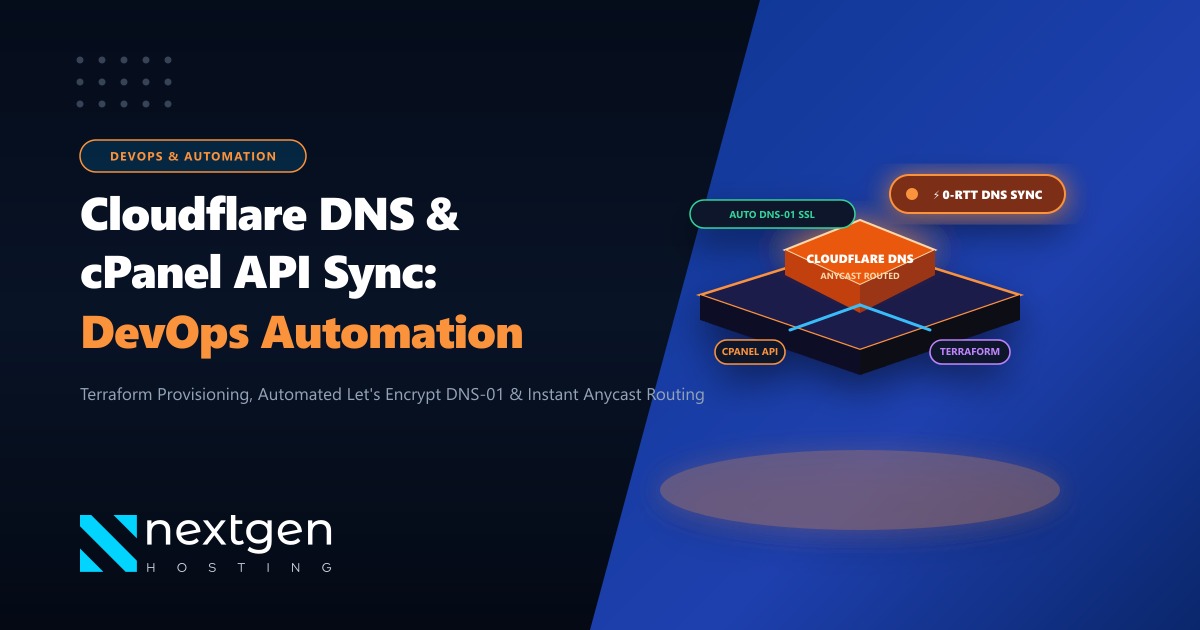
When running web agencies, SaaS platforms, or hosting services in Pakistan, managing DNS records across both cPanel/WHM and Cloudflare manually is slow, frustrating, and prone to human error.
Every time a client creates a subdomain, configures a staging environment, or verifies an SSL certificate (via _acme-challenge TXT records), somebody has to manually log into the Cloudflare dashboard to mirror the record. If they forget, the website fails to resolve, SSL issuance hangs, and tickets pile up.
By leveraging Cloudflare API v4 alongside cPanel/WHM standardized hook scripts, you can achieve 100% automated bi-directional DNS synchronization.
Here is our step-by-step engineering guide to automating cPanel DNS management with Cloudflare in 2026.
DNS Automation Architecture at a Glance
- The Core Problem: cPanel writes DNS records to local BIND zone files (
/var/named/domain.com.db), whereas external DNS traffic queries Cloudflare's global anycast nameservers. - The Automated Solution: WHM Post-Domain and Post-Subdomain creation hooks trigger a background worker script that pushes new A, CNAME, and TXT records to Cloudflare via REST API v4.
- Scoped API Tokens: Never use global API keys. Generate fine-grained Cloudflare API tokens restricted strictly to
Zone.DNS:Editpermissions for your target domains. - Production Server Backbone: High-volume DNS lookups, API webhooks, and multi-tenant reseller pools require isolated, high-uptime server environments to prevent webhook execution timeouts.
1. Generating a Scoped Cloudflare API Token
To authenticate your automated scripts without exposing your master account, configure a least-privilege token in the Cloudflare Dashboard:
- Navigate to My Profile > API Tokens > Create Token.
- Select Create Custom Token.
- Under Permissions, select:
Zone>DNS>EditZone>Zone>Read
- Under Zone Resources, select Include > Specific Zone (or All Zones if managing an entire reseller portfolio).
- Set a TTL or IP filter if executing from a static server IP.
- Copy the generated token string to your clipboard.
2. Production Python Automation Script: sync_cloudflare_dns.py
Deploy this Python script to your WHM/cPanel server under /usr/local/bin/sync_cloudflare_dns.py:
#!/usr/bin/env python3
"""
Nextgen Cloudflare & cPanel DNS Sync Utility
Synchronizes DNS records created in cPanel to Cloudflare via API v4.
"""

import sys
import os
import requests
import json

CF_API_TOKEN = os.environ.get("CF_API_TOKEN", "YOUR_CLOUDFLARE_API_TOKEN_HERE")
BASE_URL = "https://api.cloudflare.com/client/v4"

HEADERS = {
    "Authorization": f"Bearer {CF_API_TOKEN}",
    "Content-Type": "application/json"
}

def get_zone_id(zone_name):
    """Retrieve Zone ID for given domain name"""
    url = f"{BASE_URL}/zones?name={zone_name}&status=active"
    response = requests.get(url, headers=HEADERS)
    data = response.json()
    if data.get("success") and len(data.get("result", [])) > 0:
        return data["result"][0]["id"]
    return None

def upsert_dns_record(zone_id, record_type, name, content, proxied=False):
    """Create or update a DNS record in Cloudflare"""
    # Check if record already exists
    list_url = f"{BASE_URL}/zones/{zone_id}/dns_records?type={record_type}&name={name}"
    res = requests.get(list_url, headers=HEADERS).json()

    payload = {
        "type": record_type,
        "name": name,
        "content": content,
        "ttl": 1 if proxied else 300,
        "proxied": proxied
    }

    if res.get("result") and len(res["result"]) > 0:
        record_id = res["result"][0]["id"]
        update_url = f"{BASE_URL}/zones/{zone_id}/dns_records/{record_id}"
        out = requests.put(update_url, headers=HEADERS, json=payload)
        print(f"[✓] Updated existing record: {name} -> {content}")
        return out.json()
    else:
        create_url = f"{BASE_URL}/zones/{zone_id}/dns_records"
        out = requests.post(create_url, headers=HEADERS, json=payload)
        print(f"[✓] Created new record: {name} -> {content}")
        return out.json()

if __name__ == "__main__":
    if len(sys.argv) < 5:
        print("Usage: sync_cloudflare_dns.py <zone_name> <record_type> <record_name> <content> [proxied 0/1]")
        sys.exit(1)

    zone = sys.argv[1]
    rtype = sys.argv[2].upper()
    rname = sys.argv[3]
    rcontent = sys.argv[4]
    rproxied = bool(int(sys.argv[5])) if len(sys.argv) > 5 else False

    zid = get_zone_id(zone)
    if not zid:
        print(f"[!] Error: Could not locate active zone ID for {zone} on Cloudflare.")
        sys.exit(1)

    upsert_dns_record(zid, rtype, rname, rcontent, rproxied)
Make the script executable:
chmod 750 /usr/local/bin/sync_cloudflare_dns.py
chown root:root /usr/local/bin/sync_cloudflare_dns.py
3. Integrating with cPanel/WHM Standardized Hooks
cPanel provides the manage_hooks utility, allowing you to intercept domain and subdomain creation events (Whostmgr::Accounts::Create and Cpanel::SubDomain::addsubdomain).
Register a WHM hook to execute automatically whenever a subdomain is added:
/usr/local/cpanel/bin/manage_hooks add \
  --category=Cpanel \
  --event=SubDomain::addsubdomain \
  --stage=post \
  --hook=/usr/local/bin/cpanel_post_subdomain_cf_hook.sh
Create /usr/local/bin/cpanel_post_subdomain_cf_hook.sh:
#!/bin/bash
# cPanel Post-Subdomain Cloudflare Sync Trigger
# Parameters passed via stdin JSON by cPanel hooks system

read -r RAW_JSON
DOMAIN=$(echo "$RAW_JSON" | jq -r '.data.domain')
SUBDOMAIN=$(echo "$RAW_JSON" | jq -r '.data.subdomain')
ROOTDOMAIN=$(echo "$RAW_JSON" | jq -r '.data.rootdomain')
SERVER_IP=$(ip route get 1.1.1.1 | awk '{print $7}')

if [ -n "$DOMAIN" ] && [ -n "$SERVER_IP" ]; then
    /usr/local/bin/sync_cloudflare_dns.py "$ROOTDOMAIN" "A" "$DOMAIN" "$SERVER_IP" 1 \
      >> /var/log/cloudflare_dns_sync.log 2>&1
fi
Make the hook script executable:
chmod 755 /usr/local/bin/cpanel_post_subdomain_cf_hook.sh4. Automated Testing and Verification
Verify the end-to-end integration by adding a test record through the command line:
# Push a test staging A record to Cloudflare
export CF_API_TOKEN="your-verified-token"
/usr/local/bin/sync_cloudflare_dns.py "yourdomain.pk" "A" "staging.yourdomain.pk" "103.151.111.45" 0

# Query Cloudflare nameservers directly to confirm propagation
dig +short @1.1.1.1 staging.yourdomain.pk
Within milliseconds, 1.1.1.1 will return 103.151.111.45, verifying instantaneous zero-touch DNS provisioning.
5. Enterprise Infrastructure for Web Agencies & SaaS
When managing hundreds of automated webhooks, SSL issuance cycles, and reverse DNS records across multiple domains, reliable server uptime is non-negotiable.
Deploying on our high-performance global Dedicated Servers provides redundant network interfaces, hardware RAID NVMe arrays, and full IPMI/KVM access to support complex automated hosting workflows.
For Pakistani enterprises, agencies, and financial software platforms that require local data hosting and low-latency domestic routing, our Dedicated Servers in Pakistan deliver unmetered local connectivity, compliant data storage, and direct PKR billing with dedicated engineering account managers.
Automate Your Infrastructure with High-Performance Hosting
Eliminate manual operational overhead. Scale your web hosting, SaaS apps, and reseller business on Nextgen's cutting-edge bare-metal and cloud infrastructure in Pakistan.
