
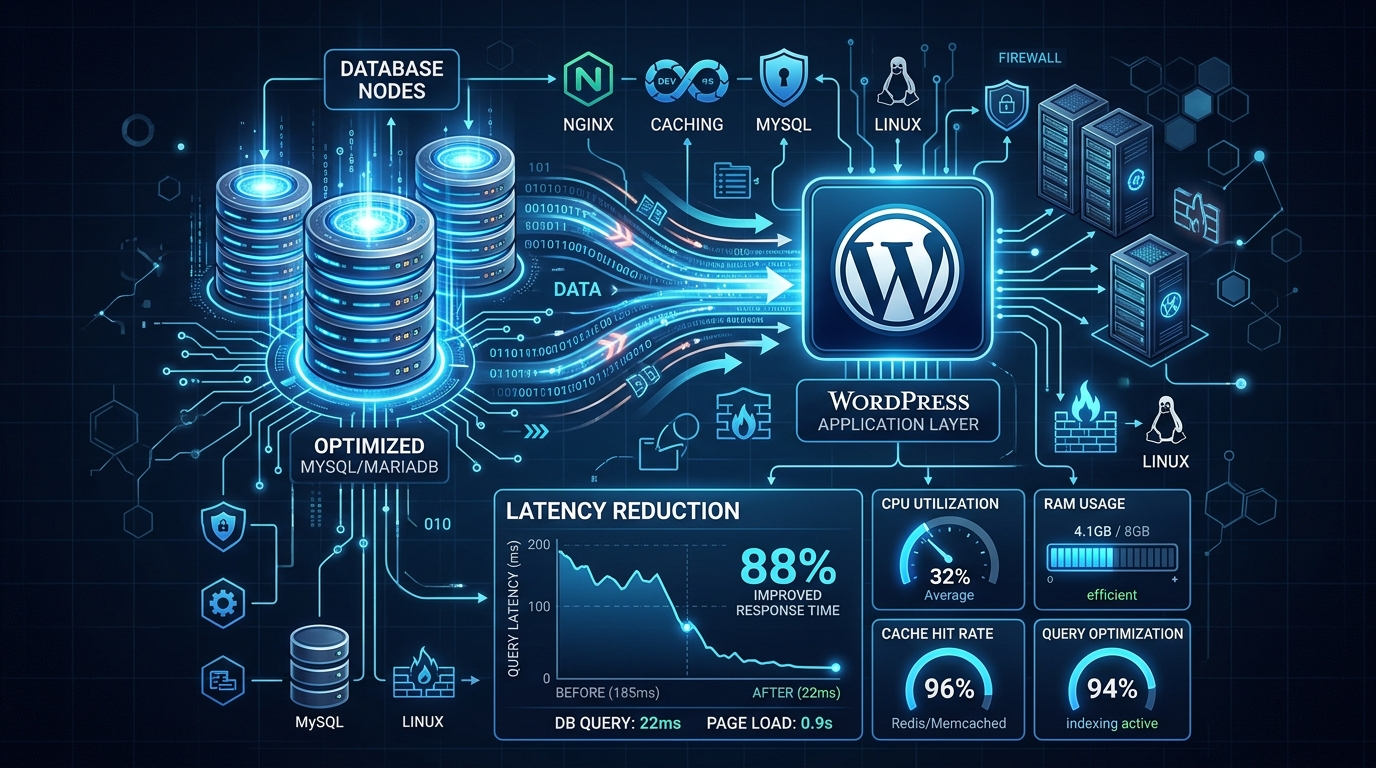
In modern web development, speed is not a superficial design preference; it is a fundamental driver of revenue, customer retention, and organic search ranking. According to large-scale conversion studies, every single additional second of page load time slashes conversions by up to 7% and drives mobile bounce rates above 50%.
Furthermore, Google’s search algorithms treat Core Web Vitals (Largest Contentful Paint, Cumulative Layout Shift, and Interaction to Next Paint) as active ranking signals. If your website takes 4 seconds to become interactive, search engines will steadily demote your pages in favor of responsive competitors.
Here are the 5 root technical causes behind a slow website—and the exact engineering steps required to fix them.
1. Sluggish Time to First Byte (TTFB) and Underpowered Server Hardware
Time to First Byte (TTFB) measures the duration from when a client’s browser issues an HTTP request until it receives the very first byte of data from your web server.
A high TTFB (exceeding 600ms) indicates severe backend bottlenecks:
- Traditional Apache web servers running outdated Prefork MPM modules that spawn heavy, memory-bloated processes for every connection.
- Slow spinning HDDs or legacy SATA SSDs delivering an anemic 10,000 IOPS.
- Shared hosting servers crammed with hundreds of competing tenants fighting over a congested CPU scheduler.
┌────────────────────────────────────────────────────────┐
│             TIME TO FIRST BYTE (TTFB) TARGETS          │
├────────────────────┬───────────────────────────────────┤
│ THRESHOLD          │ PERFORMANCE RATING                │
├────────────────────┼───────────────────────────────────┤
│ < 100 ms           │ Exceptional (Nextgen NVMe Cloud)  │
│ 100 ms – 300 ms    │ Good (Acceptable for most apps)   │
│ 300 ms – 600 ms    │ Needs Immediate Improvement       │
│ > 600 ms           │ Critical Failure (Hurts SEO/Rank) │
└────────────────────┴───────────────────────────────────┘
The Production Fix:
Migrate to high-performance NVMe cloud infrastructure running LiteSpeed Enterprise or tuned Nginx with HTTP/3 QUIC enabled. LiteSpeed serves static cached copies directly from server RAM in under 35 milliseconds, eliminating PHP execution overhead entirely.
2. Bloated, Unindexed Relational Databases
As dynamic websites (such as WordPress or WooCommerce) accumulate orders, revisions, transient tokens, and audit logs, the wp_posts, wp_postmeta, and wp_options database tables swell to hundreds of megabytes.
Whenever a user visits your homepage, poorly coded themes execute dozens of unindexed SELECT * queries:
- Transients that have expired but were never purged by automated garbage collection.
- Autoloaded options (
autoload = 'yes') exceeding 1.5MB loading into memory on every single HTTP request. - Fragmented MySQL table spaces causing disk read stalls.
The Production Fix:
Run routine database maintenance queries:
-- Identify heavy autoloaded options in WordPress
SELECT option_name, length(option_value) AS option_size
FROM wp_options
WHERE autoload = 'yes'
ORDER BY option_size DESC
LIMIT 20;

-- Optimize core tables
OPTIMIZE TABLE wp_posts, wp_postmeta, wp_options;
Pair this with persistent Redis Object Caching via UNIX domain sockets to store repeat query results directly in memory.
3. Oversized, Uncompressed Media Assets
Serving multi-megabyte JPEG or PNG images straight from high-resolution DSLR cameras is the most common frontend performance blunder. A single 4MB hero background image consumes cellular data and delays Largest Contentful Paint (LCP) by several seconds.
The Production Fix:
- Transcode all images into next-generation WebP or AVIF formats, which deliver equivalent visual fidelity at 60% to 80% smaller file sizes.
- Implement responsive
srcsetattributes so mobile smartphones download a 400px wide image rather than a 2500px desktop asset. - Always include explicit
widthandheightdimensions on<img>tags to eliminate layout shift (CLS).
4. Heavy Render-Blocking JavaScript and Third-Party Trackers
Every external tracking script you embed (Facebook Pixel, Google Analytics, Hotjar, TikTok Pixel, live chat widgets) halts the browser’s HTML parser until the external file is downloaded, parsed, and executed.
The Production Fix:
- Add
deferorasyncattributes to all non-critical scripts. - Delay execution of non-essential third-party widgets until initial user interaction (such as mouse movement, scroll, or keypress).
- Self-host Google Fonts locally using
@font-facewithfont-display: swapto prevent flash of invisible text (FOIT).
5. Exceeding the Limits of Shared Hosting
If your website has evolved from a simple static brochure into a database-heavy e-commerce store with background cron jobs, API calls, and spikes in concurrent visitors, shared hosting is no longer adequate.
To eliminate noisy-neighbor interference and achieve deterministic sub-second page loads:
- Upgrade high-traffic stores, SaaS backends, and marketing funnels to bare-metal Dedicated Servers, featuring dedicated AMD EPYC silicon, multi-gigabit network uplinks, and hardware RAID NVMe arrays.
- For Pakistani companies, retail chains, and media publications requiring sub-10ms ping nationwide across PTCL and cellular data networks, hosting on Dedicated Servers in Pakistan delivers unmatched local performance.
Accelerate Your Website to Blazing Speeds
Migrate to Nextgen Hosting for free. Experience ultra-low latency, NVMe SSD storage, LiteSpeed caching, and 99.99% guaranteed uptime.
